How to Integrate Trading Alerts with Your Charting Platform
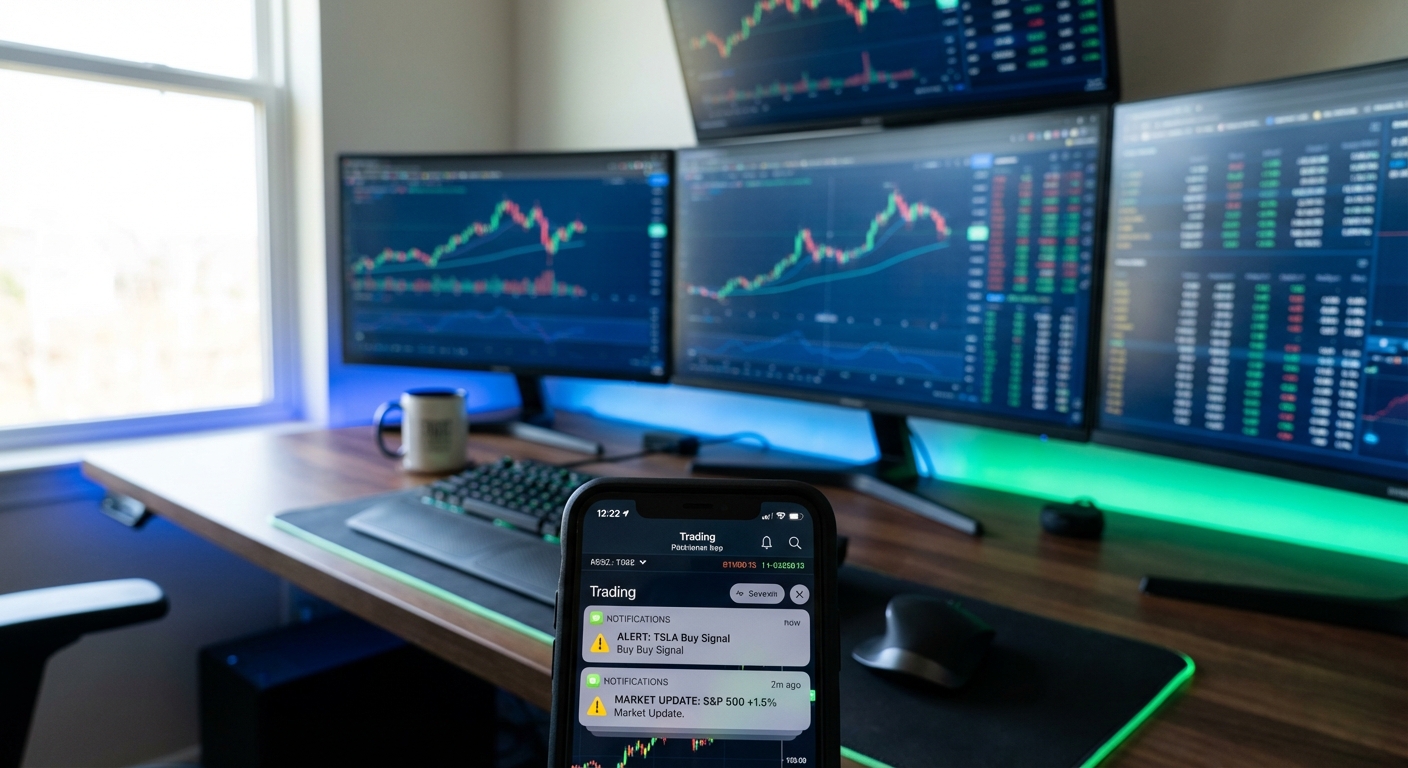
You've got TradingView open on your desktop, ThinkorSwim running on your laptop, and your phone buzzing with price alerts that tell you absolutely nothing about why a stock is moving. You refresh your screener for the 47th time today, hoping to catch that perfect breakout setup before it runs without you. Sound familiar?
The problem isn't your charting platform—it's that your trading alerts aren't actually integrated into your workflow. They're scattered across apps, buried in notification centers, and disconnected from the technical analysis you rely on. In 2026, successful traders don't choose between their favorite charting tools and intelligent alert systems. They integrate both to create a seamless discovery-to-execution workflow.
This guide shows you exactly how to integrate trading alerts with platforms like TradingView, ThinkorSwim, and Webull. You'll learn how to set up multi-platform alert systems that actually complement your existing workflow, filter out noise to avoid alert fatigue, and create a mobile-first monitoring system that keeps you connected to opportunities without chaining you to your desk.
Why Trading Alerts Integration Matters in 2026
Trading alerts have evolved far beyond simple price notifications. In 2026, intelligent alert systems scan for complex technical setups across multiple timeframes, provide context about why a signal triggered, and deliver backtest data to help you evaluate quality before you risk capital.
The average day trader monitors 20-30 stocks across multiple timeframes. That's potentially hundreds of chart combinations to watch throughout a trading session. Manual monitoring is physically impossible at this scale, which is why traders miss high-probability setups while they're focused on the wrong chart at the wrong time.
But here's the catch: most traders respond to alert overload by turning alerts off entirely or ignoring them until they become meaningless background noise. A study of active traders found that those receiving more than 50 alerts per day had a 34% lower win rate than traders who filtered alerts down to only the highest-quality signals. Alert fatigue isn't just annoying—it's expensive.
The solution isn't fewer alerts or simpler tools. It's intelligent integration that connects your charting platform's analytical power with real-time scanning systems that do the heavy lifting of market monitoring. Your charting platform remains your command center for analysis and execution, while integrated trading alerts act as your tireless market scout, surfacing opportunities the moment they form.
This approach addresses three critical pain points that plague technical traders:
- Missing entries: You're in a meeting or analyzing one chart when a perfect setup forms on a stock you weren't watching
- Alert fatigue: Your phone buzzes constantly with low-quality signals that train you to ignore all notifications
- Time waste: You spend hours manually refreshing screeners and scanning charts instead of analyzing the best opportunities
When you properly integrate trading alerts with your existing charting platform, you transform your workflow from reactive scanning to proactive opportunity capture. Let's build that system step by step.
1. Assess Your Current Charting Platform and Alert Capabilities
Before you add any new tools to your trading stack, you need to understand what your current charting platform already offers—and where the gaps exist. Different platforms have vastly different native alert capabilities, and knowing these limitations helps you design an integration strategy that complements rather than duplicates functionality.
TradingView offers robust custom alerts, but they require you to manually set conditions for each stock you want to monitor. If you want to track opening range breakouts across 50 stocks on the 5-minute timeframe, you're creating 50 individual alerts. And if you don't know Pine Script, you're limited to basic price and indicator crossover alerts. TradingView excels at chart analysis and technical drawing tools, but it's not designed for continuous market-wide scanning.
ThinkorSwim provides powerful scan capabilities through thinkScript, but scans must be manually executed—they don't run continuously in real-time. You can set up price alerts and conditional orders, but monitoring complex technical setups like VWAP reclaims or relative volume spikes requires custom scripting knowledge. ThinkorSwim is exceptional for execution and multi-timeframe analysis, but real-time opportunity discovery requires constant manual intervention.
Webull offers straightforward price alerts and basic technical indicator notifications, making it accessible for beginners. However, it lacks the sophisticated scanning and custom alert logic that active day traders need for momentum trading and breakout strategies. Webull works well for swing traders monitoring a small watchlist, but it struggles with the real-time, multi-stock monitoring that intraday trading demands.
Now evaluate your own trading style requirements:
- Day traders need real-time alerts for fast-moving setups like ORB breaks, VWAP reclaims, and RVOL spikes across 1-minute, 5-minute, and 15-minute timeframes
- Swing traders need end-of-day signals for breakout setups and momentum plays on daily and weekly timeframes, with less emphasis on intraday speed
- Technical beginners need plain-English explanations of why setups triggered, not just raw data dumps
The gap between what your charting platform offers and what your trading style demands is where integration becomes essential. You're not replacing your charting tools, you're adding a complementary scanning layer that feeds opportunities into your existing analytical workflow.
2. Choose Your Alert Integration Strategy
There's no one-size-fits-all approach to integrating trading alerts. Your strategy depends on your trading style, the platforms you already use, and whether you need to monitor markets while away from your desk. Let's break down the key strategic decisions.
Single-platform vs multi-platform alert systems: Some traders prefer keeping everything within one ecosystem (like TradingView Premium with custom alerts), while others combine specialized tools for different functions. A multi-platform approach, using TradingView for charting, a dedicated scanning platform for opportunity discovery, and mobile alerts for on-the-go monitoring, often provides more flexibility and better results than trying to force one platform to do everything.
Mobile-first vs desktop-first workflows: If you're a full-time trader sitting at a multi-monitor setup all day, desktop-first makes sense. But if you have a day job, take meetings, or simply refuse to be chained to your desk during market hours, a mobile-first alert workflow is essential. The best integration strategies deliver critical alerts to your phone with enough context to make quick decisions, then seamlessly transition to your desktop charting platform when you're ready for deeper analysis.
Real-time scanning vs manual monitoring: Manual chart monitoring works when you're tracking 5-10 stocks. It breaks down completely when you're trying to catch momentum plays across 50+ stocks or monitor multiple technical setups simultaneously. Real-time scanning systems continuously evaluate the entire market against your criteria and alert you only when conditions match. This is the difference between hoping you're looking at the right chart at the right time and knowing you'll be notified the moment an opportunity appears.
Complementary tools vs platform replacement: The most successful integration strategies use specialized tools for what they do best. Your charting platform remains your analytical command center, you're not abandoning TradingView's drawing tools or ThinkorSwim's execution capabilities. Instead, you're adding a complementary scanning layer that feeds high-probability opportunities into your existing workflow. Think of it like having a research assistant who continuously monitors the market and taps you on the shoulder only when something worth analyzing appears.
For most active traders, the optimal strategy combines a powerful charting platform for analysis and execution with a real-time scanning system for opportunity discovery and mobile alerts. This approach leverages the strengths of each tool type without forcing any single platform to do everything.
3. Set Up Multi-Platform Trading Alerts
Now let's get practical. Here's how to actually integrate trading alerts across the most popular charting platforms, creating a unified system that surfaces opportunities without overwhelming you with noise.
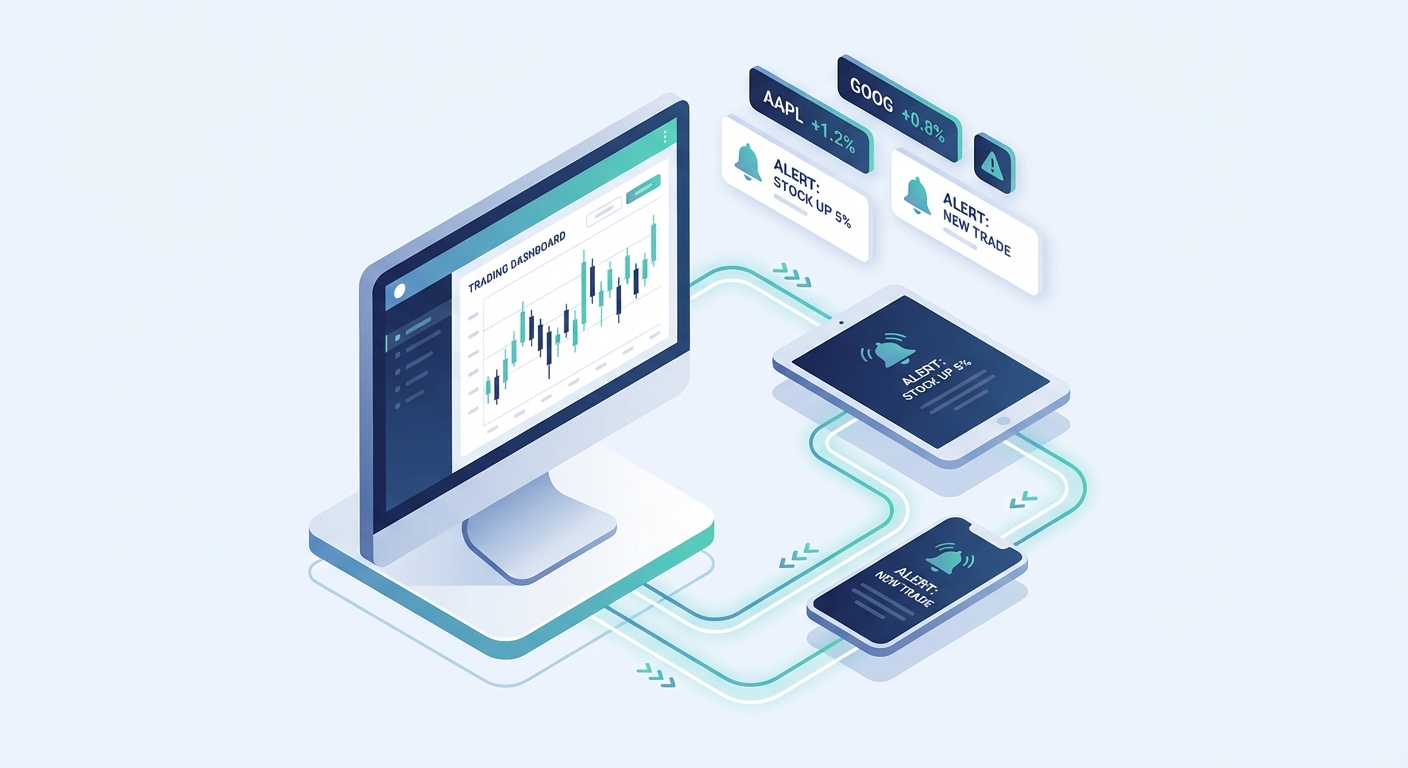
Integrating TradingView with Real-Time Scanning Alerts
TradingView is your analytical powerhouse, use it for what it does best: chart analysis, technical drawing, and pattern recognition. But don't rely on it for continuous market scanning across dozens of stocks. Here's the integration workflow:
Step 1: Keep TradingView open for your primary chart analysis and execution monitoring. Set up your workspace with the timeframes and indicators you rely on for trade validation (VWAP, volume profile, moving averages, etc.).
Step 2: Use a dedicated scanning platform like ChartMath to continuously monitor the market for technical setups. Instead of manually creating alerts for each stock and setup combination in TradingView, let the scanning platform evaluate 200+ technical screens in real-time and alert you when high-probability setups form.
Step 3: When you receive an alert on your phone (for example, "TSLA 5m ORB break with 3.2x RVOL"), immediately pull up that ticker in TradingView for detailed analysis. The alert tells you what to look at and why it matters. TradingView shows you how to trade it based on support/resistance, volume profile, and your personal trading rules.
Step 4: Create a synchronized watchlist. Add stocks that trigger interesting alerts to your TradingView watchlist for ongoing monitoring. This creates a feedback loop where scanning alerts feed your focused analysis list, and your watchlist informs which stocks you want priority alerts for.
This workflow transforms TradingView from a tool you constantly refresh into a command center you turn to when opportunities appear. You're not replacing TradingView, you're giving it better intelligence about where to focus your analytical attention.
Connecting ThinkorSwim with Mobile Alert Systems
ThinkorSwim users often choose the platform for its execution capabilities and institutional-grade tools. The integration strategy here focuses on using ThinkorSwim for what it does best while solving its real-time scanning limitations.
Step 1: Configure ThinkorSwim as your execution platform. Set up your order entry hotkeys, position sizing tools, and risk management parameters. This is where you'll actually place trades, not where you'll discover them.
Step 2: Enable mobile alerts from a real-time scanning platform on your phone. When a technical setup triggers (like a VWAP reclaim on a stock with strong relative volume), you receive a push notification with context: the setup type, timeframe, and why it matters based on backtest data.
Step 3: Use the alert as a trigger to open ThinkorSwim and pull up the chart. Validate the setup using your own analysis, check the Level 2 data, and assess the risk/reward. The alert saved you from manually scanning hundreds of charts, now ThinkorSwim's analytical tools help you decide if the trade meets your criteria.
Step 4: Set up conditional orders in ThinkorSwim based on the alert parameters. For example, if you receive an alert about a breakout setup, you can place a conditional buy order above the breakout level with a stop loss below support. This combines the discovery power of real-time scanning with ThinkorSwim's sophisticated order management.
Many professional traders use this exact workflow: mobile alerts for discovery, ThinkorSwim for validation and execution. It's particularly effective for traders who can't sit at their desk all day but need to stay connected to high-probability opportunities.
For more detailed guidance on setting up effective scanning workflows, check out our guide on how to use stock screeners for day trading, which covers the fundamentals of building a discovery system that feeds your charting platform.
4. Filter and Prioritize Trading Alerts to Avoid Alert Fatigue
Here's the uncomfortable truth: more alerts don't make you a better trader. In fact, excessive notifications actively harm your performance by training your brain to ignore all alerts, including the genuinely valuable ones. Alert fatigue is real, and it's one of the biggest obstacles to effective trading alerts integration.
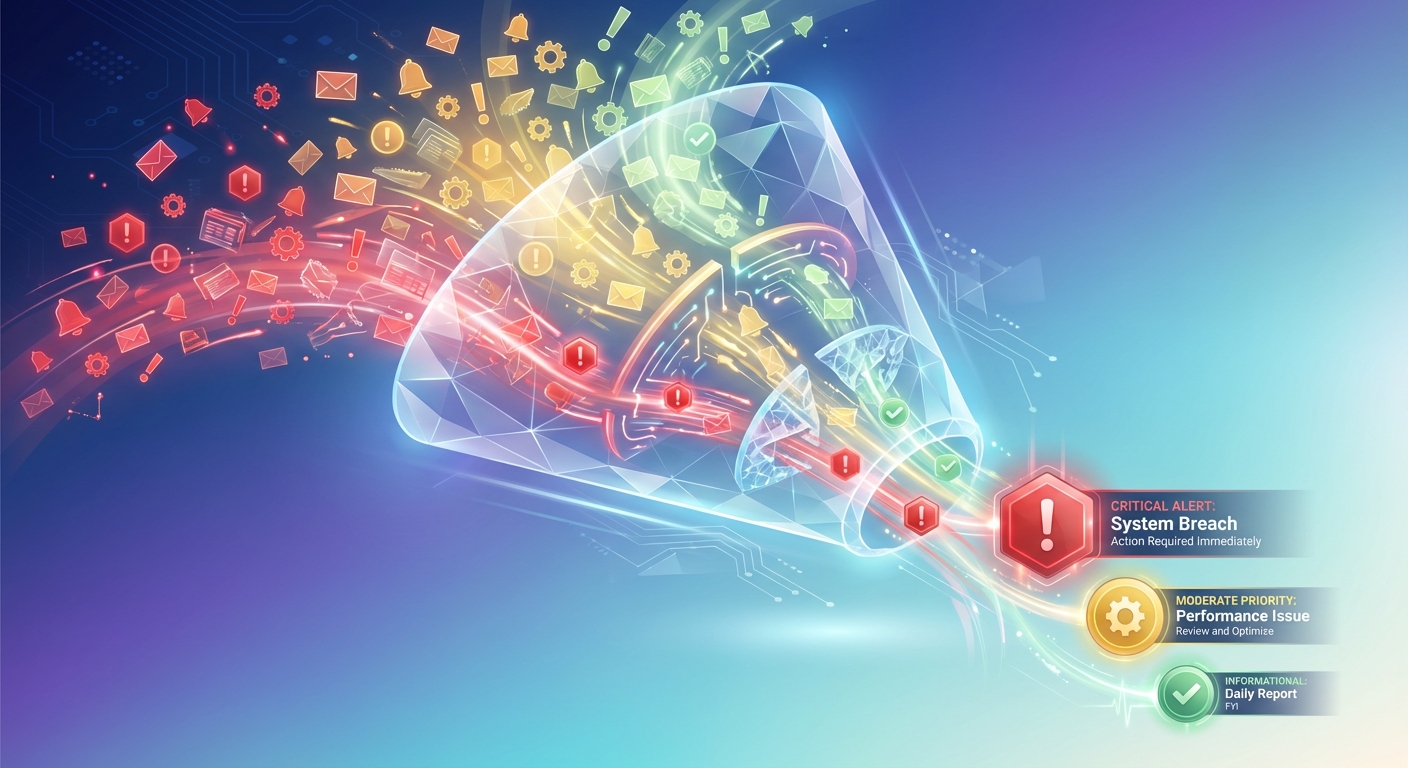
The psychology is simple: when your phone buzzes 80 times a day with alerts, your brain learns that most notifications are irrelevant. You start ignoring them reflexively, which means you also miss the 5-10 genuinely high-probability setups that could have been profitable trades. The goal isn't maximum alerts, it's maximum signal-to-noise ratio.
Here's how to implement intelligent filtering that surfaces only the setups worth your attention:
Filter by quality scores and backtest data: Not all technical setups are created equal. A VWAP reclaim on a stock with 5x relative volume and a historical 68% win rate deserves your attention. A random price alert on a low-volume stock with no technical context does not. Use platforms that rank setups by quality based on actual backtest performance, win rates, expected value per trade, and maximum drawdown. Set your alert threshold to only notify you when setups exceed a minimum quality score.
Create tiered alert systems: Categorize alerts into three tiers:
- Critical alerts: High-probability setups on your watchlist stocks that match your primary strategy (push notification with sound)
- Moderate alerts: Quality setups on stocks you're not actively watching but that meet your criteria (push notification, no sound)
- Informational alerts: Lower-priority signals that you can review when you have time (in-app notification only, no push)
This tiered approach ensures that your phone only buzzes for opportunities that truly warrant interrupting your focus. Everything else is available when you choose to review it, not when it demands your attention.
Filter by timeframe and trading style: If you're a swing trader, you don't need real-time alerts every time a 1-minute chart forms a pattern. Filter alerts to only the timeframes that match your trading style, daily and weekly for swing traders, 5-minute and 15-minute for day traders. This single filter can reduce alert volume by 70% while maintaining 100% of the relevant opportunities.
Use custom watchlists for focused monitoring: Instead of receiving alerts on every stock in the market, create focused watchlists of 20-30 stocks that match your trading criteria (liquidity, volatility, sector focus). Set up priority alerts for these watchlist stocks while using broader market scanning as a discovery tool for adding new candidates. This approach balances comprehensive market coverage with focused attention on your highest-conviction opportunities.
Implement "quiet hours" and market condition filters: Not all market conditions are worth trading. Set up filters that reduce or pause alerts during low-volume periods (first 5 minutes after open, last 10 minutes before close, lunch hour) or when overall market conditions don't support your strategy (low VIX for volatility traders, choppy market for trend followers). Smart filtering respects your time and mental energy by only alerting you when conditions favor your edge.
The result of proper filtering is a dramatic reduction in alert volume, often 60-80% fewer notifications, while maintaining or even improving the quality of opportunities you capture. You're not missing trades; you're eliminating distractions that prevented you from seeing the real opportunities.
5. Optimize Your Mobile-First Alert Workflow
Unless you're a full-time trader who never leaves your desk, mobile alerts are non-negotiable. The best trading opportunities don't wait for you to return from lunch or finish your meeting. A mobile-first alert workflow keeps you connected to the market without requiring you to stare at charts all day.
Here's what an optimized mobile workflow looks like in practice:
Push notifications with context: Your phone buzzes with an alert that reads "NVDA 15m ORB break, 2.8x RVOL, 64% historical win rate." In five seconds, you know the ticker, the setup type, the timeframe, the volume confirmation, and the historical edge. That's enough information to decide whether to open your charting app for deeper analysis or dismiss the alert because it doesn't match your current focus.
Quick-review interfaces: When you do open the alert, you need to see the essential information immediately, current price, chart snapshot, key technical levels, and the plain-English explanation of why the setup triggered. A swipe-based interface (similar to TikTok's discovery feed) lets you quickly review multiple setups, dismiss the ones that don't fit, and save the interesting ones to your watchlist for later analysis. This takes 30 seconds instead of 10 minutes of chart-hopping.
Seamless desktop transition: When an alert warrants deeper analysis, you need frictionless transition to your desktop charting platform. The best mobile alert systems include direct links to open the ticker in TradingView, ThinkorSwim, or your preferred platform. One tap takes you from mobile alert to full chart analysis without manually searching for the ticker or remembering the setup details.
Notification management: Configure your phone's notification settings to prioritize trading alerts during market hours and suppress them outside your trading window. Use iOS Focus modes or Android's Do Not Disturb with exceptions to ensure critical alerts break through while you're in meetings, but don't wake you up with after-hours price movements that don't require action.
Balance accessibility with focus: The goal isn't to be constantly interrupted by your phone. It's to be notified of genuinely high-probability opportunities that warrant shifting your attention. During active trading hours, keep your phone nearby with sound enabled for critical alerts. During focus work or personal time, switch to visual-only notifications that you can check on your schedule. The system serves you; you don't serve the system.
A properly configured mobile-first workflow means you never miss a high-probability setup, even when you're away from your desk, but you're also not enslaved to constant chart monitoring. You're trading on your terms, with technology that respects your time and attention.
6. Test and Validate Your Integrated Alert System
You've set up your multi-platform integration, configured your filters, and optimized your mobile workflow. Now comes the critical step that most traders skip: systematic testing and validation. An untested alert system is just expensive noise.
Paper trade with your new setup: Before risking real capital, spend at least two weeks paper trading based solely on the alerts your integrated system generates. Track every alert you receive, note which ones you would have traded, and record the hypothetical outcomes. This reveals whether your filtering is too aggressive (missing good setups) or too permissive (overwhelming you with mediocre signals).
Track alert accuracy and relevance: Create a simple spreadsheet to log key metrics:
- Total alerts received per day
- Alerts that met your entry criteria upon chart review
- Alerts you actually traded
- Win rate on alerted trades vs your overall win rate
- Average time from alert to entry
This data tells you whether your integrated system is actually improving your trading or just adding complexity. If alerted trades have a higher win rate than your manually discovered trades, the system is working. If you're receiving 50 alerts per day but only trading 2, your filtering needs adjustment.
Measure time saved vs manual scanning: Track how much time you spend actively scanning charts before and after implementing your integrated alert system. Most traders report saving 2-4 hours per day by replacing manual scanning with intelligent alerts. That's time you can reinvest in trade planning, strategy development, or simply maintaining better work-life balance. Time saved is a legitimate return on investment, even before considering improved trade quality.
Review backtest data to validate setup quality: Pay attention to the backtest statistics provided with your alerts. If a platform shows you that a particular setup has a 45% win rate with negative expected value, that's valuable information, you should probably skip that trade. Conversely, setups with 65%+ win rates and positive expected value deserve serious consideration. Over time, you'll develop intuition for which setup types work best with your trading style, and you can refine your filters accordingly.
Iterate based on results: Your first integration configuration won't be perfect, and that's fine. Every two weeks, review your tracking data and make one or two adjustments. Maybe you need to raise the quality threshold for alerts. Maybe you need to add a specific stock sector to your watchlist. Maybe you need to adjust your timeframe filters. Small, data-driven iterations compound into a system that's precisely tuned to your trading style and goals.
The traders who succeed with integrated alert systems are the ones who treat implementation as an ongoing process, not a one-time setup. Your trading evolves, market conditions change, and your alert system should evolve with them.
Common Integration Challenges and Solutions
Even with careful planning, you'll encounter challenges when integrating trading alerts with your charting platform. Here are the most common issues and their practical solutions:
Delayed alerts and latency issues: You receive an alert about a breakout, but by the time you open the chart, the stock has already moved 3%. This is often caused by using platforms that scan on delayed data or by notification delivery delays. Solution: Use platforms that scan real-time data (not 15-minute delayed) and deliver push notifications within seconds. Test alert latency during your paper trading phase by noting the timestamp on alerts vs the actual chart time when the setup formed.
Managing alerts across multiple devices: You get an alert on your phone, dismiss it, but then it reappears on your tablet and desktop. Or worse, you miss an alert because it only went to one device. Solution: Use alert platforms with cloud synchronization that mark alerts as read across all devices. Configure notification settings so critical alerts go to all devices, but informational alerts only appear in-app to avoid duplication.
Handling conflicting signals from different platforms: Your charting platform's built-in scanner shows a bearish signal while your integrated alert system flags a bullish setup on the same stock. Solution: Establish a hierarchy of signal priority based on your testing data. Typically, the platform with better backtest data and higher historical accuracy should take precedence. Alternatively, use conflicting signals as a reason to skip the trade entirely, when systems disagree, the setup may be lower quality.
Troubleshooting notification delivery problems: Alerts work perfectly for a week, then suddenly stop appearing. Solution: Check your phone's notification permissions, ensure the app isn't being battery-optimized (which can delay or block notifications), and verify that your internet connection is stable. Most alert delivery issues are device configuration problems, not platform problems. Keep a backup alert method (email or SMS) for critical setups.
Balancing comprehensiveness with simplicity: You want to monitor every possible setup across every timeframe, but your system becomes so complex that you can't remember what each alert means. Solution: Start simple with 2-3 core setups that match your primary strategy, then gradually add complexity only after you've mastered the basics. A simple system you actually use beats a comprehensive system you ignore because it's overwhelming.
Most integration challenges are solved through systematic testing and incremental refinement. Don't expect perfection on day one, and don't abandon the entire approach because of a single technical hiccup. Troubleshoot methodically, adjust your configuration, and give the system time to prove its value.
Advanced Integration: Creating a Complete Trading Alerts Ecosystem
Once you've mastered the basics of integrating trading alerts with your charting platform, you can build a more sophisticated ecosystem that covers every phase of your trading workflow, from premarket preparation to intraday execution to post-market review.
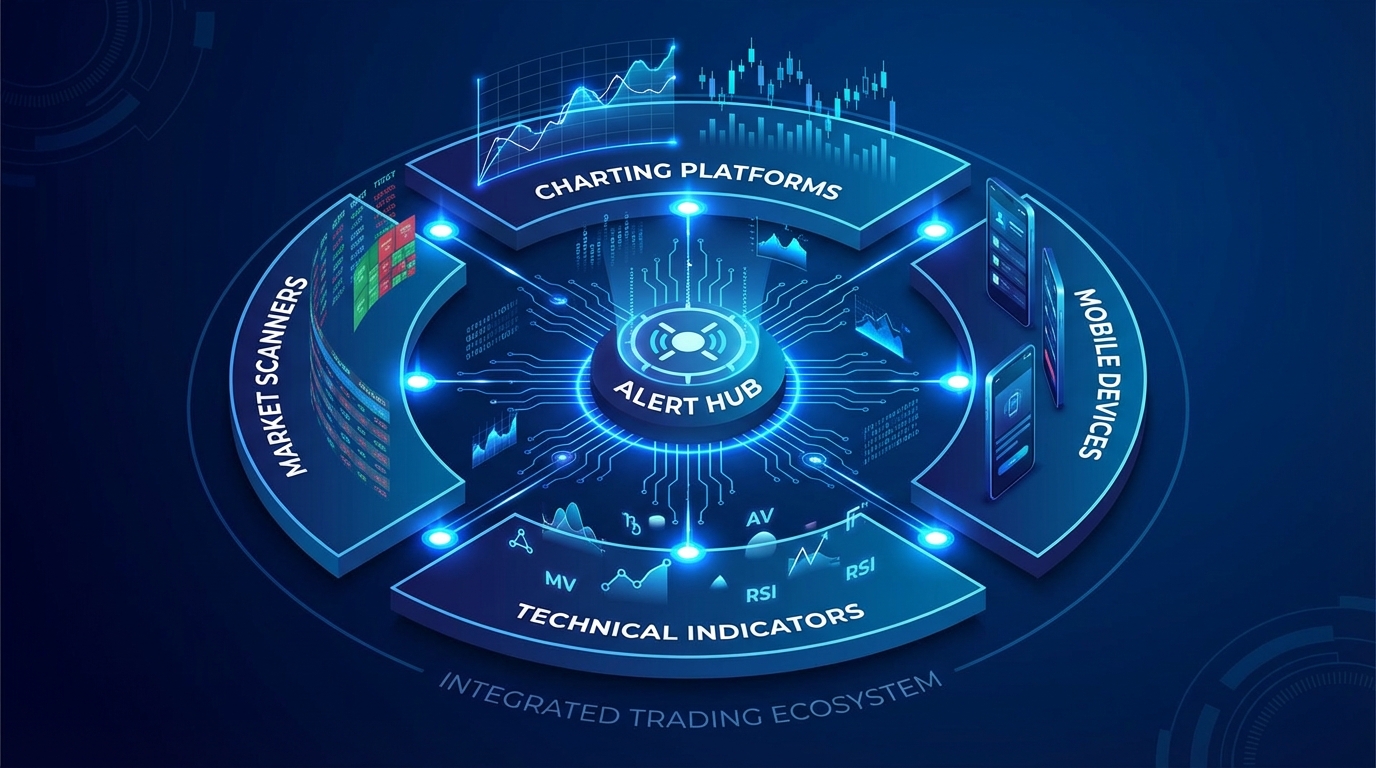
Combining technical indicators with real-time scanning: Your charting platform excels at displaying technical indicators like RSI, MACD, and Bollinger Bands. Your scanning platform excels at monitoring when those indicators reach actionable levels across dozens of stocks simultaneously. The advanced integration combines both: use real-time scanning to alert you when a stock's RSI drops below 30 (oversold) and the stock is at a key support level and relative volume is elevated. Then use your charting platform to validate the setup with additional indicators and price action analysis.
Using multiple timeframes for confirmation: The most reliable trading setups show alignment across multiple timeframes. Set up your alert system to notify you when a setup appears on your primary timeframe (like a 5-minute ORB break), then immediately check your charting platform for confirmation on higher timeframes (15-minute and hourly). This multi-timeframe approach dramatically improves win rates by filtering out setups that only work on a single timeframe.
Integrating premarket scanners with intraday alerts: Your trading day doesn't start at 9:30 AM, it starts during the premarket session when you identify stocks with unusual volume, gap setups, or news catalysts. Use a premarket scanner to build your watchlist of stocks to monitor, then configure your intraday alert system to prioritize alerts on those watchlist stocks. This creates a focused workflow where premarket research directly informs your intraday opportunity capture.
Building custom workflows for specific strategies: Different trading strategies require different alert configurations:
- Momentum trading: Prioritize alerts for RVOL spikes, breakout patterns, and stocks making new highs with strong volume
- Breakout trading: Focus on alerts for consolidation breaks, ascending triangle completions, and range expansions with volume confirmation
- VWAP trading: Configure alerts for VWAP reclaims, VWAP rejections, and price action around VWAP bands throughout the day
- Swing trading: Set up end-of-day alerts for daily chart patterns, weekly breakouts, and multi-day consolidation completions
Each strategy has different signal requirements, and your integrated alert system should reflect those differences. Don't use a one-size-fits-all configuration, customize your alerts to match your edge.
Leveraging backtest data to refine alert criteria: The most sophisticated traders use backtest data not just to evaluate individual setups, but to continuously refine their alert criteria. If you notice that ORB breaks with greater than 3x relative volume have a 72% win rate while those with 2-3x RVOL only win 54% of the time, adjust your alert threshold to only notify you of the higher-quality setups. This data-driven refinement transforms your alert system from a generic tool into a personalized trading assistant that understands your specific edge.
An advanced trading alerts ecosystem doesn't just tell you when to look at a chart, it tells you which charts to analyze, why they matter based on historical data, and how they fit into your broader trading strategy. This level of integration is what separates consistently profitable traders from those who are constantly reacting to market noise.
Start Building Your Integrated Trading Alerts System Today
You now have a complete blueprint for integrating trading alerts with your existing charting platform. The key insight is that integration isn't about replacing your analytical tools, it's about adding an intelligent scanning layer that surfaces high-probability opportunities while you focus on what you do best: analyzing charts and executing trades.
The traders who win in 2026 aren't the ones with the most alerts or the most complex systems. They're the ones who've built focused, filtered, mobile-first workflows that respect their time and attention while ensuring they never miss genuinely high-probability setups. They use their charting platforms for deep analysis and execution, and they use real-time scanning systems to continuously monitor the market for opportunities worth analyzing.
Whether you're a day trader executing scalps on 5-minute charts, a swing trader looking for multi-day breakouts, or a technical beginner learning to recognize proven patterns, the right integration strategy transforms your trading from reactive chart-hopping to proactive opportunity capture. You're not refreshing screeners 47 times a day anymore. You're receiving intelligent trading alerts when setups form, validating them with your charting platform, and executing with confidence backed by backtest data.
Ready to see how a mobile-first, real-time scanning platform integrates with your existing charting workflow? Watch a demo of ChartMath to see how 200+ curated technical screens, plain-English explanations, and backtest-validated alerts can complement your TradingView, ThinkorSwim, or Webull setup. Discover how to stop missing opportunities and start trading with the confidence that comes from knowing you'll be alerted the moment high-probability trading alerts trigger on your watchlist stocks.

See these setups live in ChartMath
200+ curated screens with backtest data. Free. No credit card required.