TradingView Alternatives in 2026: Which Finds Trades for You?
Here's a question worth sitting with: when did you last open TradingView and have it tell you which stock to look at? Not a chart you already pulled up. Not an alert you manually coded in Pine Script three weeks ago. A genuinely new setup, surfaced for you, with context explaining why it matters right now.
If the answer is "never," you're not alone. TradingView alternatives are attracting serious attention in 2026 — not because TradingView is a bad product, but because it was built to be a charting platform, not a trade discovery engine. There's a meaningful difference. And for active traders who are tired of missing entries, drowning in low-quality alerts, or spending their mornings writing Pine Script instead of trading, that difference is starting to matter a lot.
This guide breaks down the top TradingView alternatives available right now — what they do well, where they fall short, and which one actually fits your trading style, budget, and skill level.
Why Traders Are Looking for TradingView Alternatives in 2026
TradingView has roughly 50 million users worldwide, and for good reason. The charting tools are excellent. The community is active. The Pine Script language is powerful, if you know how to use it. But "powerful if you know how to use it" is exactly the problem for most retail traders.
The typical TradingView workflow looks like this: you open a chart, you look at a stock you're already watching, and you analyze it. That's a reactive process. You're evaluating opportunities you've already found. What TradingView doesn't do particularly well is find those opportunities for you in the first place, especially in real time, across thousands of tickers, while you're away from your desk.
Three specific frustrations are driving traders toward TradingView alternatives in 2026:
- The Pine Script barrier. Building custom alerts and screens on TradingView requires coding in Pine Script. Most retail traders aren't programmers. They know their setups, ORB breaks, VWAP reclaims, RVOL spikes, but translating that knowledge into working code is a different skill entirely. Many traders spend more time debugging scripts than actually trading.
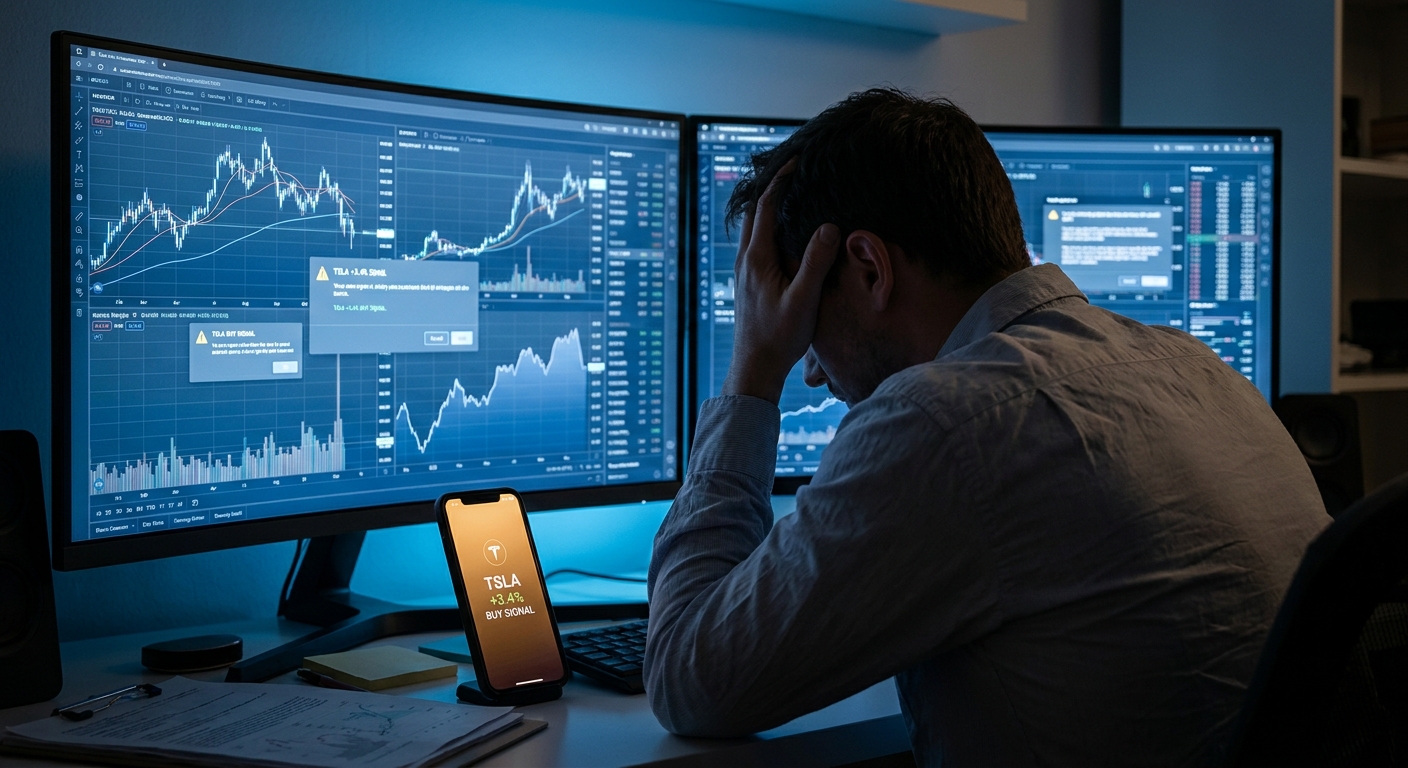
- Alert fatigue without context. Even when traders do set up alerts, they often get flooded with notifications that lack context. A ticker symbol and a price level isn't actionable intelligence. Traders want to know why an alert fired and whether the setup has a historical edge.
- Desktop dependency. TradingView is primarily a desktop experience. If you're a day trader who steps away from your desk, or a swing trader who checks the market during a lunch break, you need a platform that delivers high-quality setups to your phone, not just a notification that says "AAPL crossed $195."
The traders switching platforms aren't abandoning charting tools. Most of them keep TradingView for chart analysis. What they're adding, or replacing, is the discovery layer: the part of the workflow that finds setups before you even know to look for them. For a deeper look at how this fits into a complete trading workflow, see How to Build an Efficient Trading Workflow in 2026.
What to Look for in a TradingView Alternative
Not all TradingView alternatives are solving the same problem. Some are better charting tools. Some are screeners. Some are alert platforms. Before comparing specific products, it helps to know which criteria actually matter for trade discovery.
Real-Time Scanning vs. End-of-Day Updates
For day traders and momentum traders, end-of-day data is nearly useless. An ORB setup that triggered at 9:45 AM is irrelevant by 3:00 PM. Real-time scanning, continuously monitoring the market and alerting you the moment a setup forms, is non-negotiable for intraday trading. Swing traders have more flexibility, but even they benefit from intraday alerts that catch breakouts as they happen rather than the next morning.
Pre-Built Screens vs. Coding-Required Alerts
If a platform requires you to write code to use it effectively, it's not accessible to most retail traders. The best stock screeners in 2026 come with pre-built, professionally designed screens for common setups, ORB, VWAP, RVOL, bull flags, momentum breakouts, so you can start finding trades on day one without a programming background.
Backtest Transparency
This one is underrated. Before you act on an alert, you should know whether the underlying setup has a historical edge. Does this pattern win 60% of the time or 35%? What's the average return? What's the typical drawdown? Platforms that show you this data let you trade with conviction. Platforms that don't are asking you to trade blind. Learn more about evaluating this data in our guide to How to Build Winning Backtesting Strategies.
Mobile Alerts with Context
A push notification that says "TSLA alert" is not useful. A push notification that says "TSLA just reclaimed VWAP on 3x relative volume, this setup has a 64% win rate over the last 200 occurrences" is actionable. The quality of mobile trading alerts varies enormously across platforms, and it's one of the most important differentiators for traders who can't watch screens all day.
Price-to-Value Ratio
Some platforms charge $100+ per month for features that most retail traders will never use. Others offer genuinely useful free tiers. Understanding what you're actually paying for, and whether you need it, is worth thinking through before committing.
TradingView Alternatives Compared: The Top 5 Platforms in 2026
The five platforms worth comparing as TradingView alternatives in 2026 are ChartMath, Trade Ideas, Finviz, TrendSpider, and Tickeron. Each takes a meaningfully different approach to the trade discovery problem. Here's how they stack up.
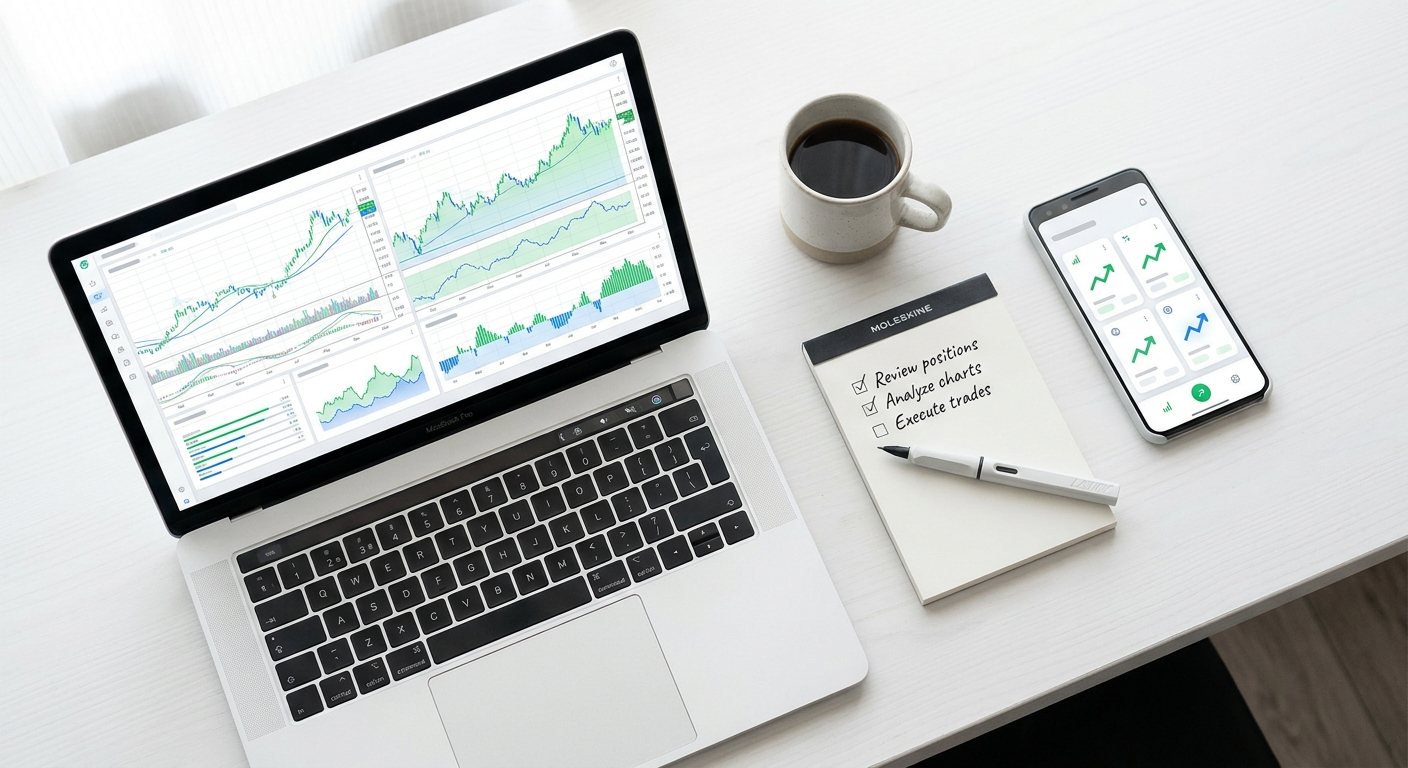
ChartMath: The Proactive Trade Discovery Platform
ChartMath is built around a single idea: the platform should find trades for you, not wait for you to find them. It's a mobile-first trade discovery tool that continuously scans the market across 200+ pre-built technical screens, covering ORB breaks, VWAP reclaims, RVOL spikes, momentum breakouts, 52-week highs, bull flags, and dozens of other setups, and delivers intelligent push alerts when stocks match those patterns.
What makes ChartMath stand out among TradingView alternatives is the combination of three things that most platforms don't offer together: real-time scanning, backtest transparency, and mobile-first delivery.
200+ Pre-Built Screens, Zero Coding Required
Every screen in ChartMath was built by professional traders and validated against historical data. You don't write a single line of code. You open the app, browse the Screener tab, pick the setups that match your style, say, VWAP reclaims on 5-minute charts, or daily breakouts above 52-week highs, and the platform does the rest. For traders who've spent hours wrestling with Pine Script, this alone is a significant quality-of-life upgrade. If you want to understand how these setups work under the hood, the guide on VWAP vs RVOL vs ORB: Which Technical Indicators Work Best? is a solid starting point.
Backtest Data Built Into Every Alert
When ChartMath sends you an alert, it doesn't just tell you a stock triggered a pattern. It tells you the historical win rate, average return, and typical behavior of that setup over hundreds of past occurrences. You're not trading on hope, you're trading on documented edge. This is the kind of backtesting transparency that most platforms either don't offer or bury behind a paywall.
Mobile-First, TikTok-Style Discovery Interface
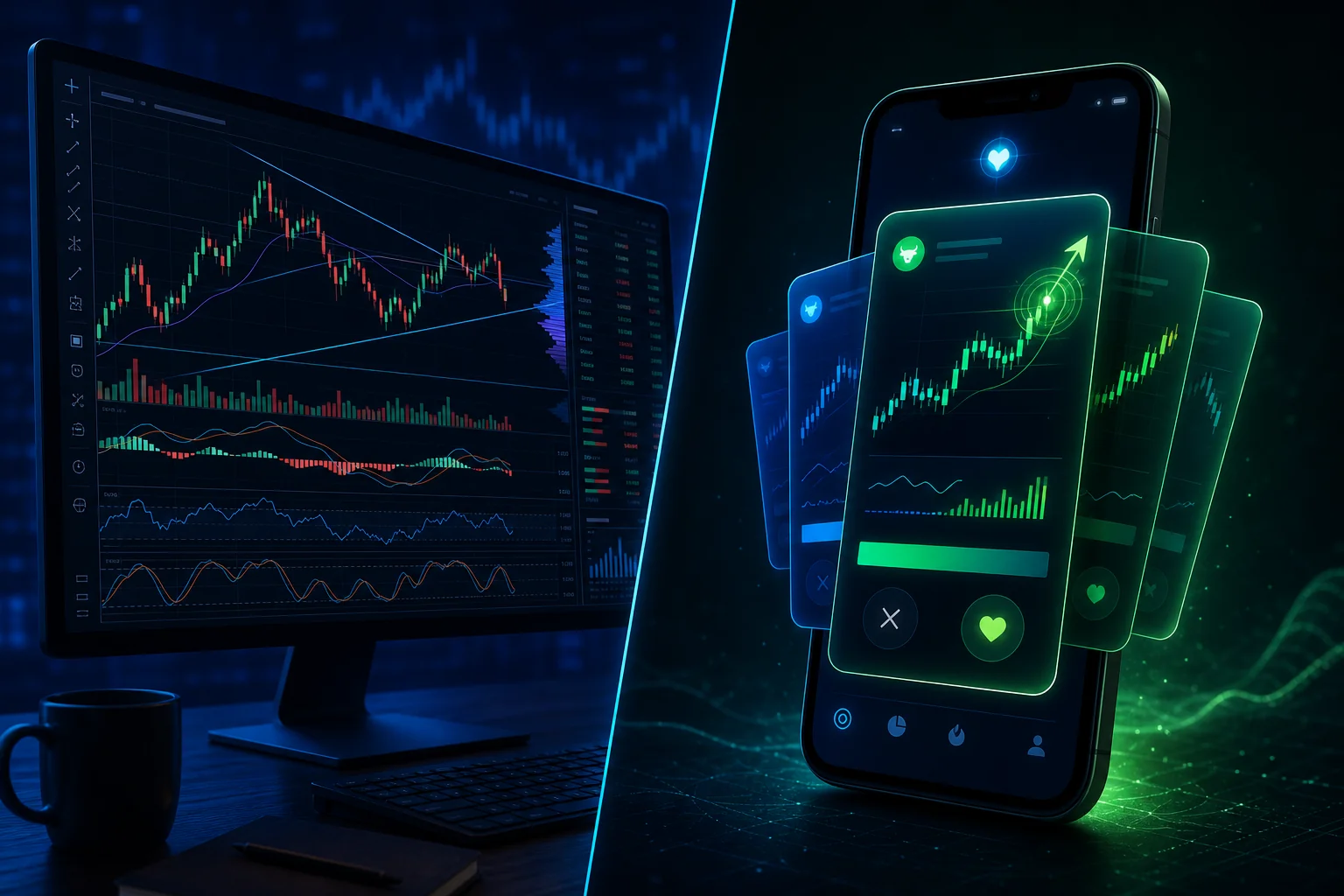
ChartMath's interface is designed for traders who aren't glued to a desktop. The Discover tab delivers a ranked feed of the highest-conviction setups forming right now, presented as swipeable cards with plain-English explanations. The Screener tab lets you filter by strategy. The Watchlist tab tracks your favorite tickers and notifies you when they match any of the 200+ screens. It's built for the trader who checks their phone between meetings, not the one who has six monitors and nowhere to be.
Multi-Timeframe Coverage
ChartMath covers 1-minute, 5-minute, 15-minute, 1-hour, daily, weekly, and monthly timeframes. Day traders get real-time intraday alerts for ORB, VWAP, and momentum setups. Swing traders get end-of-day signals for breakouts and trend continuation patterns. One platform, both use cases.
Best for: Active day traders and swing traders who want setups delivered to them without coding, with backtest data to back up every alert. Also the strongest option for beginners who need plain-English explanations of why setups work.
free. Download the ChartMath app to start discovering setups without writing a single line of code.
Trade Ideas: Powerful but Complex and Expensive
Trade Ideas is one of the most powerful real-time scanning platforms available, and it's been a staple for professional and semi-professional traders for years. Its AI-driven scanning engine (called "Holly") runs thousands of scans simultaneously and generates trade ideas based on historical pattern performance.
The tradeoffs are significant, though. Trade Ideas is desktop-only, there's no mobile app with push notifications, which is a dealbreaker for traders who need alerts on the go. The interface is notoriously complex, with a learning curve that can take weeks to navigate. And the pricing starts at $118/month, which is a steep commitment for retail traders who are still developing their edge.
For advanced traders who spend their entire trading day at a desktop, have the budget, and are willing to invest time in learning the platform, Trade Ideas delivers serious scanning power. For everyone else, it's likely overkill, and the lack of mobile alerts is a genuine limitation in 2026.
Best for: Professional or semi-professional desktop traders with a dedicated trading setup and the budget to match.
Finviz: Great for Screening, Not for Real-Time Momentum
Finviz is probably the most widely used free stock screener in the world, and it earns that reputation for fundamental and technical filtering. The interface is clean, the filter options are extensive, and the heatmap view is genuinely useful for getting a quick read on market breadth.
But Finviz has a fundamental limitation for momentum and intraday traders: the free tier updates end-of-day only. The Elite tier adds some real-time data, but even then, Finviz wasn't built for intraday momentum trading. There's no mobile app with push notifications. There's no backtest data attached to screens. And setups like ORB breaks or VWAP reclaims, which are time-sensitive by definition, aren't what Finviz was designed to catch.
As a research tool for swing traders doing end-of-day analysis, Finviz is excellent. As a real-time trade discovery platform for active traders, it falls short. For a deeper look at how to use screeners effectively for intraday trading, see How to Use Stock Screeners for Day Trading in 2026.
Best for: Swing traders and investors doing end-of-day fundamental and technical research. Not suitable for day trading or real-time momentum setups.
TrendSpider: Deep Chart Analysis, Not Market-Wide Discovery
TrendSpider is a sophisticated chart analysis platform with automated trendline detection, multi-timeframe analysis, and pattern recognition built in. If you have a watchlist of 20-30 stocks and you want to go deeper on each chart, automatically drawing support and resistance levels, identifying patterns, and backtesting strategies on individual tickers, TrendSpider does that well.
The key distinction: TrendSpider analyzes stocks you're already watching. It's not a proactive screener that surfaces new setups from across the entire market. If you don't already know to look at a stock, TrendSpider won't tell you about it. There are also no mobile push alerts, which limits its usefulness for traders who need real-time notifications away from their desk.
Think of TrendSpider as a powerful analytical layer on top of an existing watchlist, rather than a trade discovery engine. It's a complement to a screener, not a replacement for one.
Best for: Traders who already have a curated watchlist and want automated technical analysis on those specific stocks. Not a substitute for market-wide scanning.
Tickeron: AI Scoring Without Transparency
Tickeron uses artificial intelligence to identify chart patterns and generate confidence scores for potential trades. The concept is appealing, let AI do the pattern recognition work, but the execution has a transparency problem. Tickeron's scoring is largely a black box. You get a confidence percentage, but you don't get the underlying filters, historical win rates, or the specific criteria that triggered the signal.
For traders who want to understand why a setup has an edge, not just that an algorithm thinks it does, this lack of transparency is frustrating. Tickeron is also web-only, with no mobile app offering push notifications. The interface can be confusing for beginners, which undercuts the platform's appeal to newer traders who might otherwise benefit from AI-assisted pattern recognition.
Best for: Traders comfortable with AI-generated signals who don't need to understand the underlying methodology. Not ideal for traders who want transparent backtest data or mobile alerts.
TradingView Alternatives Side-by-Side: Feature Comparison
Here's how the five platforms compare across the criteria that matter most for trade discovery:
| Feature | ChartMath | Trade Ideas | Finviz | TrendSpider | Tickeron |
|---|---|---|---|---|---|
| Real-Time Scanning | ✅ Yes | ✅ Yes | ⚠️ Elite only | ⚠️ Watchlist only | ⚠️ Limited |
| Mobile Push Alerts | ✅ Yes | ❌ No | ❌ No | ❌ No | ❌ No |
| Backtest Data Per Setup | ✅ Yes | ⚠️ Partial | ❌ No | ✅ Yes (per chart) | ⚠️ Black box |
| Pre-Built Screens (No Code) | ✅ 200+ | ✅ Yes | ✅ Yes | ⚠️ Limited | ✅ Yes |
| Coding Required | ❌ No | ⚠️ Optional | ❌ No | ⚠️ Optional | ❌ No |
| Market-Wide Discovery | ✅ Yes | ✅ Yes | ✅ Yes | ❌ No | ✅ Yes |
| Free Tier | ✅ Yes | ❌ No | ✅ Yes | ❌ No | ⚠️ Limited |
| Starting Price | Free | ~$118/mo | Free / Elite tier | Paid plans | Paid plans |
Which Platform Wins for Day Traders?
ChartMath is the strongest option for active intraday traders. Real-time scanning across ORB, VWAP, and RVOL setups, combined with mobile push alerts that include backtest context, means you can catch high-probability setups even when you're not at your desk. Trade Ideas is a close second for desktop-bound professional traders, but the lack of mobile alerts is a real limitation. For more on executing intraday setups effectively, see Intraday Trading: How to Execute 1-Minute to 15-Minute Plays.
Which Platform Wins for Swing Traders?
Swing traders have more flexibility, but they still benefit from real-time alerts that catch breakouts as they happen rather than the next morning. ChartMath covers daily and weekly timeframes with end-of-day signals for breakouts and momentum setups. Finviz works well as a supplementary research tool for fundamental filtering, but it won't alert you when a setup triggers during the trading day.
Which Platform Wins for Beginners?
Beginners need two things: pre-built screens they can use without coding, and explanations of why setups work. ChartMath delivers both. The plain-English alert explanations and built-in backtest data make it genuinely educational, you learn the logic behind each setup as you use the platform. Trade Ideas and TrendSpider both have steep learning curves that can overwhelm new traders. Finviz is accessible but lacks the real-time and educational components that beginners need to develop their edge.
Which TradingView Alternative Is Right for You?
The right choice depends on three things: your trading style, your technical skill level, and how you actually spend your trading day. Here's a simple decision framework.

Choose ChartMath if:
- You're a day trader who needs real-time alerts for ORB, VWAP, and momentum setups delivered to your phone
- You're a swing trader with limited time who wants end-of-day signals without spending an hour scanning charts
- You're a beginner who wants to learn technical analysis through pre-built screens and plain-English explanations
- You don't want to write code to build alerts
- You want to know the historical edge behind every setup before you trade it
- You need a platform that works as a companion to TradingView, not a replacement for your charting tools
Choose Trade Ideas if:
- You're a professional or semi-professional trader with a dedicated desktop setup
- You have the budget for a premium platform and the time to learn a complex interface
- You don't need mobile alerts and trade exclusively from a desktop
Choose Finviz if:
- You're a swing trader or investor doing end-of-day fundamental and technical research
- You don't need real-time intraday alerts
- You want a free or low-cost tool for building watchlists and filtering stocks by fundamentals
Choose TrendSpider if:
- You already have a curated watchlist and want automated technical analysis on those specific stocks
- You want deep chart analysis with automated trendlines and pattern recognition
- You're comfortable without market-wide proactive discovery
Choose Tickeron if:
- You're comfortable with AI-generated signals and don't need to understand the underlying methodology
- You primarily trade from a desktop and don't need mobile push alerts
The honest summary: Most retail traders don't need a more powerful charting tool. They need a smarter discovery layer, something that finds the setups they'd otherwise miss and delivers them with enough context to act confidently. That's the gap that purpose-built TradingView alternatives like ChartMath are designed to fill.
Frequently Asked Questions
Can I use ChartMath alongside TradingView?
Yes, and that's actually how most ChartMath users operate. ChartMath handles the discovery layer: scanning the market, surfacing setups, and sending mobile alerts. TradingView handles the chart analysis layer: once ChartMath identifies a setup, you pull up the chart on TradingView to confirm your entry. The two tools complement each other well. For tips on connecting your tools into a seamless workflow, see How to Integrate Trading Alerts with Your Charting Platform.
Do I need to know Pine Script to use any of these platforms?
Not for ChartMath, Finviz, or Tickeron. Trade Ideas and TrendSpider have optional scripting capabilities but don't require coding for basic use. TradingView itself requires Pine Script to build custom alerts beyond the basic price-level notifications. If avoiding code is a priority, ChartMath's 200+ pre-built screens give you the most coverage without writing a single line.
Which platform is best for premarket scanning?
ChartMath and Trade Ideas both offer premarket scanning capabilities. ChartMath's real-time scanning covers premarket activity and delivers mobile alerts for gap-ups, volume spikes, and momentum setups before the open. For a full breakdown of premarket strategies, see Premarket Trading: 7 Strategies to Find High-Probability Setups.
What makes a stock screener "real-time" vs. end-of-day?
A real-time screener continuously monitors live market data and triggers alerts the moment a stock meets your criteria, during market hours, as it happens. An end-of-day screener processes data after the market closes and shows you which stocks met your criteria during the day. For momentum and intraday trading, real-time scanning is essential. For swing trading research, end-of-day can be sufficient, though real-time alerts still give you an edge on entries.
Is ChartMath suitable for beginners?
It's one of the most beginner-friendly platforms in this comparison. The pre-built screens eliminate the need for coding knowledge. The plain-English alert explanations teach you the logic behind each setup. And the backtest data shows you the historical edge, so you're not trading patterns blindly. Beginners who use ChartMath tend to develop their technical analysis skills faster because the platform explains why setups work, not just that they triggered.
The Bottom Line on TradingView Alternatives
TradingView is a genuinely excellent charting platform. But if your goal is to find high-probability setups across the entire market, in real time, on your phone, without writing code, it's not the right tool for that job. The best TradingView alternatives in 2026 are purpose-built for trade discovery, not just chart display.
For most active traders, the combination that works best is a dedicated charting tool for analysis and a proactive screener for discovery. ChartMath fills that discovery role better than any other platform in this comparison: 200+ pre-built screens, real-time scanning, backtest data on every setup, and mobile-first push alerts that tell you why a setup matters, not just that it triggered.
If you're tired of missing entries, drowning in low-quality alerts, or spending your mornings writing Pine Script instead of trading, it's worth seeing what a purpose-built trade discovery platform actually looks like. Watch the ChartMath demo to see how the platform surfaces setups in real time, or download the app and start discovering high-probability setups today, no coding required. You can also explore the full setup library directly at app.chartmath.com.
Frequently asked questions
What are the best TradingView alternatives in 2026?
The platforms most worth comparing are Trade Ideas, Finviz, TrendSpider, Tickeron, and ChartMath, a free stock screener app for iOS and Android that shows the backtested win rate behind every screen. Trade Ideas is a desktop scanner, Finviz suits end-of-day research, and TrendSpider analyzes a watchlist you already keep.
Is there anything better than TradingView?
Not for charting, but often yes for discovery. TradingView remains an excellent charting platform, and most traders who switch keep it for analysis. What it does not do well is surface new setups across thousands of tickers in real time, which is where purpose-built screeners and alert platforms tend to be stronger.
Are there free alternatives to TradingView in 2026?
Yes. Finviz is probably the most widely used free screener, though its free tier updates end-of-day only, which limits it for intraday setups. Tickeron offers a limited free tier. Trade Ideas starts around $118 per month and TrendSpider is paid only, so the free end of the market skews toward end-of-day research rather than real-time alerts.
Should I replace TradingView or add a screener alongside it?
Most traders add rather than replace. TradingView stays as the charting and analysis layer, while a screener handles discovery: scanning the market and flagging setups you would otherwise miss. You then pull the chart up to confirm your own entry. The two layers do different jobs.
Which TradingView competitor is best for day traders?
A mobile-first screener with real-time scanning and push alerts fits day trading best. Trade Ideas offers strong desktop scanning power but no mobile push notifications. Finviz and TrendSpider are not built for time-sensitive setups like ORB breaks or VWAP reclaims, so the field narrows quickly for intraday traders.
Do TradingView alternatives require Pine Script or coding?
Most do not. Pine Script is specific to TradingView, where custom alerts beyond simple price levels require coding. Finviz and Tickeron need no code at all, and Trade Ideas and TrendSpider offer optional scripting rather than requiring it. Platforms built around prebuilt screens let you start without programming.

See these setups live in ChartMath
200+ curated screens with backtest data. Free. No credit card required.