Best Finviz Alternative for Intraday Traders (2026)
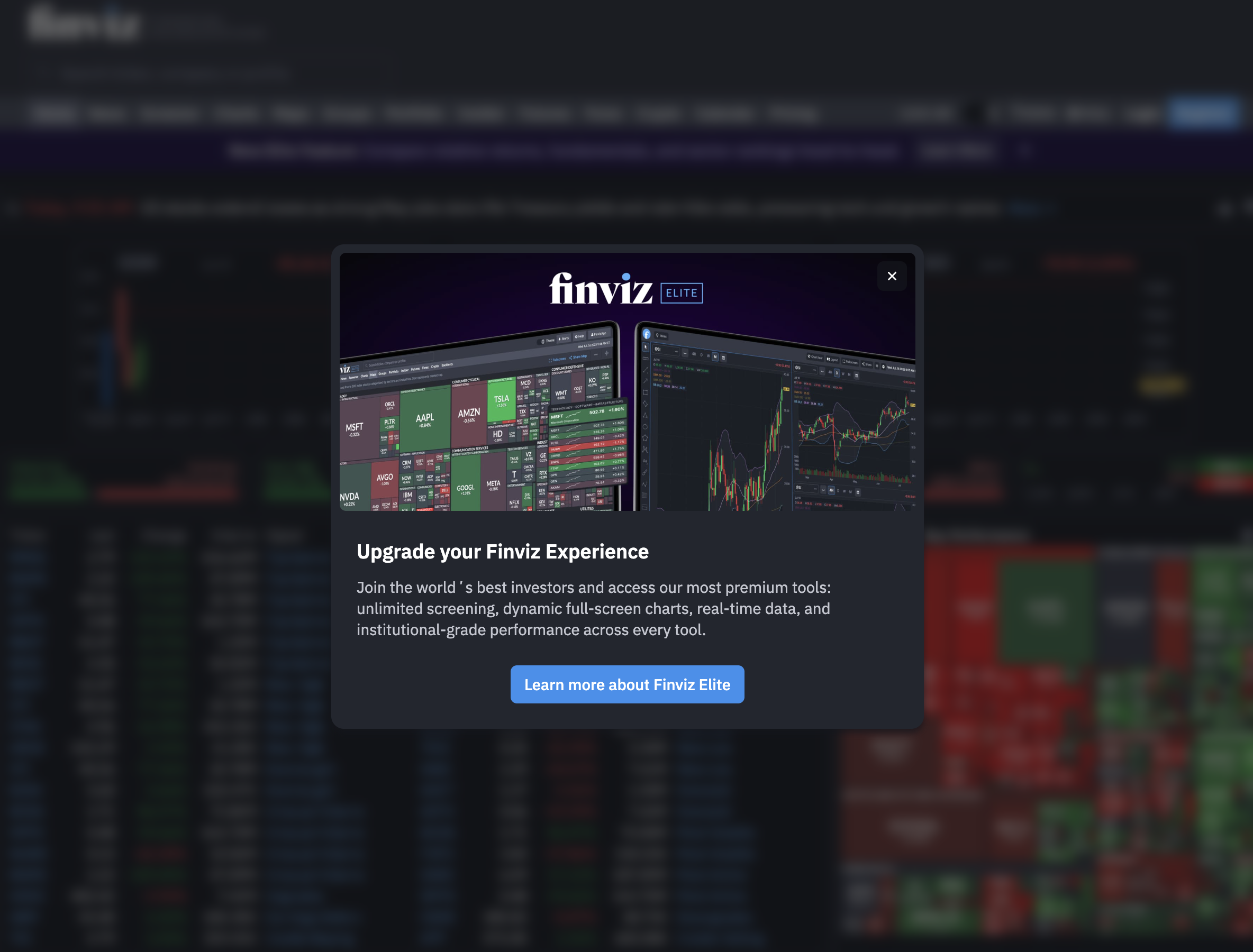
Finviz is the first screener most traders bookmark. It's free, it's fast to load, and the filter interface is genuinely good. But there's a moment every active trader eventually hits: you're at your desk at 10:20 AM, you pull up Finviz to check a setup, and you realize the data you're looking at is from last night's close. The stock already moved. The entry is gone.
That's not a bug. That's by design. Finviz's free tier updates end-of-day, and even the Elite plan's "real-time" data has meaningful limitations for traders who need to act within minutes. If you're doing swing trading with a full-time job — or running intraday momentum plays — you need a tool built for the speed of the market, not a static table that refreshes once a day.
This guide compares the five best Finviz alternatives for active traders in 2026. We'll cover what each tool actually does well, where it falls short, and which type of trader it's built for — so you can stop refreshing a screener that's already behind and start getting alerts that mean something.
Why Finviz Falls Short for Intraday and Swing Traders
Finviz deserves credit for what it is: a well-designed, browser-based stock screener with a massive filter library and a clean visual layout. For investors doing weekly research or scanning for fundamental setups after hours, it's a solid tool. The problem is that a large chunk of its user base, active technical traders, needs something it was never built to deliver.
The Data Freshness Problem
Finviz Free updates end-of-day. Finviz Elite offers "real-time" data, but the screener itself doesn't push alerts to your phone when a stock crosses a threshold. You have to be sitting at a browser, manually refreshing, to catch a live move. For a trader trying to catch a VWAP reclaim at 10:15 AM or an ORB breakout at 9:35 AM, that's a fundamental mismatch. The market doesn't wait for you to open a new tab.
No Push Notifications, No Mobile App
Finviz has no native mobile app and no push notification system. If a stock on your watchlist breaks out while you're in a meeting, Finviz has no way to tell you. You'll find out when you get back to your desk, which, for a momentum trade, is usually too late. This is the single biggest gap for traders doing swing trading with a full-time job. The whole point of a scanner is to watch the market when you can't.
Static Screener vs. Dynamic Discovery
Finviz is a screener: you set filters, you run a query, you get a list. That's useful for research. But it's a passive tool, it only finds what you ask for, when you ask for it. It doesn't proactively surface new setups across the whole market and push them to you. For traders who want the system to do the scanning while they keep the final call, that's a critical limitation.
Who Finviz Actually Serves Well
To be fair: Finviz is excellent for end-of-day research, fundamental screening, sector heat maps, and building a watchlist from scratch. If you're a longer-term investor or you do all your prep after the market closes, it's a genuinely useful (and free) tool. The traders who outgrow it fastest are the ones who need real-time data, mobile alerts, and proactive discovery, not a static table they have to manually refresh.
What to Look for in a Finviz Alternative
Before comparing specific tools, it helps to know which features actually matter for your trading style. Not every "real-time scanner" is built the same way, and the differences between them determine whether you catch the trade or read about it afterward.
Real-Time Data vs. Delayed or EOD Data
This is the baseline. Any alternative worth considering should update in real time during market hours, not on a 15-minute delay, not end-of-day. For intraday setups like opening range breakouts, VWAP reclaims, and RVOL spikes, even a 5-minute delay can mean the difference between a clean entry and chasing a move that's already extended. Check the fine print on any platform's data feed before committing.
Alert Quality: Context vs. Raw Signal
Most scanners can fire an alert when a stock crosses a price level. Fewer can tell you why it matters. An alert that says "AAPL crossed $185" is noise. An alert that says "AAPL reclaimed VWAP on 2.3x relative volume after a morning pullback, this setup has a 61% win rate over 847 historical occurrences" is actionable. The best Finviz alternatives don't just tell you something happened; they give you enough context to decide whether to act.
Mobile-First vs. Desktop-Only Design
If you're trading around a day job, your phone is your trading terminal during market hours. A platform that's only usable on a desktop is only useful when you're at a desktop, which, for most working traders, means after 5 PM. Mobile-first design with push notifications isn't a nice-to-have; it's the core feature that makes a scanner useful during the trading day.
Pre-Built Screens vs. Coding Your Own
TradingView's Pine Script is powerful. It's also a programming language that most traders don't want to learn. If building custom alerts requires writing code, a large portion of the trader population is locked out of the platform's best features. The best alternatives offer a library of pre-built, ready-to-use screens that cover the setups most technical traders actually trade, without requiring a single line of code. You can read more about this in our guide to how to use stock screeners for day trading.
Backtest Transparency
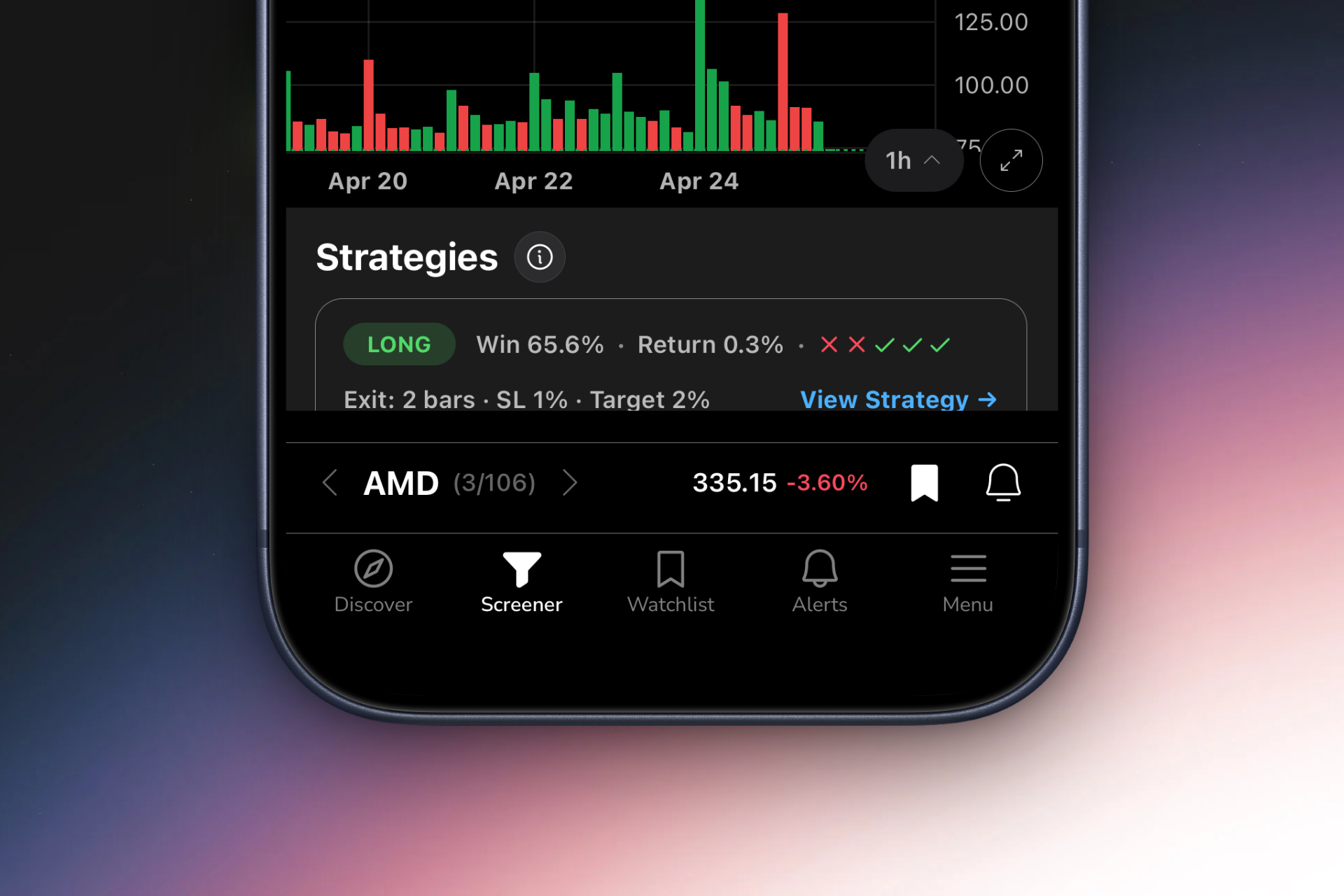
A setup that looks good on a chart isn't necessarily a setup with an edge. The best alternatives show you historical performance data, win rates, average returns, drawdown, for every screen they offer. That way, you're not trading a pattern because it looks clean; you're trading it because the data says it works. For a deeper look at why this matters, see our guide on building winning backtesting strategies.
The 5 Best Finviz Alternatives Compared
Here's a quick-reference overview of how the top alternatives stack up across the criteria that matter most for active traders.
| Tool | Real-Time Data | Push Alerts | Mobile App | No Coding Required | Backtest Data |
|---|---|---|---|---|---|
| ChartMath | ✅ | ✅ | ✅ | ✅ | ✅ |
| Trade Ideas | ✅ | ⚠️ Desktop only | ❌ | ⚠️ Complex setup | ⚠️ Limited |
| TradingView | ✅ | ⚠️ Requires Pine Script | ✅ | ❌ | ❌ |
| TrendSpider | ✅ | ⚠️ No push alerts | ❌ | ✅ | ⚠️ Limited |
| Tickeron | ✅ | ❌ | ❌ | ✅ | ⚠️ Black-box |
| Finviz Elite | ⚠️ Limited | ❌ | ❌ | ✅ | ❌ |
1. ChartMath, Best for Swing Traders with a Full-Time Job
ChartMath was built specifically for the trader who can't watch the screen all day. It's a mobile-first trade discovery app that continuously scans the market across 200+ pre-built technical screens, covering ORB, VWAP reclaims, RVOL spikes, 52-week high breakouts, momentum setups, and more, and sends you a push alert the moment a stock matches a setup you'd actually take.
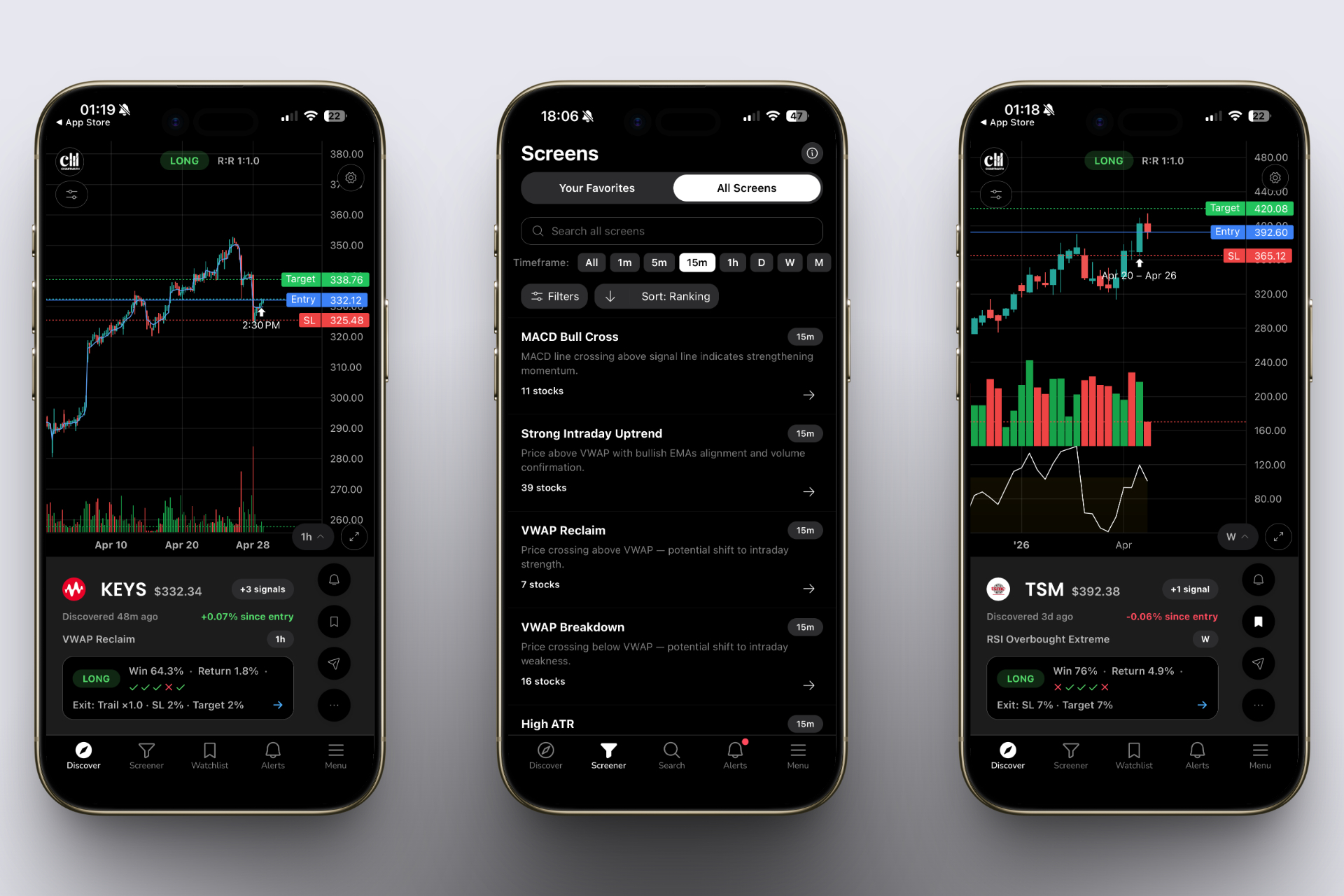
What separates ChartMath from every other tool on this list is the combination of three things most scanners don't offer together: real-time alerts, plain-English explanations, and backtest data for every screen. When an alert fires, it doesn't just tell you a stock crossed a level. It tells you what setup triggered, why it matters, and what the historical win rate looks like, so you can make a decision in 30 seconds, not 30 minutes.
Key features:
- 200+ pre-built, backtested screens covering every major technical setup, no Pine Script required
- Real-time push alerts with plain-English explanations of why each setup triggered
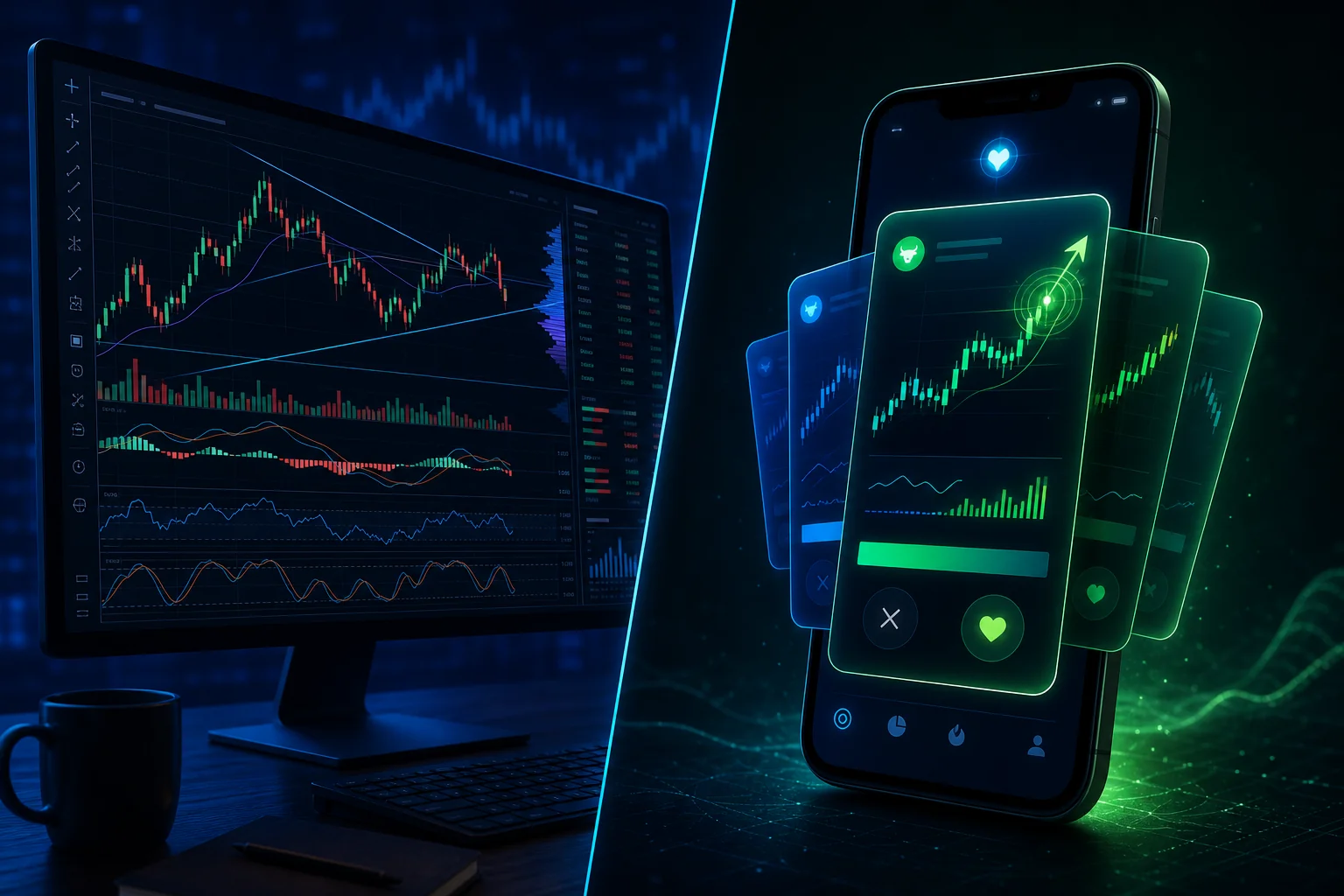
- Mobile-first TikTok-style swipe interface for reviewing setups on the go
- Multi-timeframe coverage: 1m, 5m, 15m, 1h, daily, weekly, for both day traders and swing traders
- Custom watchlist tracking with setup-based notifications
- Works as a discovery layer alongside TradingView, TrendSpider, or Finviz, not a replacement for your charting platform
- Free, with no credit card required
Best for: Swing traders with day jobs, part-time traders, and anyone who wants the market scanned for them while they're away from their desk.
Limitations: ChartMath is a discovery and alert tool, not a full charting platform. You'll still want TradingView or a similar tool for deep chart analysis once an alert fires.
ChartMath is the answer to the question every working trader eventually asks: "Who's watching the market while I'm in this meeting?" Download the app and let the scanner do the scanning.
2. Trade Ideas, Best for Desktop-Focused Day Traders
Trade Ideas is the most powerful real-time scanner on this list, and also the most demanding. It offers genuine real-time scanning with an AI-powered assistant called Holly that generates trade ideas based on historical pattern matching. For a full-time day trader sitting at a desktop all day, it's a serious tool.
Key features:
- Real-time scanning with hundreds of customizable filters
- AI-powered Holly algorithm for trade idea generation
- Simulated trading for strategy testing
- Highly customizable alert windows and layouts
Best for: Full-time day traders who are comfortable with a complex interface and want maximum customization.
Limitations: Desktop-only, no mobile app, no push notifications to your phone. Starts at $118/month, which is a significant commitment. The interface has a steep learning curve that can overwhelm newer traders. If you're doing swing trading with a full-time job, the desktop-only design is a dealbreaker during market hours.
3. TradingView, Best for Charting (Not Discovery)
TradingView is the gold standard for charting, and most serious technical traders already have an account. Its community script library is enormous, its charting tools are best-in-class, and its mobile app is genuinely good. But it's not a trade discovery tool.
Key features:
- Best-in-class charting with hundreds of built-in indicators
- Large community of public scripts and strategies
- Mobile app with basic alert functionality
- Screener with real-time data on paid plans
Best for: Traders who already know which stocks they want to analyze and need a powerful charting environment to do it.
Limitations: Building custom alerts requires Pine Script, a programming language most traders don't know. TradingView analyzes stocks you pull up; it doesn't proactively find new setups across the whole market. It's a charting platform, not a scanner. Many traders use it alongside ChartMath: ChartMath finds the setup, TradingView confirms it. See our guide on integrating trading alerts with your charting platform for how to make this workflow seamless.
4. TrendSpider, Best for Automated Chart Analysis
TrendSpider is a sophisticated chart analysis platform with automated trendline detection, multi-timeframe analysis, and pattern recognition. It's genuinely impressive for analyzing a chart you've already pulled up. The problem is that "a chart you've already pulled up" is the key phrase.
Key features:
- Automated trendline and support/resistance detection
- Multi-timeframe analysis on a single chart
- Raindrop charts and other proprietary visualization tools
- Strategy backtesting with visual overlays
Best for: Traders who want to do deep technical analysis on a specific watchlist and automate the chart-reading process.
Limitations: TrendSpider is an analysis tool, not a market-wide scanner. It doesn't proactively surface new setups from across the market. There's no mobile push notification system. If you want to discover new trades, you'll need a separate discovery layer, which is exactly the gap ChartMath fills for TrendSpider users.
5. Tickeron, Best for AI-Driven Pattern Recognition
Tickeron uses AI to identify chart patterns and generate trade ideas with probability scores. It's an interesting approach for traders who want AI-assisted pattern recognition without building their own models.
Key features:
- AI-powered pattern recognition across multiple asset classes
- Trade ideas with AI-generated probability scores
- Virtual trading accounts for paper trading
- Screener with technical and fundamental filters
Best for: Traders curious about AI-assisted pattern recognition who don't need mobile alerts.
Limitations: The AI scoring is largely a black box, you get a probability number, but limited transparency about what filters or historical data produced it. Web-only platform with no mobile push notifications. No ability to see the actual backtest filters behind a screen. For traders who want to understand why a setup has an edge, the lack of transparency is a significant drawback.
Head-to-Head: How Each Tool Handles the Moments That Matter
Feature lists are useful, but the real test is how each tool performs in the specific situations active traders actually face. Here are three scenarios that separate the tools that work from the ones that look good on paper.
Scenario 1: You're in a Meeting at 10:15 AM and a VWAP Reclaim Fires
This is the defining scenario for any trader with a day job. A stock you've been watching all week just reclaimed VWAP on strong relative volume. The setup is live. You have about 10 minutes before the move extends or fails.
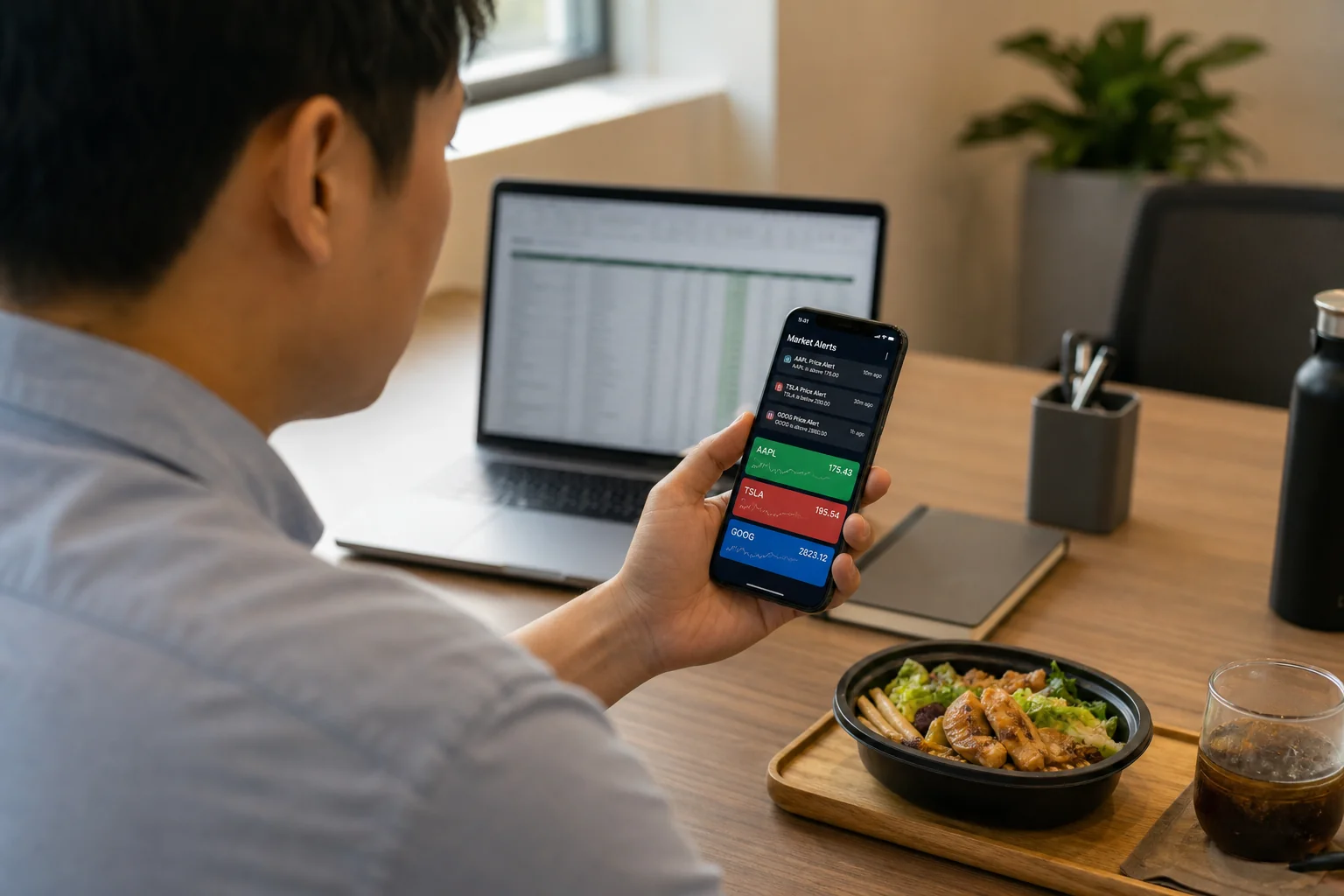
- ChartMath: Push notification fires to your phone with the setup name, the trigger reason, and the historical win rate. You glance at it in 15 seconds, decide yes or no, and act from your phone. ✅
- Trade Ideas: Alert fires on your desktop. You're not at your desktop. You find out when you get back. ❌
- TradingView: If you manually coded a Pine Script alert for this exact stock and this exact condition, you might get an email or app notification. If you didn't, nothing. ⚠️
- TrendSpider: No push notification system. You find out when you open the platform. ❌
- Tickeron: No mobile push notifications. ❌
For a deeper look at VWAP setups and how to trade them, see our guide on VWAP trading and how to use volume-weighted average price.
Scenario 2: You Want to Prep Swing Trades After 6 PM
The market's closed. You have an hour to review what happened today and build your watchlist for tomorrow. You want to find stocks that set up well on the daily chart, breakouts, momentum plays, stocks approaching key levels.
- ChartMath: Daily and weekly signals are available for after-hours review. Swipe through setup cards, see the backtest data, add to watchlist. Efficient and mobile-friendly. ✅
- Trade Ideas: Solid for EOD review if you're at a desktop. Less useful on mobile. ⚠️
- TradingView: Good for charting stocks you already know about. Doesn't proactively surface new setups. ⚠️
- Finviz: Actually decent for this use case, EOD data is fine for after-hours research. ✅ (This is where Finviz shines.)
For a structured after-hours workflow, see our guide on building an efficient trading workflow.
Scenario 3: You Want to Know If a Setup Has a Real Edge Before Entering
You see a bull flag forming on a stock. Before you enter, you want to know: historically, how often does this pattern work? What's the average return? What's the typical drawdown?
ChartMath: Every screen includes backtest data, win rate, average return, drawdown, built into the alert. No extra steps required. ✅
TradingView: You can backtest a strategy in Pine Script if you know how to write one. Most traders don't. ⚠️
Trade Ideas: Some historical simulation tools, but not integrated into individual alerts. ⚠️
Tickeron: AI probability scores, but no transparent backtest methodology. ⚠️
TrendSpider: Strategy backtesting available, but requires manual setup for each pattern. ⚠️
Who Should Use Which Tool
The right tool depends entirely on how you trade and when you're available to act on signals. Here's a clear breakdown:
Swing Traders with a Full-Time Job → ChartMath
If you're doing swing trading with a full-time job and can't watch the screen during market hours, ChartMath is the only tool on this list built specifically for you. Real-time push alerts, mobile-first design, 200+ pre-built screens, and backtest data for every setup. It watches the market while you're in meetings and tells you what to look at when you have a free moment. Download ChartMath and set up your first watchlist alerts in under 10 minutes.
Full-Time Desktop Day Traders → Trade Ideas
If you're at a desktop all day, running multiple monitors, and want maximum customization with real-time scanning, Trade Ideas is the most powerful option. The price and complexity are justified if you're trading full-time and have the time to learn the platform.
Charting-First Traders Who Already Have a Scanner → TradingView
If you already have a discovery tool and just need the best charting environment, TradingView is the answer. Many traders use ChartMath for discovery and TradingView for chart confirmation, the two tools complement each other well. You can explore how to connect them in our guide on integrating trading alerts with your charting platform.
Traders Who Want Automated Chart Analysis → TrendSpider
If you have a defined watchlist and want automated trendline detection and multi-timeframe analysis on those specific stocks, TrendSpider is excellent. Pair it with ChartMath to handle the discovery side.
AI-Curious Traders → Tickeron
If you want to experiment with AI-driven pattern recognition and don't need mobile alerts, Tickeron is worth exploring. Just go in knowing the scoring methodology isn't fully transparent.
Frequently Asked Questions
Is Finviz good for day trading?
Finviz is not well-suited for intraday day trading. The free tier updates end-of-day, and even Finviz Elite has significant limitations for traders who need to act within minutes. There are no push notifications and no mobile app. For day trading and intraday momentum plays, you need a tool with genuine real-time data and mobile alert delivery.
What is the best free Finviz alternative?
ChartMath lets you browse its web-based screens for free. The mobile app is free, with real-time alerts and the full screen library. You can try the web-based screener or download the mobile app.
Can I use ChartMath alongside Finviz?
Yes, and many traders do. Finviz is useful for after-hours fundamental research and building a broad watchlist. ChartMath handles the real-time scanning and alert delivery during market hours. They serve different parts of the workflow and don't overlap in a way that creates redundancy.
Do I need to know Pine Script to use these alternatives?
Not for ChartMath, TrendSpider, or Tickeron. TradingView requires Pine Script to build custom alerts beyond its basic built-in options. Trade Ideas has its own scripting language for advanced customization. ChartMath's 200+ pre-built screens cover the most common technical setups without requiring any coding knowledge, which is one of its core advantages for traders who aren't developers.
Which scanner is best for swing trading with a full-time job?
ChartMath is the only tool on this list designed specifically for this use case. It scans the market continuously during the day, sends push alerts to your phone when a setup triggers, and gives you enough context (setup name, trigger reason, backtest data) to make a decision in under a minute. For traders who can't watch the screen all day, that combination is what makes it the strongest Finviz alternative for this audience. See also our guide on swing trading for busy professionals for a complete system built around a 30-minute daily routine.
What technical setups does ChartMath scan for?
ChartMath covers 200+ screens including ORB (opening range breakout), VWAP reclaims, RVOL spikes, 52-week high breakouts, bull flags, momentum continuation, gap-and-go setups, and more. Every screen is pre-built and backtested, no configuration required. For a breakdown of the most effective setups, see our guide on VWAP vs RVOL vs ORB: which technical indicators work best.
The Bottom Line
Finviz is a good tool for what it was built to do: end-of-day research, fundamental screening, and building a watchlist from scratch. But if you're an active technical trader, especially one doing swing trading with a full-time job, it's missing the three things that matter most: real-time data, push alerts to your phone, and proactive discovery that finds setups you weren't already watching.
The alternatives on this list each solve part of that problem. Trade Ideas has the real-time data but not the mobile delivery. TradingView has the mobile app but requires coding for custom alerts. TrendSpider has the analysis depth but not the market-wide discovery. Only ChartMath combines all three, real-time scanning, push alerts with context, and a mobile-first interface, in a package that works for traders who can't be at a desktop all day.
If you've been relying on Finviz and wondering why you keep missing entries, the answer isn't that you need to refresh it more often. The answer is that you need a tool that watches the market for you. Watch the ChartMath demo to see how the alert system works in real time, or download the app and set up your first screens today, the market opens tomorrow whether you're ready or not.

See these setups live in ChartMath
200+ curated screens with backtest data. Free. No credit card required.