Stock Alerts for NSE: Beat Alert Fatigue
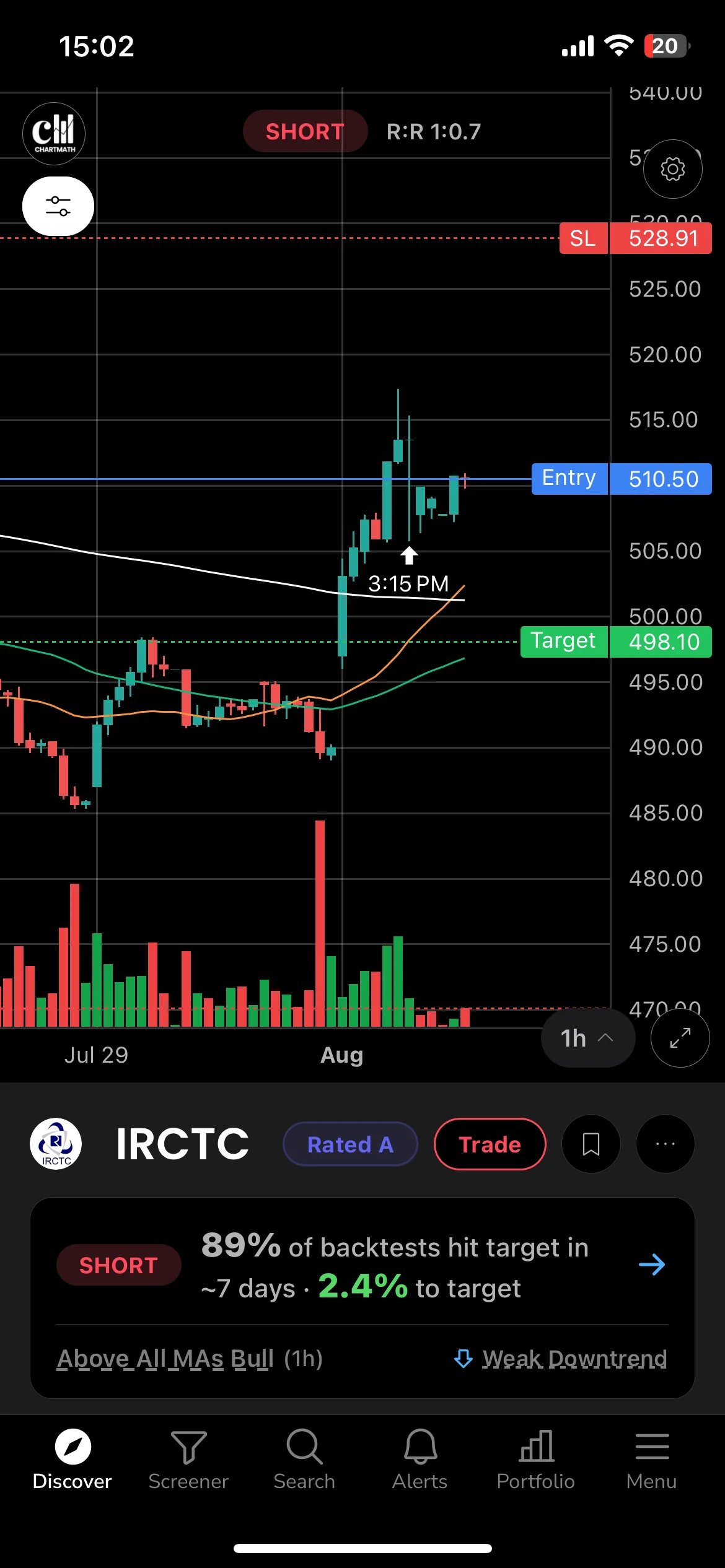
You stopped reading your stock alerts weeks ago. Not because you turned notifications off, but because you learned they weren't worth interrupting your day for. That's the real problem behind alert fatigue on a stock alerts app india traders use: it isn't a settings problem, it's an evidence problem. A bare price alert tells you something happened. It never tells you whether it matters, or whether the rule behind it has ever actually worked.
Key Takeaways
- Alert fatigue is a filtering problem: muting notifications doesn't fix it, because the issue is missing context, not volume alone.
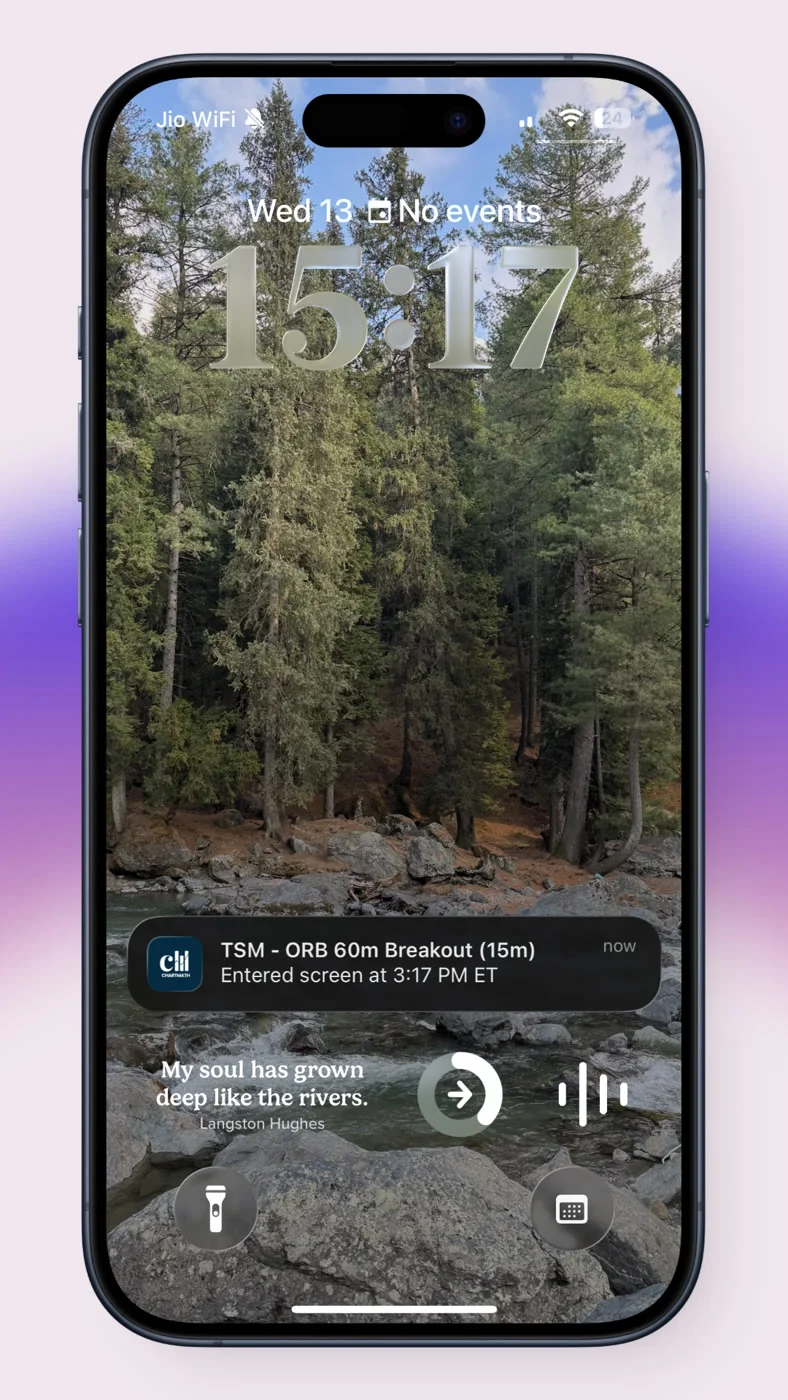
- An alert worth reading carries four things: the screen name, the timeframe, a plain-English reason, and the rule's backtested history.
- Five hygiene rules cut real noise: de-duplication, throttling at the open, quiet hours, running fewer screens on purpose, and matching alert timeframe to your actual holding period.
- Other tools already report backtests and win rates in India, so the fix isn't a secret feature, it's applying the discipline consistently to every alert you get.
- This is educational, not advice: no named-stock calls, no guaranteed returns, no SEBI registration claim.
At a Glance: What a Trustworthy NSE Alert Includes
| Element | Bare price alert | Explainable alert |
|---|---|---|
| Trigger info | "RELIANCE crossed 2,900" | Screen name plus condition that fired |
| Timeframe | Usually unstated | Stated (1h, Daily, etc.), matched to your holding period |
| Reason | None | Plain-English explanation of why it matched |
| Track record | None | Backtested win rate and average return on the rule |
| Duplicate control | Fires every tick | De-duplicated, one alert per event |
| Delivery channel | Often SMS, all hours | Push and email, quiet hours respected |
| Advice given | Implied buy/sell signal | None. You keep the decision |
The Meeting, the Buzz, and the Alert You Stopped Reading
It's 11:40 AM. You're three slides into a status update and your phone buzzes in your pocket. You glance down under the table: "IRCTC crossed 850." You nod at whoever is presenting and put the phone back. You don't know why it crossed. You don't know if this stock does this ten times a week and it means nothing, or if this is a genuinely rare move. So you do what most salaried traders eventually do: you stop looking. The alert becomes background noise, indistinguishable from a delivery notification or a calendar reminder.

This is the actual failure mode of most alert setups on Indian trading apps. You didn't turn off notifications because you're lazy. You turned them off, functionally, in your head, because none of them ever earned a second look. The volume wasn't the problem. The lack of any reason to trust any single ping was.
Why Unfiltered Alerts Create Fatigue
A price-cross alert answers one question: did the number move past another number. It doesn't tell you if that move happened on high volume or thin volume, whether it's a breakout or a fakeout, or whether a similar move has historically gone anywhere. Without that context, every alert looks identical, whether it's a genuine setup or random noise near a round number.
Traders respond to this in one of two ways. Some mute everything and go back to manually scanning charts, which is exactly the problem an alert was supposed to solve. Others leave everything on and develop a habit of dismissing pings without reading them, which means the one alert that actually mattered gets swiped away with the rest. Neither outcome is a notification-settings fix. Both come from alerts that carry no evidence.
Compare this to how a well-built stock screener for NSE swing traders should behave: every alert traces back to a fixed, statable rule, not a moving price threshold picked at random.
What an Alert Must Carry to Earn a Look
An alert worth interrupting your day for needs four pieces of information sitting right in the notification or one tap away.
1. The screen that fired
Not just "price moved," but the actual named condition: something like a VWAP reclaim, a MACD bullish cross, or a narrow-range breakout. A named screen is a fixed rule you can look up later and re-check, not a one-off observation.
2. The timeframe
A 5-minute breakout and a Daily breakout are different animals. If you hold positions for three to five days, a 5-minute alert is mostly noise for you, and a Weekly alert probably fires too rarely to be useful. Timeframe context tells you instantly whether the alert is even relevant to how you trade.
3. A plain-English reason
"NR7 Bull Break on the Daily chart: today's range was the narrowest in seven sessions and price closed above the prior high" is something you can evaluate in three seconds. "Alert triggered" is not.
4. The rule's backtested history
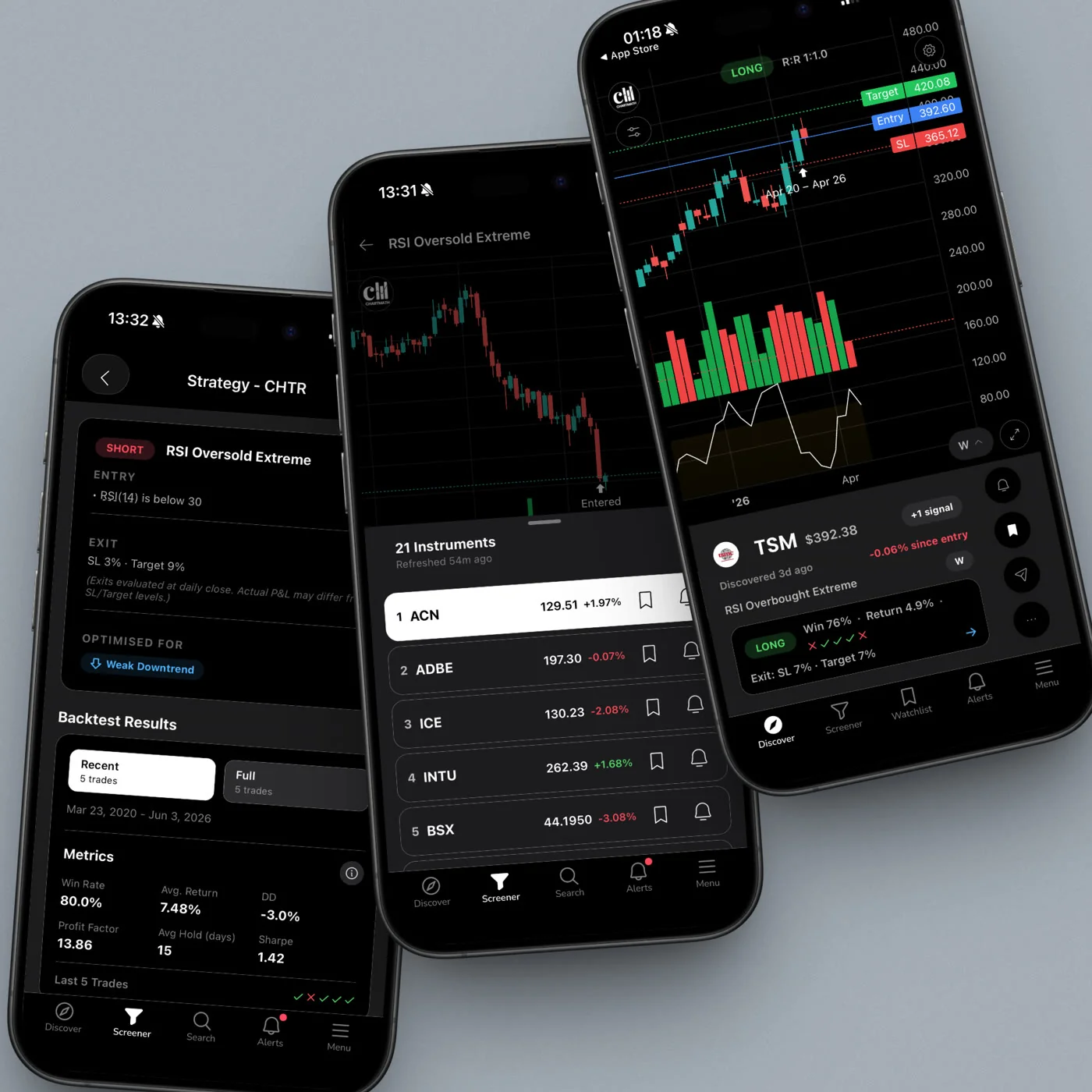
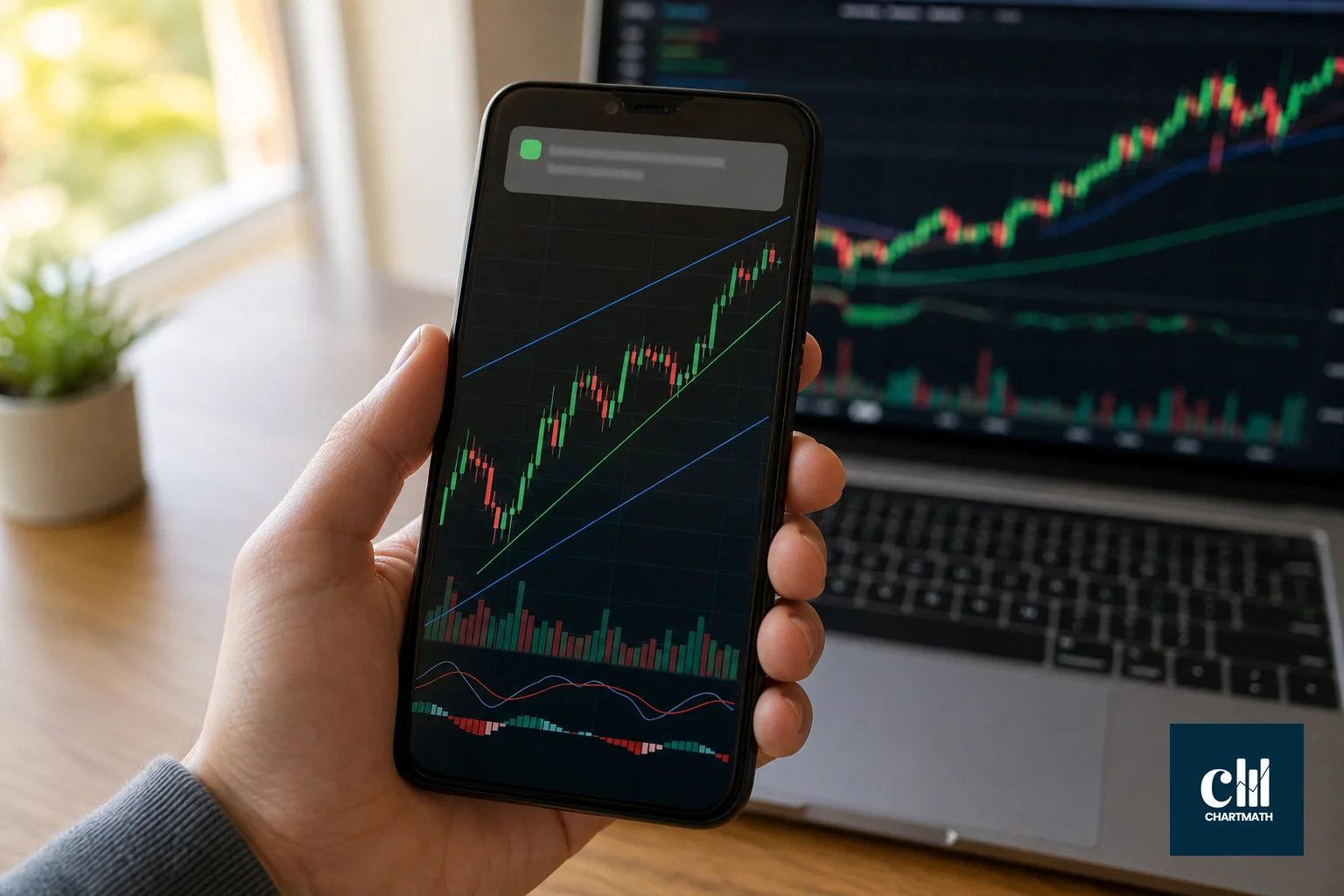
How many times has this exact condition appeared before, and how did it resolve? A win rate and average return attached to the rule turns a guess into a data point. This isn't unique to any one platform: Trendlyne ships backtestable screeners that report a winners-to-losers ratio, and both TradingView strategies and Streak report win rates on the rules you build. The real gap most traders hit isn't the absence of this data anywhere in the market, it's that most alert streams they've actually subscribed to (a bare price alert, a forwarded Telegram call, an unlabeled scan result) never carry it at all. Bringing the screen name, timeframe, plain-English reason, and backtested history together into the alert itself, every time, is what makes the difference between noise and something worth reading.
If you want to see what that consistency looks like across a full catalog rather than one screen at a time, ChartMath's screen pages lay out 200+ screens with the rule and backtest sitting next to each one.
5 Alert Hygiene Rules That Actually Cut Noise
Even a perfectly explained alert becomes noise again if it fires five times for one move, or wakes you up at 2 AM, or covers a timeframe you don't trade. These five hygiene rules matter as much as the explanation itself.
- De-duplicate the ping. One qualifying move should generate one alert, not five as price ticks around the trigger level. A system that fires repeatedly on the same event trains you to ignore the fifth ping, and by extension, the first.
- Throttle around the volatile open. The first 15 to 30 minutes of the NSE session produce the most false triggers on fast timeframes. A cap on how many alerts fire per screen in that window keeps the opening bell from flooding your lock screen.
- Set quiet hours. Nothing about a Daily or Weekly screen needs to reach you at 2 AM. Time-zone-aware quiet windows mean pings land when you can actually act on them, not when you're asleep.
- Run fewer screens, on purpose. Following 40 screens because they're all "available" guarantees fatigue. Pick three to five that map to setups you actually trade, and mute the rest deliberately rather than letting everything through by default.
- Match alert timeframe to your holding period. If you hold positions two to five days, a Daily or 1-hour screen fits. A 1-minute screen firing all day will bury you in alerts for trades you were never going to take. This single mismatch causes more fatigue than any other setting.
Worked Examples: Screens Behind the Alert
To make this concrete, here's what the reason line looks like for three common setup types, matched to different holding styles:
- VWAP reclaim on the 1-hour chart: price dipped below the volume-weighted average price intraday, then closed back above it on the hourly candle, often used by traders holding a few days.
- MACD bullish cross on the Daily chart: the MACD line crossed above its signal line on the daily close, a slower-moving signal suited to swing positions held over a week or more.
- NR7 bull break on the Daily chart: the narrowest daily range in seven sessions followed by a close above the prior high, a classic compression-then-expansion setup.
None of these examples are a call to buy any named stock. They're illustrations of what a plain-English reason looks like when it's attached to a stated rule instead of a vague price alert.
Setting This Up Without Turning It Into a Second Job
Start by writing down your actual holding period, not the one you wish you had. If you check the market once at lunch and once after work, a handful of Daily and 1-hour screens will serve you far better than a wall of 5-minute alerts you'll never see in time. Turn on push and email delivery only. Review your active screens once a week rather than tweaking them daily, the same way you'd run a weekly trading review in 20 minutes instead of constantly second-guessing mid-week.
If you're coming from a background of manually scanning charts every evening, this shift can feel like giving up control. It isn't. It's shifting the scanning work to something that runs continuously, while you keep the decision on whether to act. That's the copilot model: the alert narrows the field, you tap to decide. Nothing places an order for you. If you've relied on unvalidated Telegram or WhatsApp calls before, it's worth comparing that against a scan-plus-win-rate approach that at least shows its work.
For traders newer to reading these signals at all, it helps to first understand why a high win rate alone doesn't guarantee a profitable strategy. A backtested history is context, not a guarantee.
A Note on Compliance and What This Is Not
This article, and any alerts referenced in it, are for education only. Nothing here is a recommendation to buy or sell any specific security, and no return or outcome is promised. ChartMath is not registered with SEBI as a Research Analyst or Investment Adviser, and nothing in this piece should be read as personalized investment advice.
Educational use only. Not a broker/dealer or investment adviser and not registered with SEBI. Past performance does not indicate future results.
Alerts referenced here cover NSE-listed equities only. There's no coverage of F&O, options, MCX, or Indian indices, and delivery is limited to push notifications and email, never SMS.
FAQ
Is a stock alerts app in India regulated?
Screening and alerting tools that don't give personalized buy or sell advice generally aren't required to register as a Research Analyst or Investment Adviser with SEBI. Always check a platform's specific disclosures, and treat any alert as a data point, not advice.
Do explainable alerts replace my own analysis?
No. An alert with a screen name, timeframe, and backtested history narrows down what deserves your attention. You still decide whether to act, size the position, and manage the risk.
Can I get NSE stock alerts by SMS?
Not through ChartMath. Alerts go out by push notification and email only, which keeps delivery consistent and avoids the SMS spam pattern many traders associate with older alert services.
What does the alerting cover?
NSE-listed equities across multiple timeframes from 1-minute up to Weekly and Monthly. There's no F&O, options, MCX, or index coverage.
If your notifications have turned into wallpaper, the fix isn't quieter settings, it's better filtering. See what an explainable rule actually looks like on the screen pages, then download the app and switch the market to India and set up your first three screens around how you actually hold trades. Want to see the workflow end to end first? You can also watch a demo before you commit to anything. It's free, with no credit card required, and every alert still leaves the call with you.

See these setups live in ChartMath
200+ curated screens with backtest data. Free. No credit card required.