Stock Screener With Push Alerts vs Without: Which Wins?
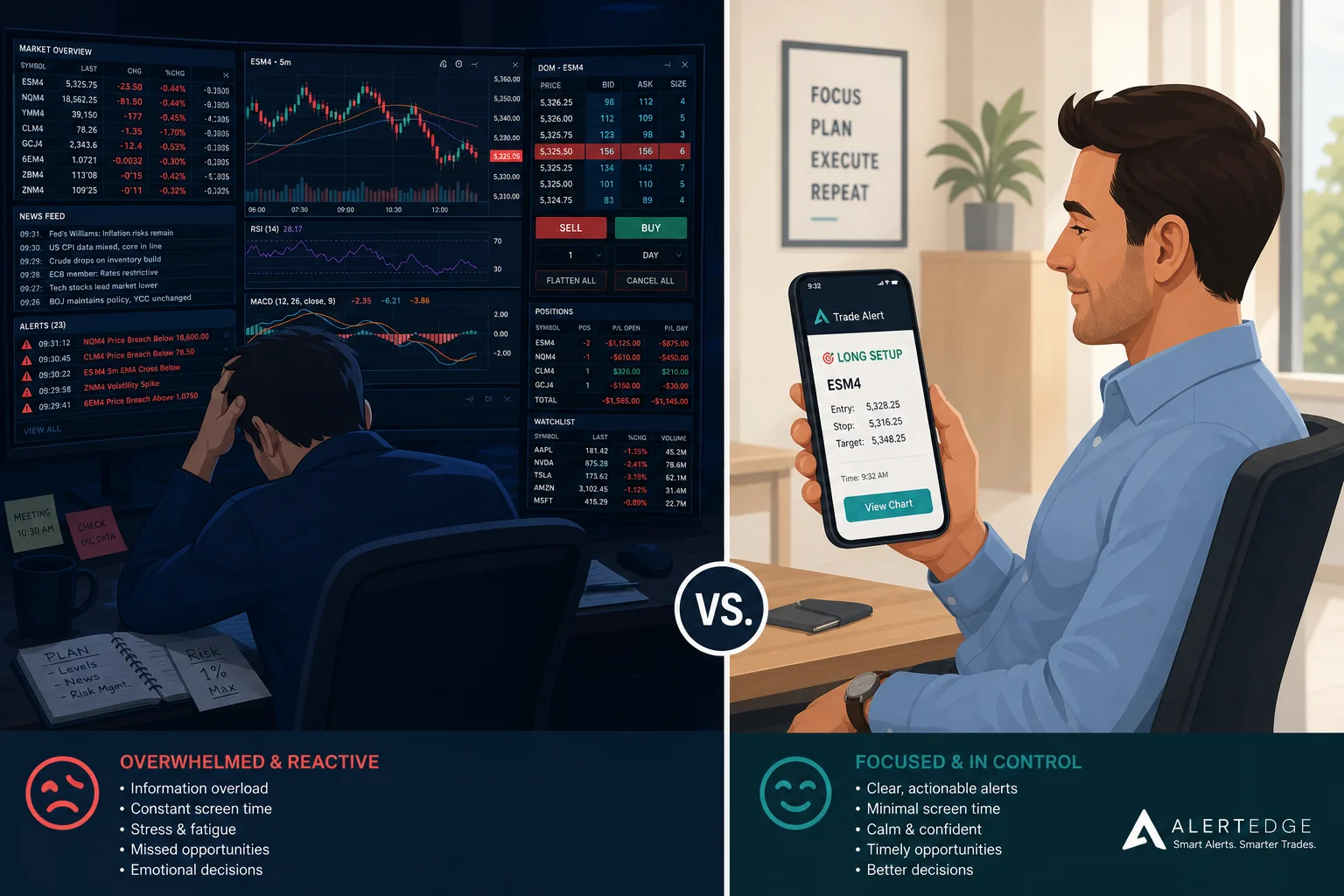
Refresh. Scroll. Nothing. Refresh again. That's the workflow for most retail traders using a static screener on a Tuesday morning when they're supposed to be in a meeting. The setup they've been tracking for two weeks fires at 10:43 AM. They find out at 5:30 PM. The move is done.
That's not a discipline problem. It's a tools problem. Specifically, it's the difference between a stock screener with push alerts and one without. This post breaks down what that difference actually costs you, what good alerts look like versus noisy ones, and how to decide which type of screener fits the way you actually trade.
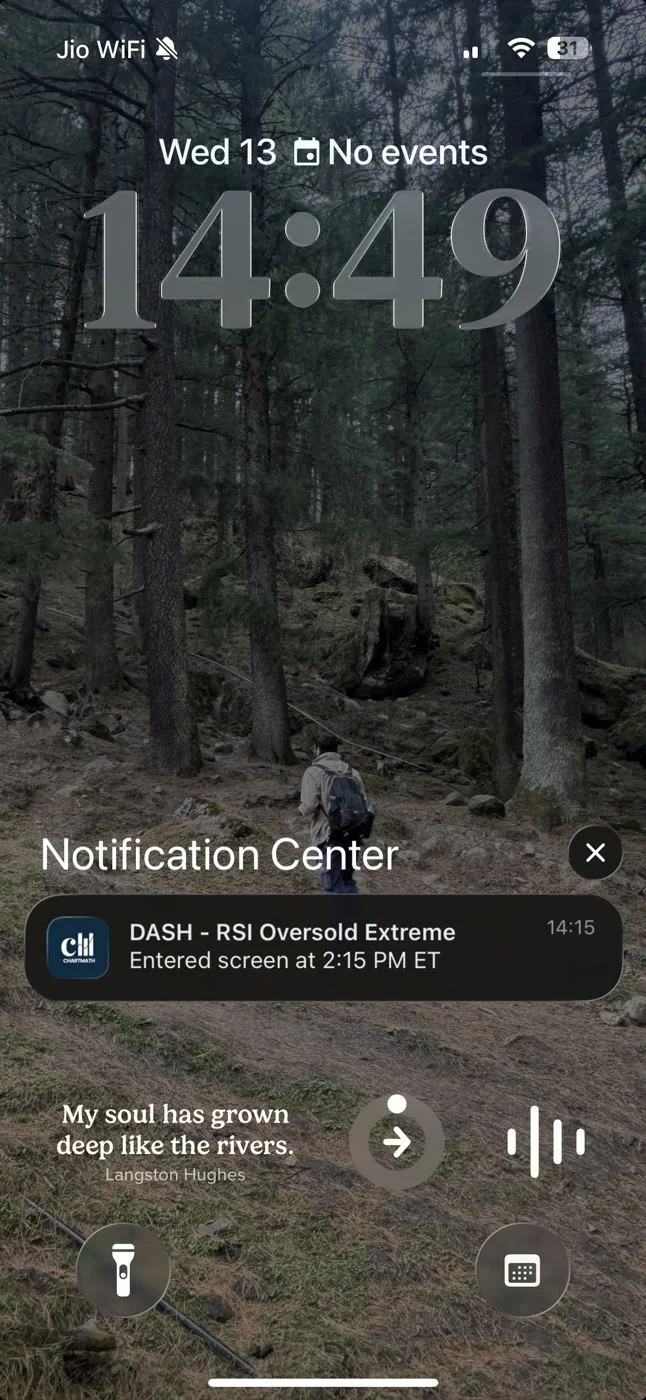
The Core Problem: A Screener You Must Sit and Refresh
Most stock screeners were designed for traders who sit at a desk from 9:30 AM to 4 PM. They show you what's happening right now, at the moment you load the page. That's genuinely useful if you're watching. It's useless if you're not.
The retail trader reality is different. The majority of active retail traders have jobs. They prep before the open, maybe check in at lunch, and review results after the close. That leaves a six-hour window in the middle of the trading day where setups can form, trigger, and resolve without them ever knowing.
A screener you must manually refresh is a screener that only works when you're already watching. For a trader with a day job, that's a fundamental mismatch. The tool is built for a workflow you don't have.
The result is predictable: you miss entries. Not because your setup was wrong. Not because your read on the chart was off. Because the stock moved at the wrong time of day, and your screener had no way to reach you. That's the gap a stock screener with push alerts is designed to close.
For a deeper look at building a workflow around this constraint, see How to Trade Stocks Without Watching Screen All Day.
What a Static Screener Actually Does (and Doesn't Do)
Static screeners are not bad tools. They're just tools with a specific use case: end-of-day research, watchlist building, and pre-market prep. Finviz is a good example. It's fast, it covers a wide universe, and it's free for basic use. Load it at 8 PM and you can build a solid watchlist for the next session in 20 minutes.
The limitation is structural. Finviz shows you a snapshot. It doesn't watch the market for you. There's no mechanism to notify you when a ticker enters a filter. You have to go back to it, manually, every time you want updated results.
TradingView sits in a different category. It does have an alert system, and those alerts can fire on price levels, indicator crossovers, and drawing-tool conditions. But setting them up requires either manual configuration per ticker or Pine Script for anything systematic. There's no pre-built screen library with backtested track records attached. You get the alert; you don't get the historical context that tells you whether the setup has an edge.
The honest summary: static screeners are excellent research tools for traders who have time to sit with them. They break down for traders who need coverage during the hours they can't watch.
What a Screener With Push Alerts Changes
A screener with push alerts inverts the workflow. Instead of you going to the screener, the screener comes to you.
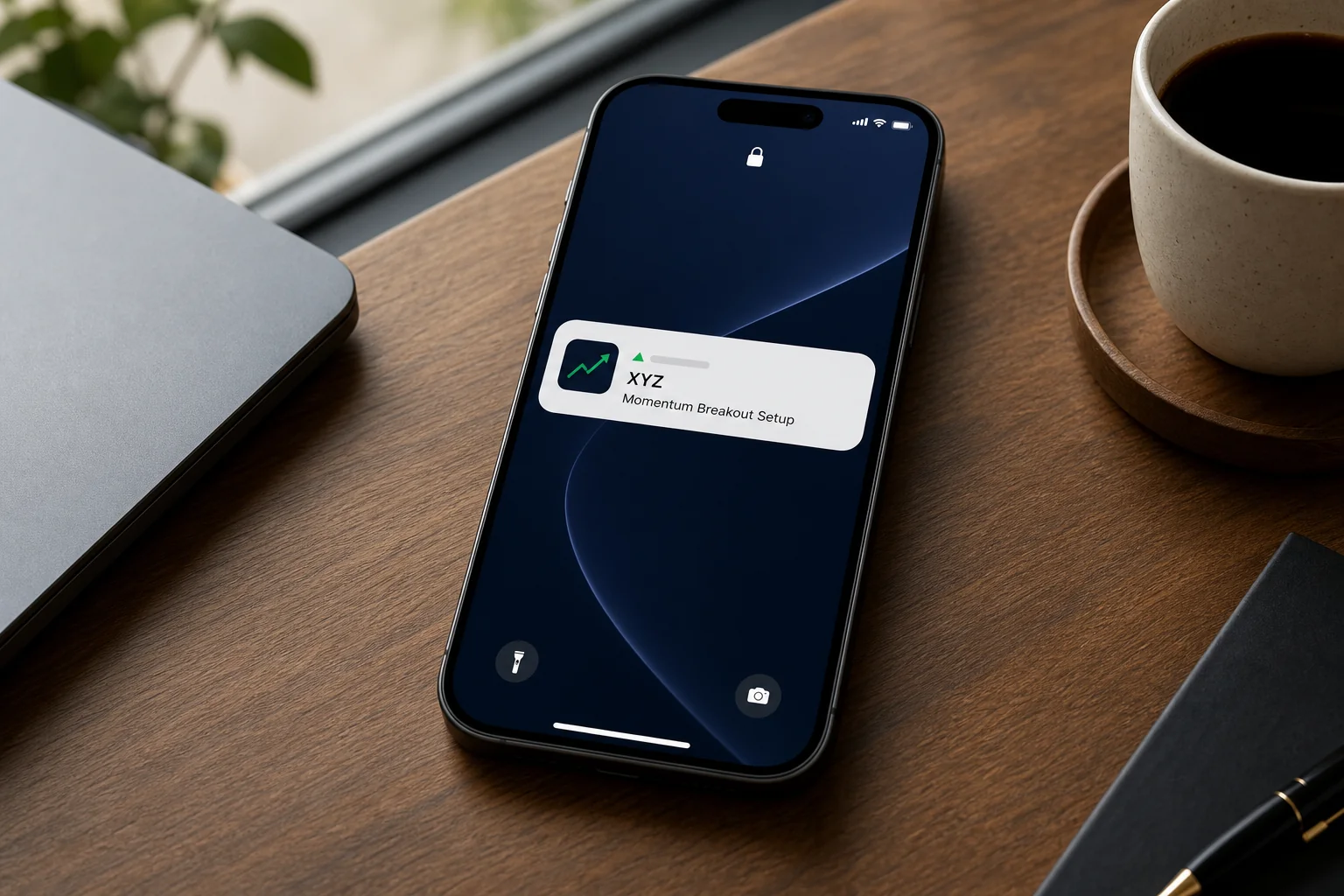
The mechanics are straightforward. The screener runs continuously, scanning its universe against a set of pre-defined technical conditions. The moment a ticker satisfies those conditions, it fires a push notification to your phone. You don't need to be at your desk. You don't need to have the app open. The alert reaches your lock screen.
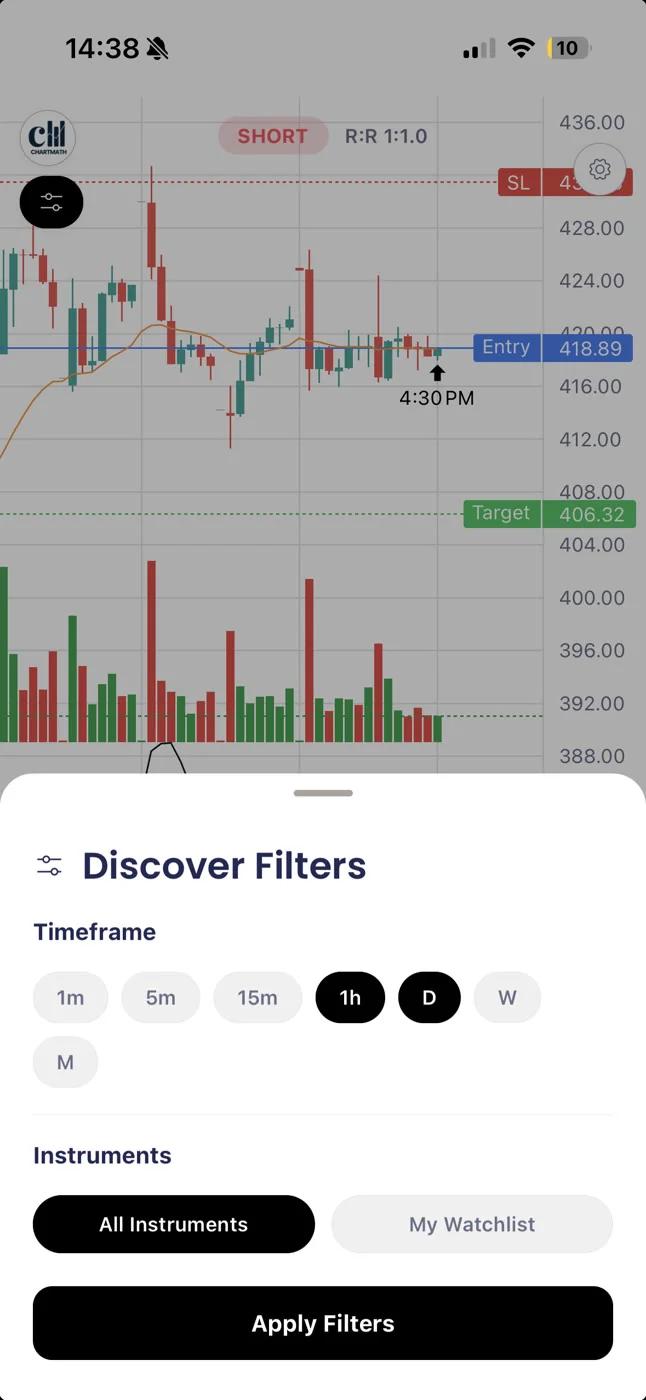
That shift matters more than it sounds. Your phone becomes the monitoring layer. The screener handles the watching; you handle the deciding. Coverage becomes always-on rather than session-dependent.
For a trader with a day job, this changes what's possible. A setup that fires at 10:43 AM is no longer invisible. You get a notification, you glance at it in a 90-second break, and you decide whether to act. You still make the call. You still execute in your own brokerage. The screener just made sure you knew the setup existed.
That's the copilot model: the tool surfaces the opportunity, the trader keeps the decision. No auto-trading, no broker connection, no orders placed on your behalf. Just timely information delivered to wherever you are.
See also: How to Integrate Trading Alerts with Your Charting Platform for how to fit alerts into a broader workflow.
The Alert Quality Problem: Not All Alerts Are Equal
Push alerts solve the timing problem. They don't automatically solve the quality problem. An alert that fires on a low-quality signal is just noise delivered faster.
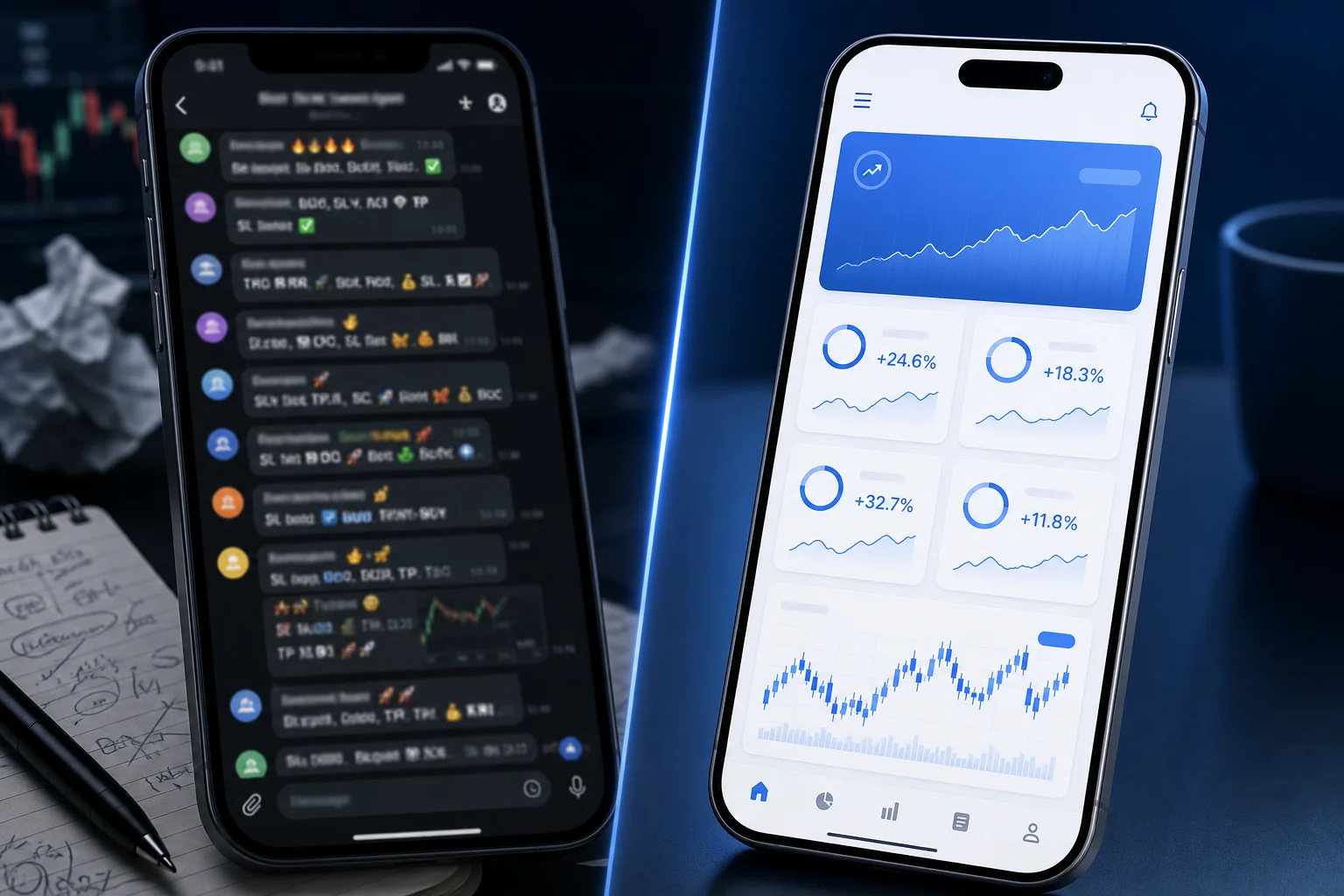
This is where Discord and Telegram signal groups fall apart. They send alerts constantly. Some of those alerts are based on real setups; many are based on someone's gut feel, a paid promotion, or a setup that worked once and got repeated. There's no documented track record. There's no way to verify whether the signal has a historical edge. You're trusting a person you don't know, with no accountability mechanism.
The same issue applies to screeners that fire alerts without context. An alert that says "AAPL triggered" tells you almost nothing. Triggered what? On which timeframe? What are the rules of the setup? Has this setup worked historically?
A useful alert needs to carry enough information for you to make a decision in 60 seconds. At minimum, that means:
- Which ticker fired and on which timeframe
- Which screen triggered so you know the setup type
- The screen's filter rules in plain English so you understand what the setup actually is
- The screen's backtested Win Rate and Average Return so you know whether it has a documented edge
Without that context, you're reacting to a ping. With it, you're making an informed decision about whether a setup with a known historical track record is worth acting on right now.
Alert fatigue is a real problem for active traders. The fix isn't fewer alerts; it's better-qualified alerts. For more on managing signal noise, see How to Build an Efficient Trading Workflow in 2026.
Head-to-Head: Screener With Alerts vs Without
Here's how the main tools compare across the dimensions that matter most for a trader who can't watch charts all day.
| Feature | Finviz | TradingView | ChartMath |
|---|---|---|---|
| Push alerts (no manual refresh) | No | Yes (manual setup per ticker) | Yes (fires on screen entry) |
| Backtested Win Rate per signal | No | No | Yes |
| Plain-English screen rules | No | Partial (Pine Script) | Yes (pre-built, no coding) |
| Mobile-first, no desk required | No | Partial | Yes (iOS and Android) |
| No Pine Script or coding required | Yes | No (for systematic alerts) | Yes |
| Pre-built screen library | Partial | No | 200+ curated screens |
| Free to use | Basic free tier | Limited free tier | Free |
The honest read: Finviz is a strong end-of-day research tool. TradingView is the best charting platform available for most retail traders. Trade Ideas and TrendSpider sit at the higher-priced, more automated end — both can scan and alert, but they lean toward desktop-first workflows and carry a steeper learning curve and price tag. Across all of them, the distinction worth holding onto is this: a basic price alert ("AAPL crossed $190") is not the same thing as a backtested screen-enter alert ("AAPL just entered a screen with a documented historical Win Rate"). One tells you a level was touched; the other tells you a defined setup with a track record just formed. ChartMath was built specifically for that second kind of alert, on a phone, for traders who can't watch charts all day.
For a detailed breakdown of switching costs and trade-offs, see Switching from Trade Ideas to a Cheaper Scanner: What You'll Gain and Lose.
What to Look for in an Alert-Enabled Screener
Not every screener that sends push alerts is worth using. Here's what separates a useful alert system from a noisy one.
1. Backtested track record per screen
Every screen should show its historical Win Rate, Average Return, and sample size. These aren't forecasts. They're a documented record of how the setup has performed historically, so you can evaluate whether it has an edge before you act on it. A screener that fires alerts without this data is asking you to trust a signal with no evidence behind it.
2. Plain-English screen rules
You should be able to read what a screen is looking for without decoding Pine Script or reverse-engineering a filter. If the screen is "VWAP Reclaim on the 1-hour," the rules should say exactly that, in plain language. Understanding the setup is part of deciding whether to trade it. For more on how VWAP setups work, see VWAP Trading: How to Use Volume-Weighted Average Price.
3. Alert hygiene
A good alert system doesn't just fire; it fires intelligently. De-duplication prevents the same setup from pinging you five times. Throttling prevents a single volatile session from flooding your notifications. Quiet hours mean you're not woken up at 3 AM by a crypto alert. These aren't nice-to-haves; they're what separates a usable alert system from one you turn off after a week.
4. Mobile-first delivery
Push and in-app alerts are the only delivery channels that reach you reliably when you're away from your desk. An alert that only shows up when you open the app isn't an alert; it's a notification you have to go looking for. The alert needs to reach your lock screen.
5. No coding required
If setting up alerts requires Pine Script, custom formulas, or a technical configuration process, most traders won't do it consistently. Pre-built screens with alerts you can activate in a tap are the practical standard for traders who aren't developers.
How ChartMath Closes the Gap
ChartMath is a mobile-first trade-discovery app built specifically for swing traders with a day job. The core premise is simple: you shouldn't have to be watching charts for a setup to reach you.
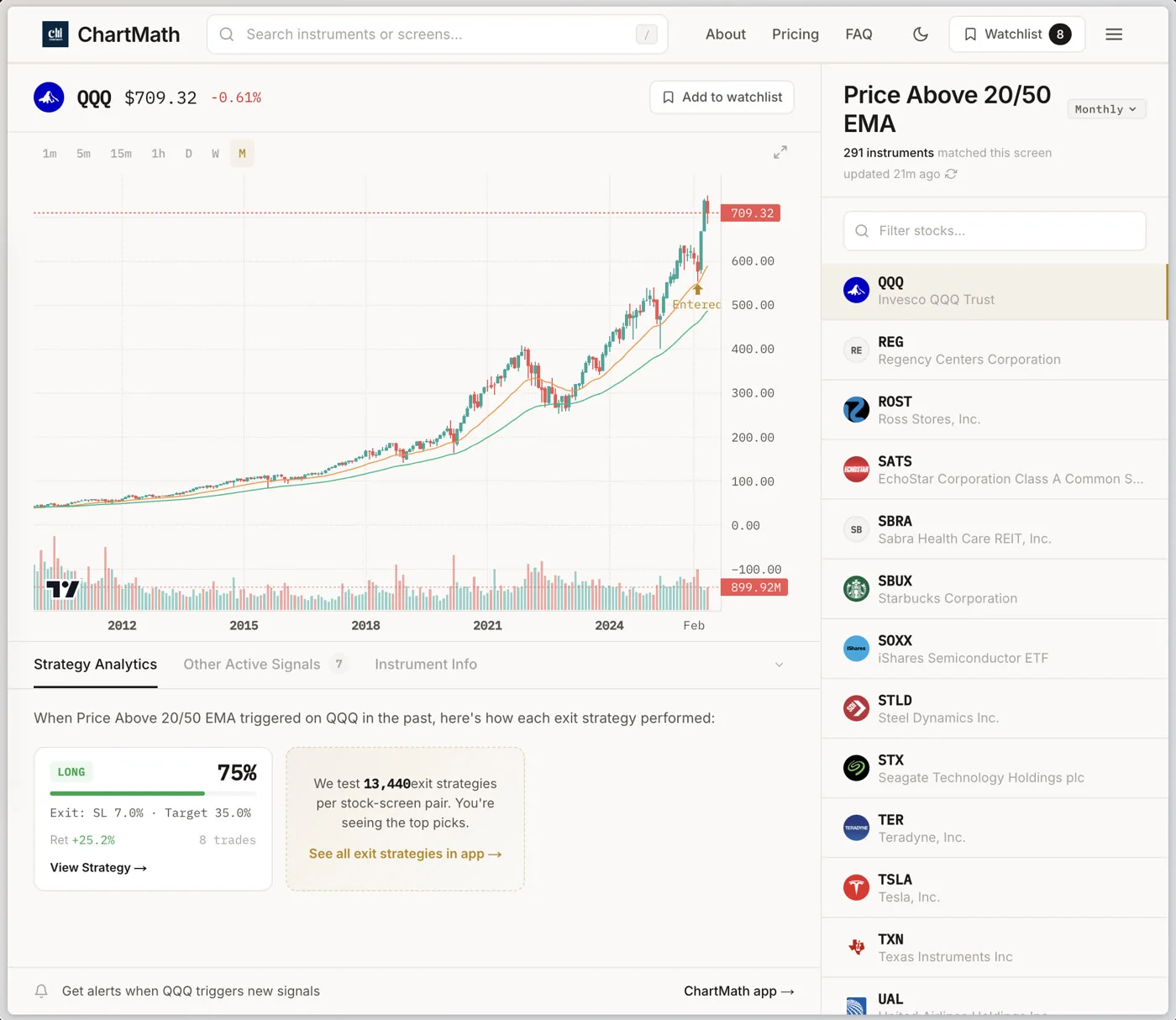
Here's how it works in practice.
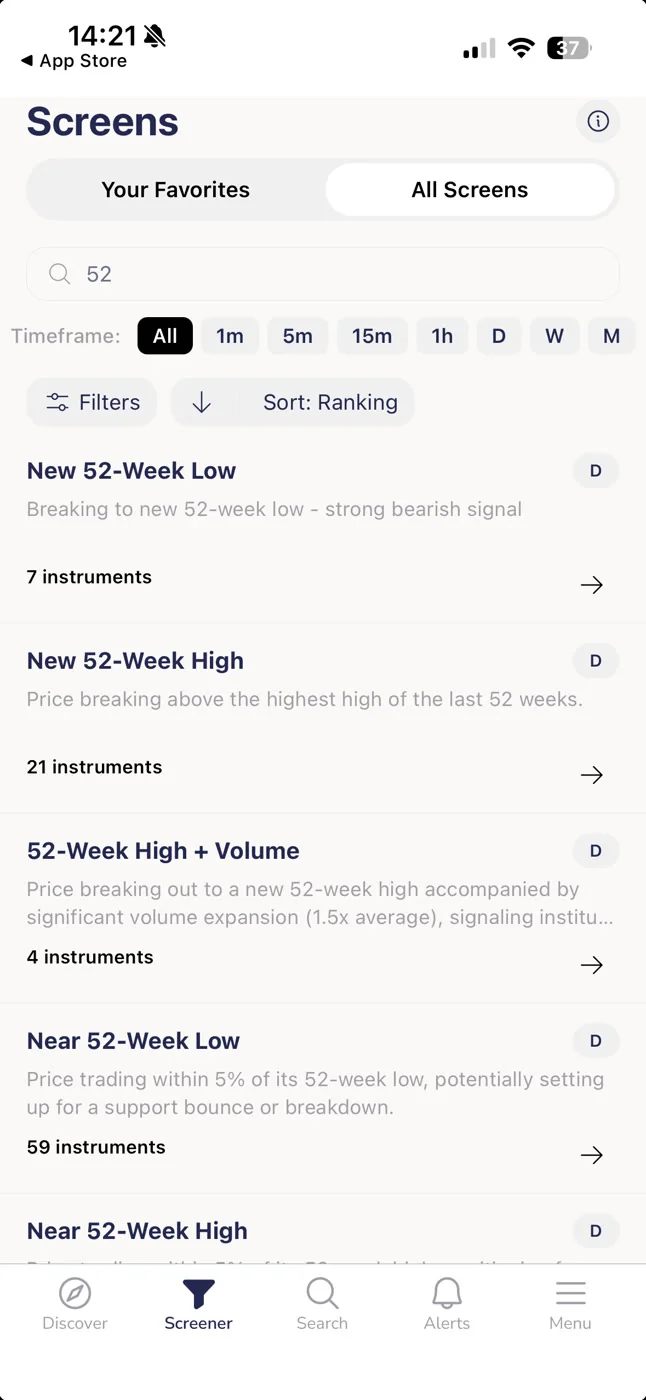
ChartMath scans 500+ US equities, 100 crypto pairs, and 11 US futures across 200+ curated, backtested technical screens and 7 timeframes (1m, 5m, 15m, 1h, Daily, Weekly, Monthly). Every screen in the library has been backtested before it ships. Only screens with a verified track record make it into the app. You don't build screens; you browse a library of pre-built setups that have already been validated.
When a ticker enters a screen you've favorited, ChartMath fires a push notification and an in-app alert. The alert carries the ticker, the timeframe, the screen name, and the screen's filter rules in plain English. You know exactly what fired and why the setup qualifies. The screen's Win Rate and Average Return are attached, so you can evaluate the historical edge before you decide to act.
The two alert types ChartMath fires
ChartMath sends two kinds of alerts, both delivered as push notifications and in-app — there is no email or SMS delivery:
- Screen-subscription alerts. Subscribe to a screen and get pinged whenever any instrument in the universe (or just your watchlist) enters it. You're not tracking one ticker; you're tracking a setup, and the alert tells you which instrument just qualified.
- Single-stock alerts on a specific ticker. Set an alert on one symbol you care about. These can be price-based (a level you choose) or indicator/screen-based (when that ticker meets a screen's conditions), and they can be set to fire once or repeatedly.
That's the full payload. No vague "ticker triggered" pings. No signal-group noise. A specific setup, on a specific instrument, with a documented track record, delivered to your lock screen.
ChartMath is a copilot, not autopilot. It surfaces setups. You decide whether to trade them. You execute in your own brokerage. There's no broker connection, no order placement, no auto-trading of any kind.
The app is available on iOS and Android, with a read-only web browse layer at chartmath.com/screens. It is free: every screen, every backtest, every alert.
For traders who want to see the screen library before downloading, the web screener at chartmath.com/screens shows all 200+ screens with their backtested stats. No sign-in required.
Frequently Asked Questions
Do I need to code to set up alerts in ChartMath?
No. ChartMath has no Pine Script and no coding of any kind. You browse the 200+ pre-built screens, favorite the ones you want to track, and alerts fire automatically when a ticker enters those screens. The entire setup takes a few minutes.
What does a ChartMath alert actually contain?
Each alert carries the ticker symbol, the timeframe, the screen name, and the screen's filter rules in plain English. The screen's backtested Win Rate and Average Return are available the moment you tap through to the setup card. There's also a freshness stamp showing when the setup was discovered.
Can I use ChartMath alongside TradingView or Finviz?
Yes, and that's the intended workflow for most traders. ChartMath handles the scanning and alerting; TradingView handles the charting and deeper analysis. They're separate tools with no formal integration, but they complement each other well. ChartMath tells you what to look at; TradingView is where you look at it. See Daily Chart Swing Trade Setups: A Scanner Workflow for a practical example of this workflow.
Is ChartMath free?
Yes. ChartMath is free. No credit card required. Every screen, every backtest, and every alert is available during the first month.
What markets does ChartMath cover?
ChartMath is US-first: 500+ US equities (NYSE and Nasdaq), plus 100 crypto pairs and 11 US futures. All sessions are referenced in Eastern Time. It does not cover Indian markets or NSE-listed stocks.
Does ChartMath place trades automatically?
No. ChartMath is a discovery and alerting tool. It surfaces setups; you decide whether to trade them and execute in your own brokerage. There is no broker connection and no auto-trading.
The Bottom Line
A stock screener without push alerts is a research tool. It's useful when you're sitting in front of it. The moment you step away from your desk, it stops working for you.
A screener with push alerts is a monitoring layer. It watches the market while you're in meetings, on calls, or doing anything else. When a setup forms, it reaches you. You still make the decision. You still execute the trade. The screener just made sure you didn't miss the moment.
For a trader with a day job, that's not a minor convenience. It's the difference between a tool that fits your life and one that requires you to reorganize your life around it.
If you want to see what alert-enabled screening looks like in practice, the ChartMath screen library is free to browse with no sign-in. Every screen shows its backtested Win Rate and Average Return. When you're ready to turn on alerts, download the app on iOS or Android and start with the screens that match your setup style. Start for free.

See these setups live in ChartMath
200+ curated screens with backtest data. Free. No credit card required.