VWAP Reclaim Alert Scanner for Day Traders: Catch the Move in Real Time
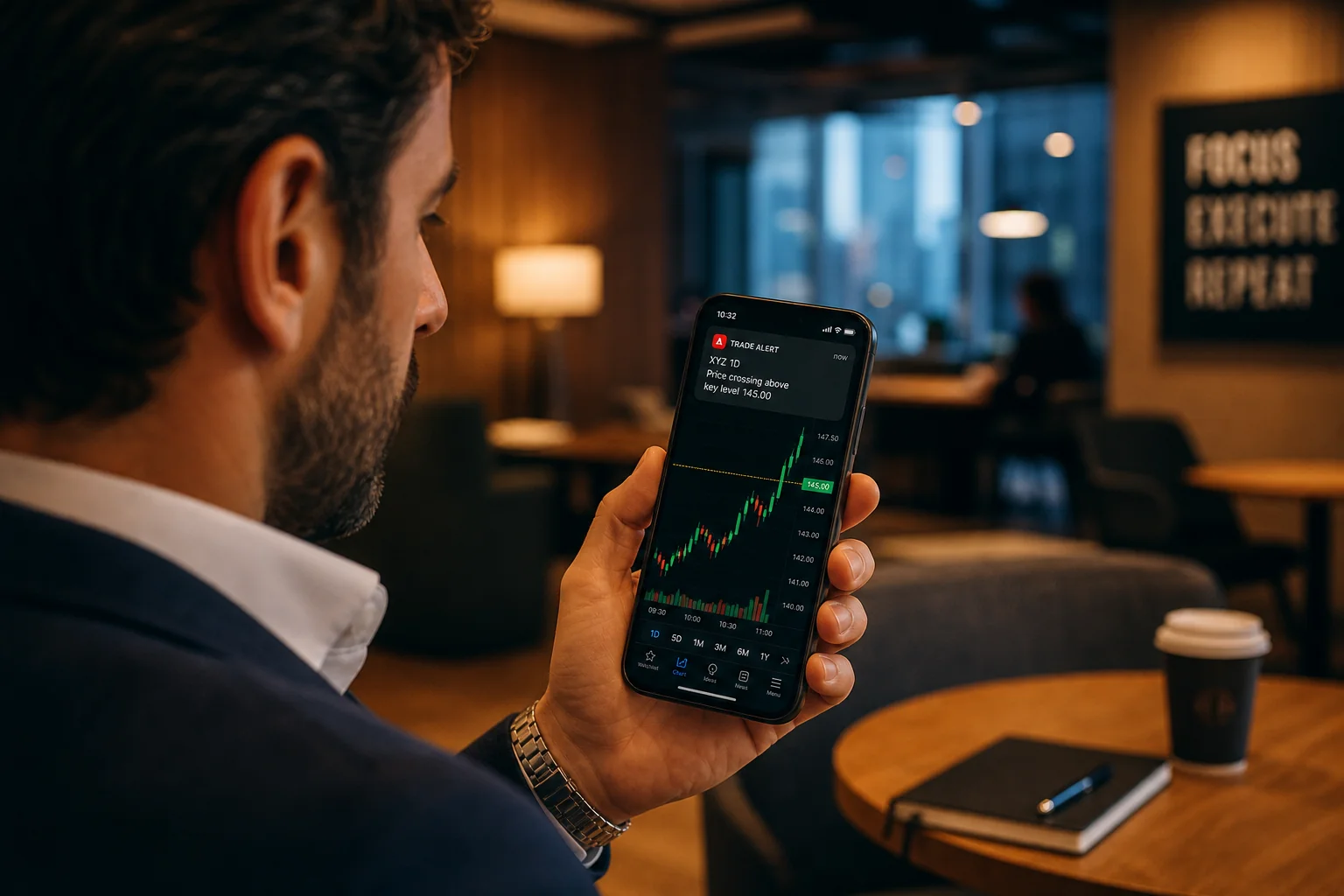
The VWAP reclaim is one of those setups that looks obvious in hindsight and nearly impossible to catch in real time. The stock dips below VWAP, consolidates for a few candles, then surges back above it on a volume spike. The whole thing plays out in five to fifteen minutes. If you're watching the chart, you can act. If you're in a meeting, on a call, or just not staring at that specific ticker at that specific moment, you miss it entirely.
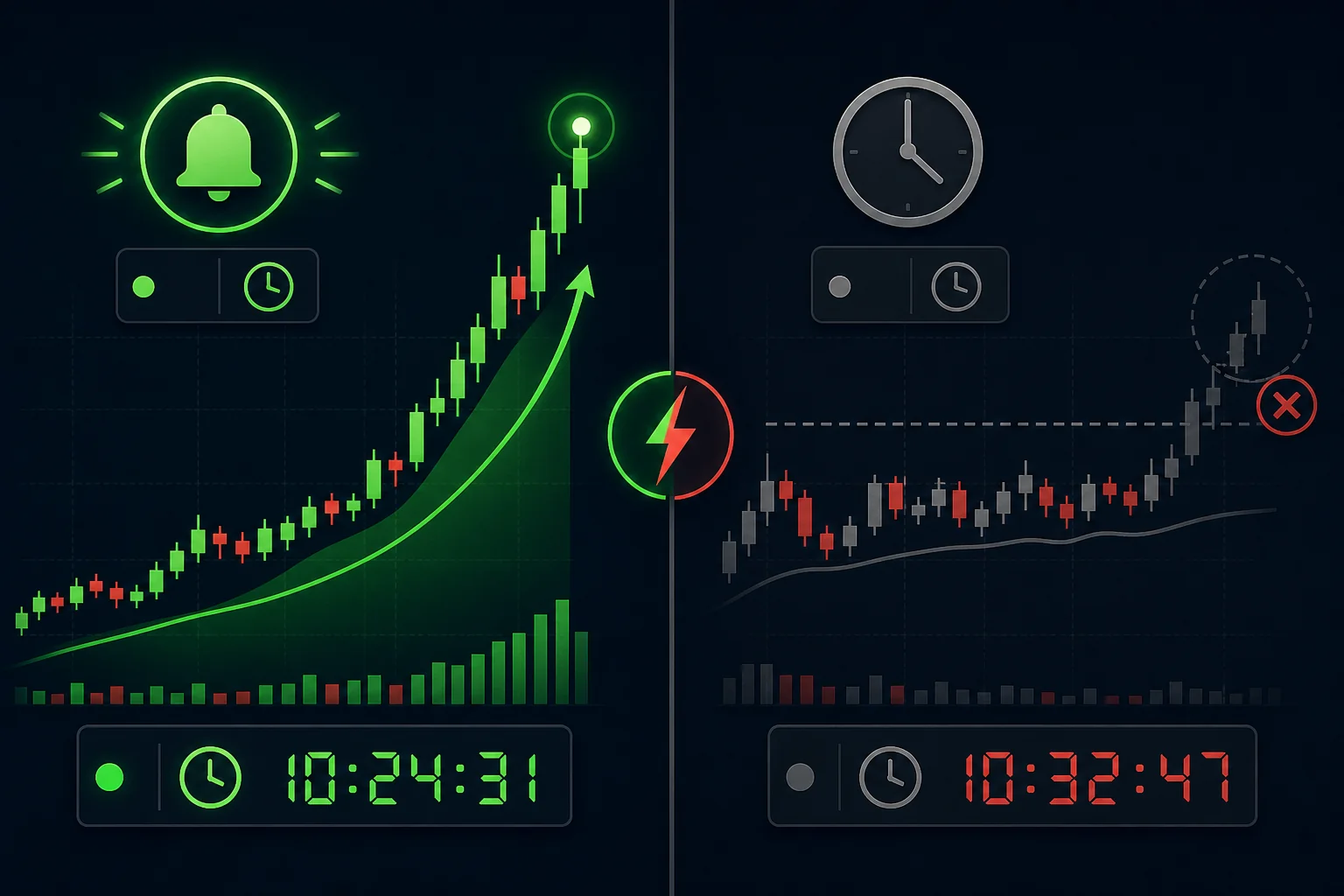
That's the core problem with VWAP reclaims: they're time-sensitive in a way that most other setups aren't. A daily chart breakout gives you hours to react. A VWAP reclaim gives you minutes. Manual scanning doesn't work here. Refreshing Finviz doesn't work here. What works is a VWAP reclaim alert scanner that watches every ticker on your list simultaneously and fires a push notification the moment the setup triggers — whether you're at your desk or not.
This guide walks through exactly how to build that system: what a valid VWAP reclaim looks like, how to layer in RVOL confirmation, how to configure alerts that actually fire in time, and which platforms can (and can't) deliver this in real time.
Why VWAP Reclaims Are One of the Most Reliable Intraday Signals
The Volume Weighted Average Price (VWAP) is the single most-watched intraday reference level among institutional traders, market makers, and active retail traders. It represents the average price at which a stock has traded throughout the day, weighted by volume. When price is above VWAP, the day's average buyer is in profit. When it's below, the average buyer is underwater.
That context is what makes a VWAP reclaim meaningful. When a stock drops below VWAP and then fights its way back above it, something has shifted. Sellers who were in control have been absorbed. Buyers have stepped in with enough conviction to push price back through a level that the entire market is watching. That's not noise — that's a sentiment change.
For a deeper look at how VWAP works as a reference level, see VWAP Trading: How to Use Volume-Weighted Average Price.
Why the Setup Works Across Multiple Timeframes
VWAP reclaims show up on 5-minute, 15-minute, and 1-hour charts. The 5-minute version is faster and noisier — useful for scalpers and momentum traders who want the earliest entry. The 15-minute version filters out more false starts and tends to produce cleaner follow-through. The 1-hour reclaim is closer to a swing signal and can hold for a full day or more.
The key is that the underlying logic holds at every timeframe: price reclaiming a widely-watched level on elevated volume signals that the path of least resistance has shifted upward. Institutions use VWAP as a benchmark for execution quality, so when price reclaims it, you're often seeing real buying pressure, not just retail noise.
The Reliability Edge
Not every VWAP reclaim works. But the ones that combine a clean reclaim candle with an RVOL spike have a meaningfully higher follow-through rate than random intraday entries. The setup has a defined risk level (the reclaim candle's low), a clear entry trigger (close above VWAP), and a natural first target (the day's high or the next resistance level). That structure makes it one of the most tradeable intraday setups available. For a broader comparison of how VWAP stacks up against other intraday indicators, check out VWAP vs RVOL vs ORB: Which Technical Indicators Work Best?
What a VWAP Reclaim Actually Looks Like on a Chart
Before you can scan for VWAP reclaims, you need a precise definition of what you're looking for. "Price went back above VWAP" is too loose. Here's the anatomy of a valid setup:
- Step 1, The dip: Price trades below VWAP for at least 2-3 candles. A single wick below doesn't count. You want to see the stock genuinely lose VWAP, not just touch it.
- Step 2, The consolidation: Price stabilizes near or just below VWAP. Volume contracts. The stock is coiling, not collapsing further.
- Step 3, The reclaim candle: A strong green candle closes above VWAP, ideally in the upper half of its range. This is the trigger candle.
- Step 4, Volume confirmation: The reclaim candle's volume is noticeably higher than the preceding consolidation candles. This is where RVOL becomes critical.
True Reclaim vs. False Breakout
The most common mistake traders make is acting on a weak reclaim, a candle that barely closes above VWAP on average or below-average volume. These setups fail frequently because there's no real buying pressure behind them. Price drifts back below VWAP within one or two candles, stopping out anyone who entered.
A true reclaim has conviction. The candle is large relative to recent candles. Volume is elevated. And ideally, the stock has a catalyst or sector tailwind that explains why buyers are stepping in. When all three align, the probability of follow-through increases substantially.
1. Define Your VWAP Reclaim Criteria Before You Scan
A scanner is only as good as the filters you give it. Before you turn on any VWAP reclaim alerts, spend five minutes defining exactly what you're looking for. Vague criteria produce noisy alerts. Precise criteria produce actionable ones.
Price and Volume Minimums
Start by filtering out stocks that are too illiquid to trade cleanly. A minimum price of $5 and a minimum average daily volume of 500,000 shares eliminates most of the low-float garbage that triggers false signals. If you're trading larger size, raise the volume floor to 1 million shares or more.
Timeframe Selection
Decide whether you're scanning 5-minute or 15-minute charts. The 5-minute version fires more alerts and requires faster execution. The 15-minute version is slower but produces setups with better follow-through and more time to evaluate before acting. Most active day traders start with 15-minute VWAP reclaims and add 5-minute alerts only for stocks already on their watchlist.
Sector and Market Cap Filters
VWAP reclaims work best in stocks with active institutional participation. Large-cap and mid-cap stocks in trending sectors tend to produce cleaner reclaims than micro-caps. If you have a sector focus, tech, biotech, energy, narrow your scan to those sectors to reduce noise and improve setup quality.
2. Layer in RVOL Confirmation to Separate Real Moves from Noise
Relative volume (RVOL) is the single most important confirmation filter for VWAP reclaims. It measures how today's volume compares to the stock's average volume for the same time of day. An RVOL of 2.0 means the stock is trading at twice its normal pace. That's meaningful. An RVOL of 0.8 means the stock is quieter than usual, and a VWAP reclaim on quiet volume is a setup you should skip.
For a full breakdown of how RVOL works and why it matters, see Volume Analysis for Day Traders: How to Use RVOL and Volume Spikes.
Why Low-RVOL Reclaims Fail
When a stock reclaims VWAP on low relative volume, it usually means one of two things: either the move is being driven by a small number of retail orders with no institutional backing, or the stock is just drifting upward in a low-conviction environment. Either way, the reclaim lacks the fuel to sustain itself. Price tends to stall at VWAP or drift back below it within a few candles.
High-RVOL reclaims are different. When volume is 2x or 3x normal at the moment of the reclaim, it signals that real money is moving into the stock. Institutions don't telegraph their orders, but they do show up in volume. An RVOL spike on a reclaim candle is as close to a confirmation signal as intraday trading gets.
Setting Your RVOL Threshold
A practical starting point is an RVOL minimum of 1.5x for 15-minute reclaims and 2.0x for 5-minute reclaims. The 5-minute timeframe is noisier, so you need a higher volume bar to filter out false signals. As you gain experience with the setup, you can adjust these thresholds based on what you observe in your own trade log.
The rule of thumb: If the RVOL on the reclaim candle isn't at least 1.5x the stock's average for that time of day, wait for the next candle. A setup that needs you to talk yourself into it usually isn't worth taking.
3. Set Up Real-Time Push Alerts So You Never Miss the Entry
Here's the hard truth about VWAP reclaims: by the time you manually notice one, it's usually too late. The reclaim candle closes. The stock moves 1-2% in the next two candles. You're now chasing, and chasing VWAP reclaims is how traders turn a high-probability setup into a low-probability one.
The only way to catch VWAP reclaims consistently is to have a system that watches every ticker on your list simultaneously and fires an alert the moment the setup triggers. Not a minute later. Not after the candle closes and you refresh your screener. The moment it happens.
What a Good VWAP Reclaim Alert Should Tell You
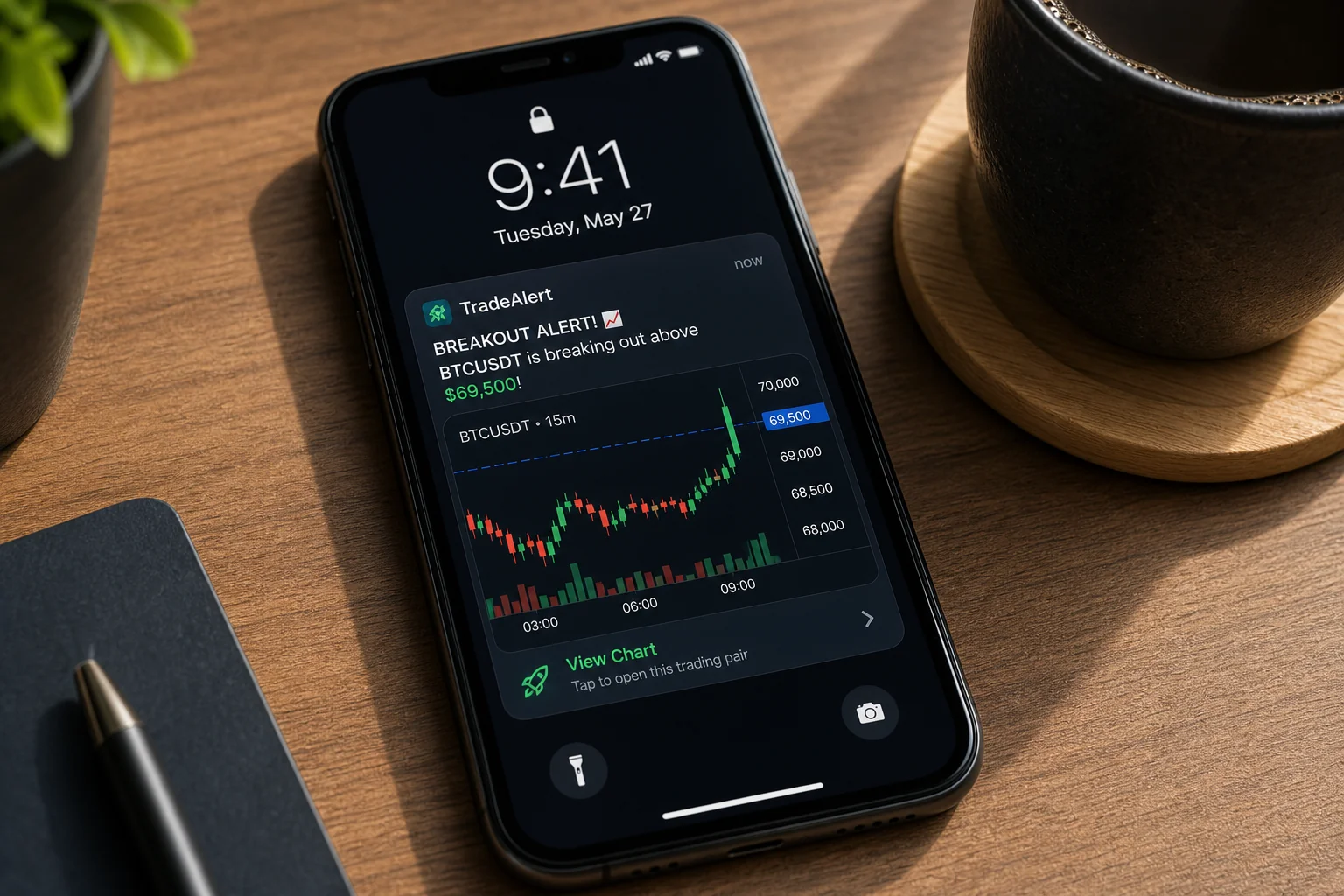
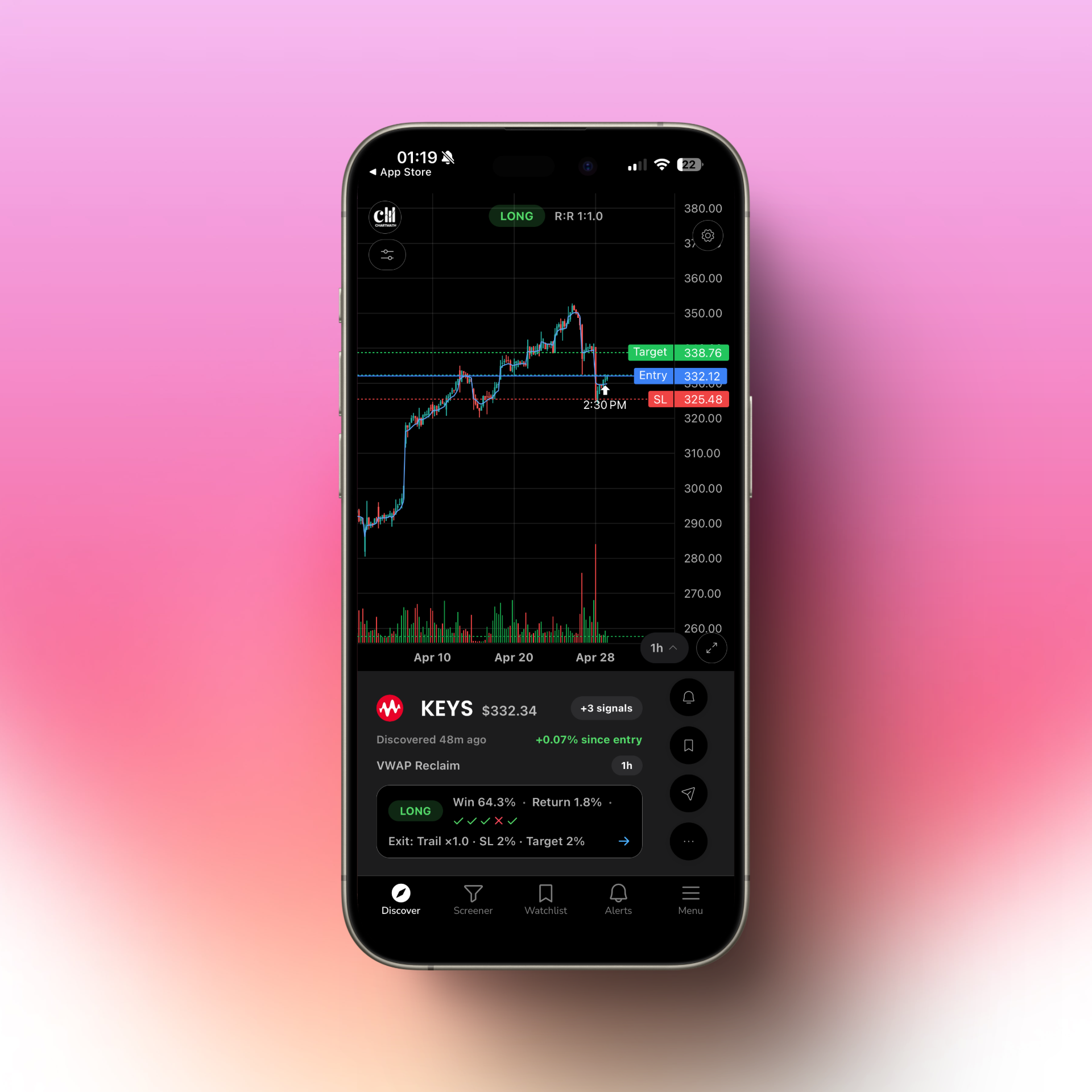
Most trading alerts are useless because they tell you nothing beyond a ticker and a price. "NVDA crossed $875" is not actionable. You don't know why it triggered, whether the volume confirms it, or what the setup looks like. You have to open your charting platform, pull up the chart, and figure it out yourself, by which point the entry window may have closed.
A well-designed VWAP reclaim alert should tell you:
- Which ticker triggered and on which timeframe
- That price has reclaimed VWAP (not just crossed a price level)
- The current RVOL reading at the time of the alert
- Whether the reclaim candle closed in the upper half of its range (conviction indicator)
- Any additional context, sector momentum, proximity to key levels, recent catalyst
That's the difference between an alert that makes you act and an alert that makes you shrug. ChartMath's push alerts are built around this principle: every alert explains in plain English why it triggered, so you can evaluate the setup in under 60 seconds without opening a separate charting platform.
Avoiding Alert Fatigue
The flip side of real-time alerts is alert fatigue, the phenomenon where you get so many notifications that you start ignoring all of them. This is a real problem with platforms that send every possible signal without filtering for quality. If your phone buzzes 40 times before 10 AM, you'll stop looking at it by 10:15.
The solution is quality over quantity. A well-configured VWAP reclaim scanner with proper RVOL filters should produce 3-8 alerts per day on a typical session, enough to give you opportunities without overwhelming you. If you're getting more than that, tighten your filters. For more on managing alert quality, see How to Integrate Trading Alerts with Your Charting Platform.
4. Compare Platforms: Real-Time VWAP Scanning vs End-of-Day Tools
Not all scanners are built for VWAP reclaims. In fact, most popular tools either can't do it at all or require significant technical setup to get there. Here's an honest look at the landscape.
Finviz
Finviz is where most traders start, and it's genuinely useful for end-of-day screening. But it updates once a day. There is no real-time VWAP scanning, no intraday alert system, and no mobile push notifications. If you're trying to catch a VWAP reclaim that plays out between 10 AM and 11 AM, Finviz won't help you. You'll see it in tomorrow's data, long after the move is over.
TradingView
TradingView has VWAP as a built-in indicator, and you can technically set up VWAP-based alerts, but only through Pine Script. You need to write custom code to define the reclaim condition, test it, and deploy it as an alert. For traders who code, this is workable. For the majority who don't, it's a barrier that effectively makes real-time VWAP scanning unavailable. TradingView also doesn't proactively discover new setups across the market, it only analyzes stocks you've already pulled up.
Trade Ideas
Trade Ideas offers genuine real-time scanning and does support VWAP-based filters. The platform is powerful. It's also desktop-only, starts at $118/month, and has an interface that takes weeks to learn. If you're a professional day trader with multiple monitors and a dedicated trading setup, it's worth evaluating. If you're trading around a day job or primarily on mobile, the cost and complexity are hard to justify. For a detailed comparison, see Switching from Trade Ideas to a Cheaper Scanner: What You'll Gain and Lose.
ChartMath
ChartMath was built specifically for the gap that the tools above leave open. It scans the market in real time across 200+ pre-built technical screens, including VWAP reclaims with RVOL confirmation, and sends explainable push alerts to your phone the moment a setup triggers. No Pine Script. No desktop required. No $118/month subscription.
Every alert tells you why it fired: the timeframe, the RVOL reading, the setup type, and a plain-English explanation of what the chart is showing. You can evaluate the setup on your phone in under a minute and decide whether to act. If you want to dig deeper, ChartMath is designed to work alongside the charting platform you already use, TradingView, TrendSpider, or whatever you prefer, rather than replacing it.
You can explore the full library of pre-built screens, including the VWAP reclaim scanner, at ChartMath's web-based screener. Or watch a quick demo to see how the alerts work in practice.
5. Build Your VWAP Reclaim Watchlist and Alert Workflow
Having the right scanner is step one. Building a workflow around it is what turns alerts into actual trades. Here's a practical system that works whether you're at your desk or away from it.
Start with a Premarket Scan
Before the market opens, run a scan for stocks with elevated premarket volume and a catalyst (earnings, news, sector momentum). These are your highest-probability candidates for intraday VWAP reclaims, stocks that are already in play and attracting institutional attention. Add 5-10 of these to a dedicated intraday watchlist.
For a structured approach to premarket preparation, see Premarket Trading: 7 Strategies to Find High-Probability Setups.
Layer VWAP Reclaim Alerts on Your Watchlist
Once your watchlist is set, configure VWAP reclaim alerts for each ticker. Set your RVOL minimum (1.5x or higher), your timeframe (15-minute recommended for most traders), and your price/volume floors. Now the scanner is watching all of them simultaneously. You don't have to.
The 60-Second Alert Evaluation Process
When an alert fires, you have a decision to make quickly. Here's a simple framework for evaluating a VWAP reclaim alert in under 60 seconds:
- Check the RVOL reading. Is it above your threshold? If not, pass.
- Check the reclaim candle. Did it close in the upper half of its range? A weak close near the bottom of the candle is a yellow flag.
- Check the broader market. Is the S&P 500 or QQQ trending up or at least neutral? VWAP reclaims in a down-trending market have lower follow-through.
- Check the nearest resistance level. Is there a clean path to the next target, or is the stock running into a wall of resistance immediately above VWAP?
- Size appropriately. If all four checks pass, enter with your standard position size. If one is borderline, reduce size or pass.
This process takes under a minute once you've practiced it. The goal isn't to analyze every possible variable, it's to quickly confirm that the setup meets your criteria and act before the entry window closes.
Integrate with Your Charting Platform
ChartMath is designed as a discovery layer, not a replacement for your charting platform. When an alert fires, use it as the trigger to pull up the chart in TradingView or TrendSpider for your final confirmation. The alert tells you what to look at and why. Your charting platform tells you the exact entry, stop, and target. Together, they're faster and more reliable than either tool alone.
For a complete look at how to build this kind of integrated workflow, see How to Build an Efficient Trading Workflow in 2026.
Frequently Asked Questions About VWAP Reclaim Scanners
What timeframe is best for VWAP reclaim alerts?
For most active day traders, the 15-minute timeframe offers the best balance of signal quality and reaction time. It filters out the noise of 5-minute charts while still giving you enough time to act before the move is over. Scalpers and very active traders may prefer 5-minute alerts, but should use a higher RVOL threshold (2x or more) to compensate for the increased noise.
Can swing traders use VWAP reclaim setups?
Yes, with some adjustments. Swing traders typically focus on daily and weekly charts, where VWAP is less relevant as a standalone indicator. However, a VWAP reclaim on the 1-hour chart can serve as an intraday entry trigger for a swing position, particularly when the daily chart setup is already in place and you're waiting for an intraday confirmation to time your entry. If you're a swing trader who trades around a day job, see How to Trade Stocks Without Watching Screen All Day for a broader framework.
How many VWAP reclaim alerts should I expect per day?
With a well-configured scanner and a watchlist of 10-20 stocks, you should expect 2-6 VWAP reclaim alerts per session on an active market day. Quiet days may produce fewer. High-volatility days (Fed announcements, major earnings) may produce more. If you're getting significantly more than 6-8 alerts per day, your filters are too loose, tighten the RVOL threshold or reduce your watchlist size.
Do I need to watch the screen after getting a VWAP reclaim alert?
Not necessarily. If you've done your premarket prep and know your entry, stop, and target levels in advance, you can place a limit order or stop-limit order based on the alert without watching the chart in real time. Many traders who use ChartMath set their orders in advance for stocks on their watchlist, so when the alert fires, execution is a matter of confirming the setup and placing the order, not monitoring the chart for the next 30 minutes.
What's the difference between a VWAP reclaim scanner and a standard price alert?
A standard price alert fires when a stock crosses a specific price level you've set manually. A VWAP reclaim scanner is dynamic, it calculates VWAP in real time for every stock on your list and fires when price reclaims that level with volume confirmation. You don't need to know the exact price in advance. The scanner does the math continuously and alerts you when the condition is met. This is why automated scanning is essential for this setup: VWAP changes throughout the day, and manually tracking it across 20 tickers is not realistic.
Is backtested data available for VWAP reclaim setups?
It should be. One of the most important questions to ask about any setup is: how has it performed historically? ChartMath provides backtest data for every screen in its library, including VWAP reclaim setups, win rates, average returns, and drawdown data across different market conditions. This lets you evaluate the setup's edge before you risk capital on it. For more on why backtest data matters, see How to Build Winning Backtesting Strategies: A Complete Guide.
Start Catching VWAP Reclaims Before the Move Is Over
The VWAP reclaim is a high-probability intraday setup with a clear trigger, defined risk, and consistent follow-through when volume confirms. The problem has never been the setup itself, it's been the infrastructure required to catch it in real time, across multiple tickers, without staring at charts all day.
A properly configured VWAP reclaim alert scanner solves that problem. It watches your entire watchlist simultaneously, filters for RVOL confirmation, and fires an explainable push alert the moment the setup triggers, so you can evaluate and act in under 60 seconds, whether you're at your desk or not.
ChartMath does exactly this, with 200+ pre-built screens (including VWAP reclaims with RVOL filters), backtested setup data, and mobile push alerts that tell you why each setup triggered, not just that it did. No Pine Script. No desktop required. No alert spam.
If you're ready to stop manually watching charts and start getting notified when the setup is actually there, download the ChartMath app and set up your first VWAP reclaim alert today. The next reclaim is happening right now on a stock you're not watching. Make sure you get the alert.

See these setups live in ChartMath
200+ curated screens with backtest data. Free. No credit card required.