Stock Screener With Built-In Paper Trading: Why It Wins
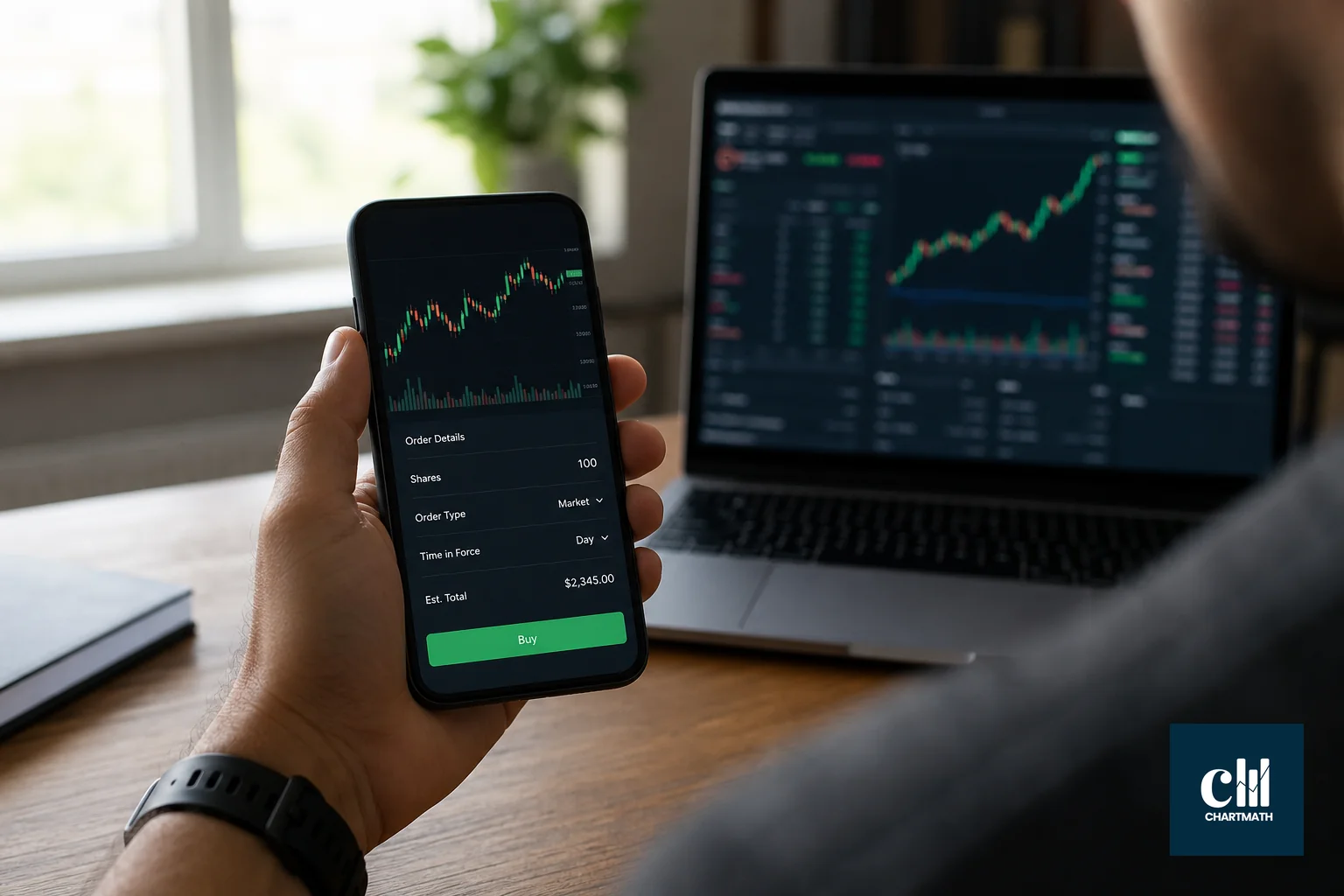
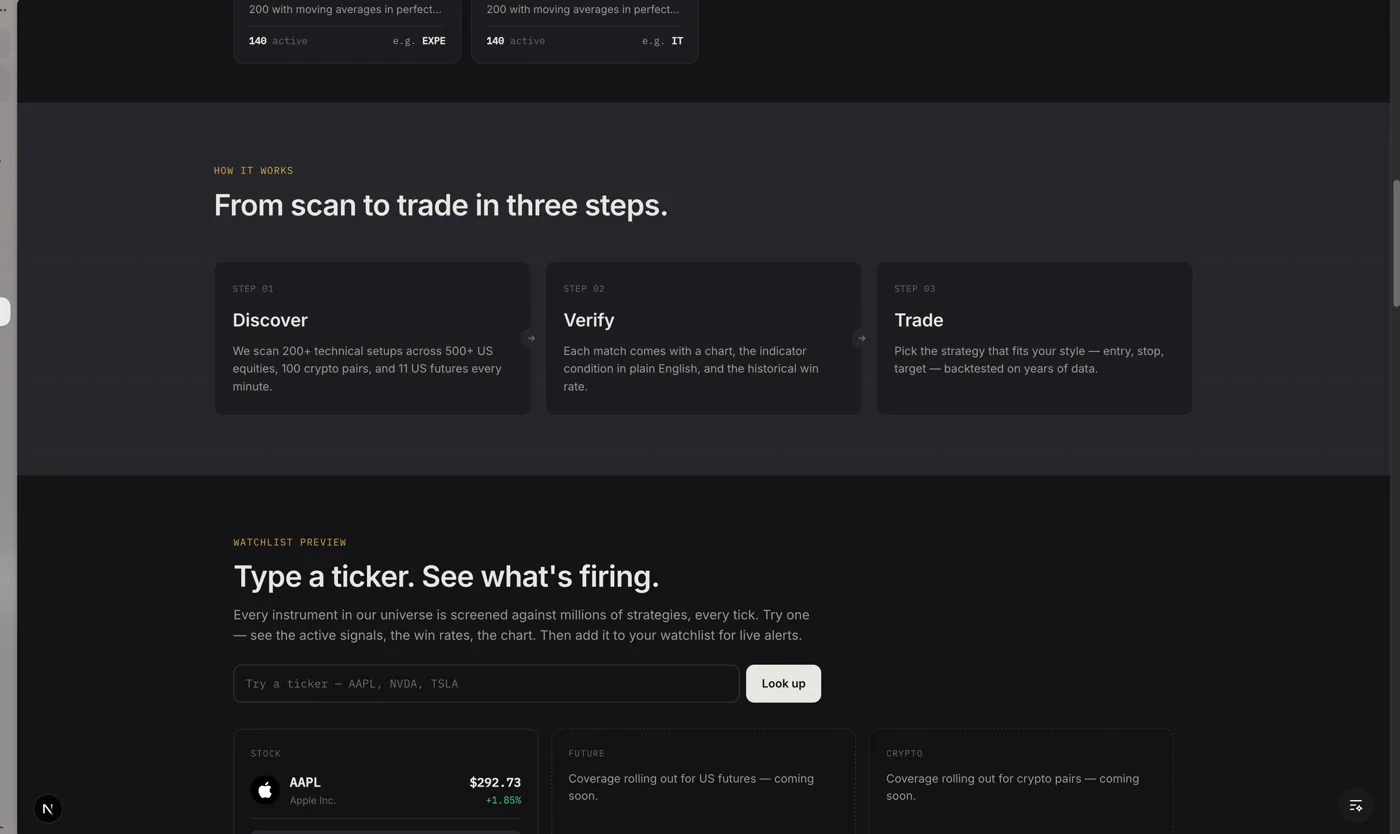
A stock screener with paper trading built in matters because it removes the gap between finding a setup and rehearsing it. Instead of screening on one app and opening a separate simulated brokerage account to test the trade, a matched screen becomes a pre-filled simulated order, stop, target and share count already worked out, tracked in one place. That single-workflow design is why more swing traders with day jobs are moving away from stitched-together tool stacks.
Key Takeaways
- Bolt-on setups cost you the entry: switching from a screener to a separate paper-trading account like thinkorswim's paperMoney or Interactive Brokers' simulated trading means re-typing the ticker and re-deciding stop, target and size, often after the moment has passed.
- Built-in means the order ticket already exists: in an integrated flow, a screen match turns into a simulated order with stop, target and share count pre-filled, so you're reviewing a decision instead of building one from scratch.
- It's still copilot, not autopilot: the screener narrows the field and the platform prepares the order, but you tap to place every trade. Nothing fires on its own.
- Real-time scanners and end-of-day screeners solve different problems: a real-time scanner flags setups as they form intraday; an end-of-day screener re-runs its rules once the session closes, which matters directly for when a paper order gets triggered.
- Most "all-in-one" tools are still two tools wearing one login: platforms like StocksToTrade combine a scanner with charts and Level 2 data, but the paper order still has to be built by hand rather than inherited from the scan.
At a Glance: Bolt-On vs Built-In Paper Trading
| Approach | Screener | Paper trading | Order prep | Where tracked |
|---|---|---|---|---|
| Screener + separate broker sim | e.g. Finviz, TradingView | e.g. thinkorswim paperMoney, IBKR simulated trading | Manual: you set stop, target, size | Broker's own paper account |
| All-in-one scan-and-chart tool | Built-in scanner | Often included | Manual, inside the same tool | Tool's own paper ledger |
| ChartMath (integrated) | 200+ backtested screens | Built in | Pre-filled: stop, target, share count from a capital split | Portfolio tab |
| Real-time scanner only | Intraday match speed | Rarely native | N/A | N/A |
| End-of-day screener only | Runs once daily | Rarely native | N/A | N/A |
What Does "Built-In Paper Trading" Actually Mean?
Built-in paper trading means the simulated order inherits its numbers directly from the screen that flagged it, instead of you opening a blank order ticket somewhere else. That distinction decides whether rehearsing a trade takes ten seconds or ten minutes.
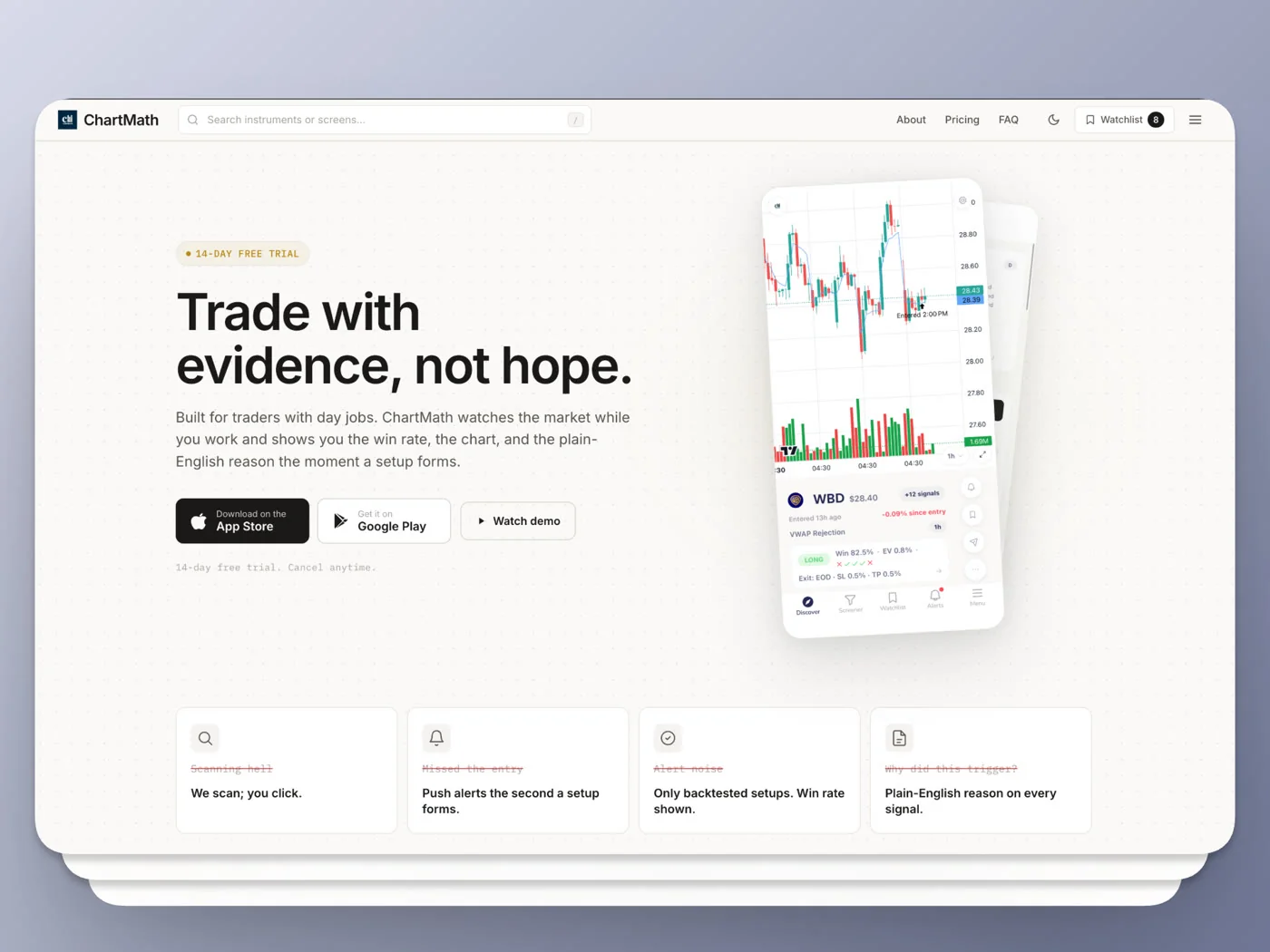
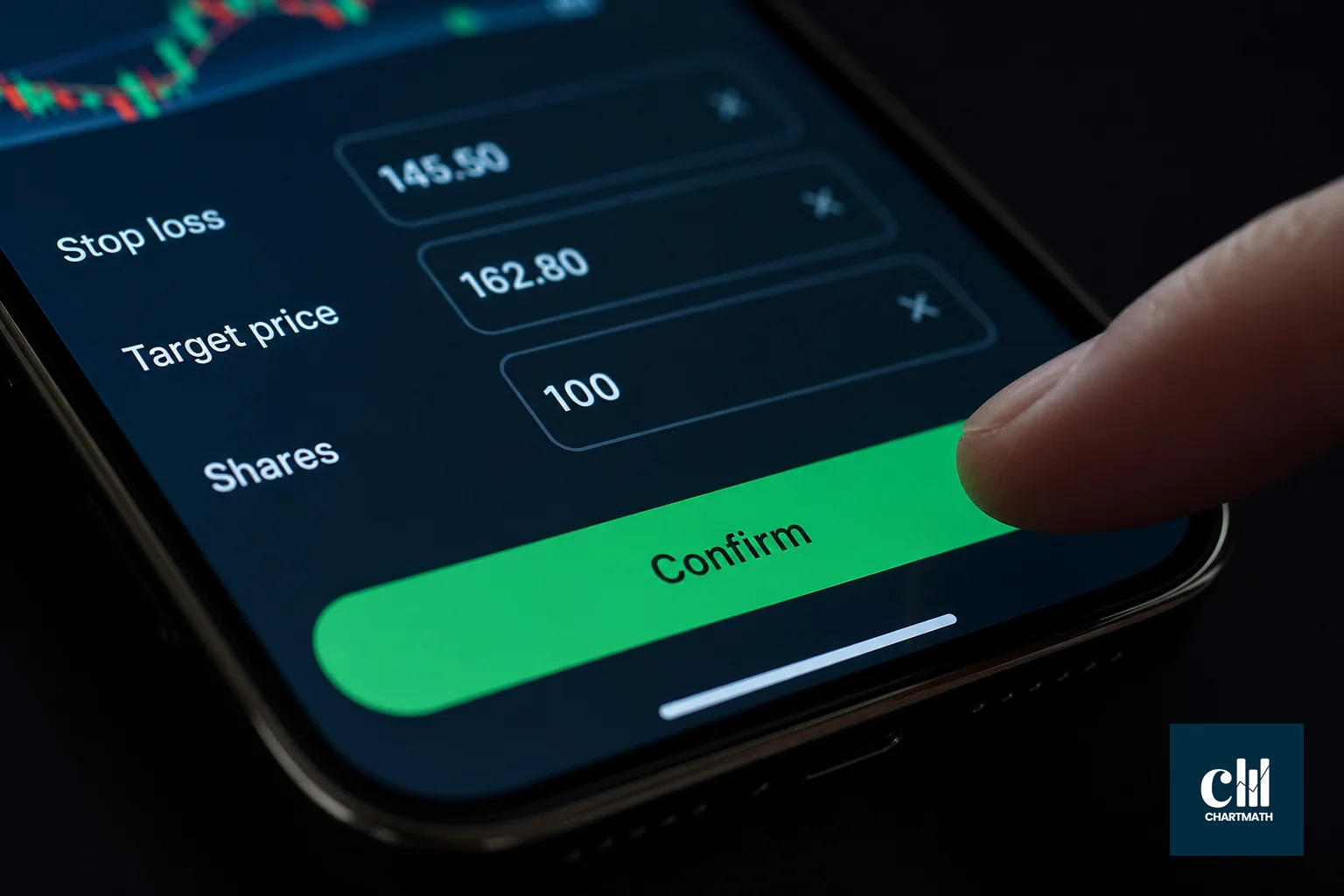
In a screener with paper trading built in, matching a screen like a 52-week high breakout or a volatility compression setup doesn't just produce an alert. It produces an order. ChartMath works this way: tap into a matched screen, and the paper order ticket already has entry, stop and target set, with share count computed from a capital split, your total simulated balance divided by your chosen number of max positions.
You choose Limit (GTC) or Market, review the numbers, and tap to place it. The order lands in a Portfolio tab alongside your other open simulated positions, where you can track unrealized P&L against the screen's own backtested win rate.
It's a copilot, not an autopilot. The screen narrows the field and prepares the order. You still decide whether to take it.
For a closer look at how that Portfolio tab is actually used day to day, see how to connect a stock scanner to your trading workflow.
The Bolt-On Workflow: Screener Plus Separate Broker
Most traders don't get paper trading built into their screener. They get a screener, and separately, a broker's simulator.
TradingView pairs a strong charting and screening layer with its own paper trading and Bar Replay features, which is a genuine strength for the platform, but the simulated order still has to be built manually once a screener result catches your eye. Interactive Brokers' simulated trading account is widely regarded as the most fully-featured paper environment in retail, covering stocks, options, futures, forex and bonds inside TWS or IBKR Mobile, according to a 2026 guide to IBKR's simulated trading account. But IBKR isn't where your screening happens. You find the idea elsewhere, then rebuild it in TWS.
thinkorswim's paperMoney works the same way: you screen a ticker in one tab, then switch to paperMoney to size, stop and enter it, as detailed in a roundup of stock market simulators. Each hop between tools is a place where the setup can go stale, or where you second-guess a number you'd already have committed to if the order had been pre-built.
StocksToTrade narrows that gap somewhat by combining a scanner, charts, Level 2 data and paper trading with real-time Level 1 data in one window, per a 2026 review of StocksToTrade. That's a real improvement over juggling separate apps. But the paper order still isn't inherited from the scan result; you're still the one typing in stop, target and size once you've decided a signal is worth testing.
Stock Scanner Vs Screener: Why the Distinction Matters Here
A real-time scanner rechecks its rules continuously through the trading session, so a setup can surface the moment it forms intraday. An end-of-day screener re-runs its filters once after the close, so its results reflect the prior session, not the current one.
That difference changes what a paper order built on top of it actually represents. A real-time scan feeding a pre-filled order lets you rehearse a trade close to the moment it triggered, with prices that still resemble the market. An end-of-day screen feeding the same order means you're testing against yesterday's numbers, useful for swing setups held over days, less useful if you're trying to simulate an intraday entry.
ChartMath runs its 200+ screens across seven timeframes, from 1-minute up through Monthly, so the same rule engine covers both jobs: fast intraday checks and slower end-of-day swing screens, without switching to a different tool for each. If you're deciding which cadence fits your schedule, how to choose the best stock screener app in 2026 walks through the tradeoffs in more depth.
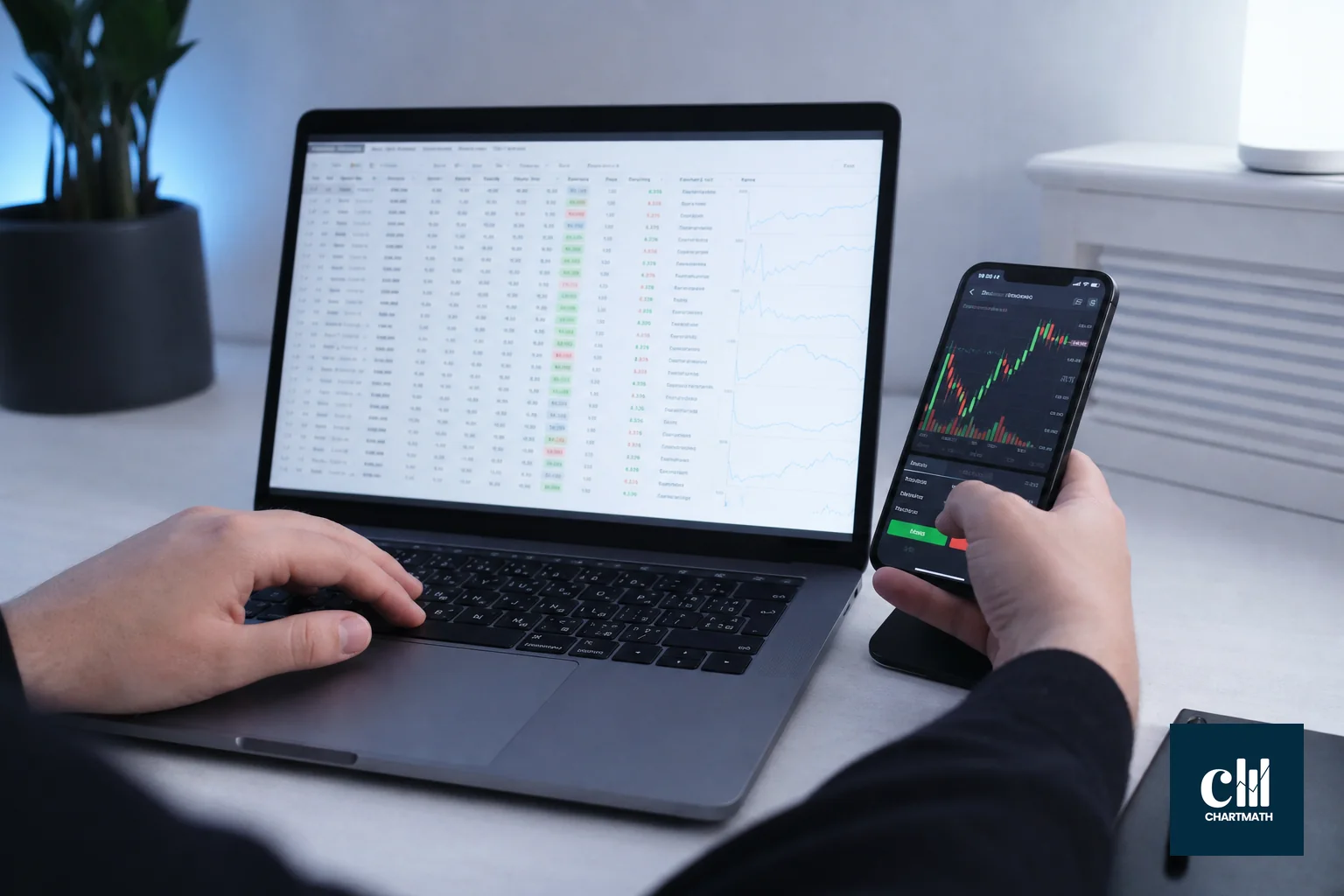
Which Trading Platforms Have a Built-In Scanner Rather Than a Separate Tool?
A handful of platforms genuinely run scanning and execution (real or simulated) inside one product, rather than requiring you to pair a scanner with an outside broker. StocksToTrade is one, bundling its Oracle daily watchlist generator with charts and paper trading in a single window. TradeAlgo is another, folding options flow and dark-pool volume filters directly into its screening layer rather than treating that data as a bolt-on add-in, according to a 2026 comparison of stock screeners.
Trado offers 50+ built-in screeners covering strategies like value and growth investing without a separate scanning subscription, per its own screener catalog. What sets ChartMath apart in this group isn't just having scanning and a simulator under one login; it's that the simulated order is generated directly from the screen's own rule, with stop, target and size worked out for you before you ever open a blank ticket.
Comparison Table: Screener + Paper Trading Options
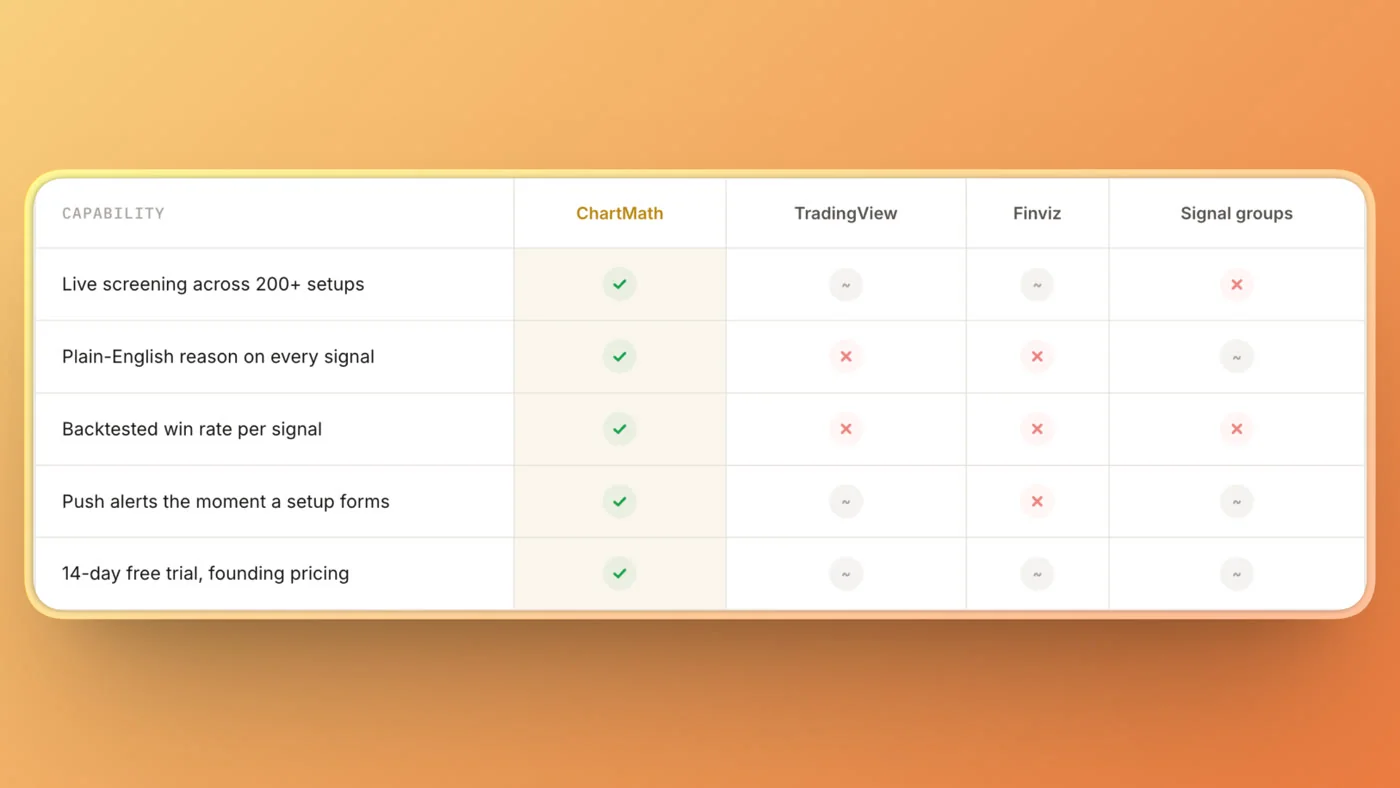
| Platform | Scanner type | Paper trading | Order pre-fill from a scan? | Mobile-first? |
|---|---|---|---|---|
| ChartMath | 200+ backtested screens, 7 timeframes | Built in, Portfolio tab | Yes, stop/target/size auto-filled | Yes, iOS and Android |
| TradingView | Screener + Pine Script scans | Paper trading + Bar Replay | No, built manually | Yes |
| StocksToTrade | Oracle daily watchlist, scanner | Built in, Level 1 real-time data | No, built manually | No, web-based |
| Interactive Brokers | Not primarily a screener | Full simulated trading, all asset classes | No, built manually | Yes, TWS/IBKR Mobile |
| Finviz | Static screener | None native | N/A, requires outside broker sim | No, web-only |
For a deeper dive into how ChartMath's backtested rules compare against a static screener like Finviz, see stock screener with backtesting vs without: which wins.
Why a Pre-Filled Simulated Order Beats a Manual One
A pre-filled order forces the stop, target and size decision to happen before you're emotionally attached to the trade, not after. That sequencing matters more than it sounds.
When you build a paper order by hand, after finding a setup somewhere else, you're often sizing based on how confident the setup feels rather than a consistent method. A capital-split approach, dividing your total simulated balance by your chosen max number of positions, removes that guesswork and applies the same logic to every trade you test.
It also means your paper trading log stays comparable across trades. If every simulated order followed the same sizing rule, your batch stats in the Portfolio tab reflect the strategy, not your mood on a given day. Paper trading vs backtesting: do both covers why that comparison matters before you ever risk real capital.
How This Fits a Trader With a Day Job
If you've got twenty minutes between meetings, a bolt-on workflow eats most of it just switching apps and rebuilding an order. An integrated flow gives you time to actually think about the trade.
Open the screen match, review the pre-filled stop, target and size, decide, tap. That's a workflow that survives a lunch break. It also means your paper trading habit doesn't quietly die the first busy week, which is the most common way paper trading fails in practice. Weekly paper trading routine for busy traders lays out a schedule built around exactly this constraint.
FAQ
What's the difference between a real-time scanner and an end-of-day screener?
A real-time scanner rechecks its rules continuously during market hours, surfacing matches as they form intraday. An end-of-day screener re-runs its filters once after the close, so its list reflects the prior session's data rather than what's happening right now.
Which trading platforms have a built-in scanner rather than requiring a separate tool?
ChartMath, StocksToTrade, TradeAlgo and Trado each run scanning inside their own product rather than requiring an outside tool. They differ in whether that scan also produces a ready-to-place order: ChartMath is built specifically so a matched screen becomes a pre-filled simulated order with stop, target and size, while the others still require you to build the order yourself.
Is a stock scanner the same thing as a stock screener?
Not quite. "Scanner" usually implies real-time, continuous rechecking during the session, while "screener" more often refers to a filter you run on demand or on a schedule, like once at end of day. In practice the terms overlap heavily, and the important question is which cadence a given tool actually runs on, not which word it uses.
If you'd rather see the pre-filled order flow than read about it, watch a demo of the screen-to-paper-order flow, or browse the screens themselves at the web-based screener before installing anything. When you're ready to try rehearsing a real setup end to end, from a matched screen straight through to a simulated order sized and tracked in a Portfolio tab, download the app and run your first paper trade this week.
Recommended Resources
- Watch Demo
- Web Based Screener

See these setups live in ChartMath
200+ curated screens with backtest data. Free. No credit card required.