How to Add Stock Screener Alerts to Your Trading Workflow
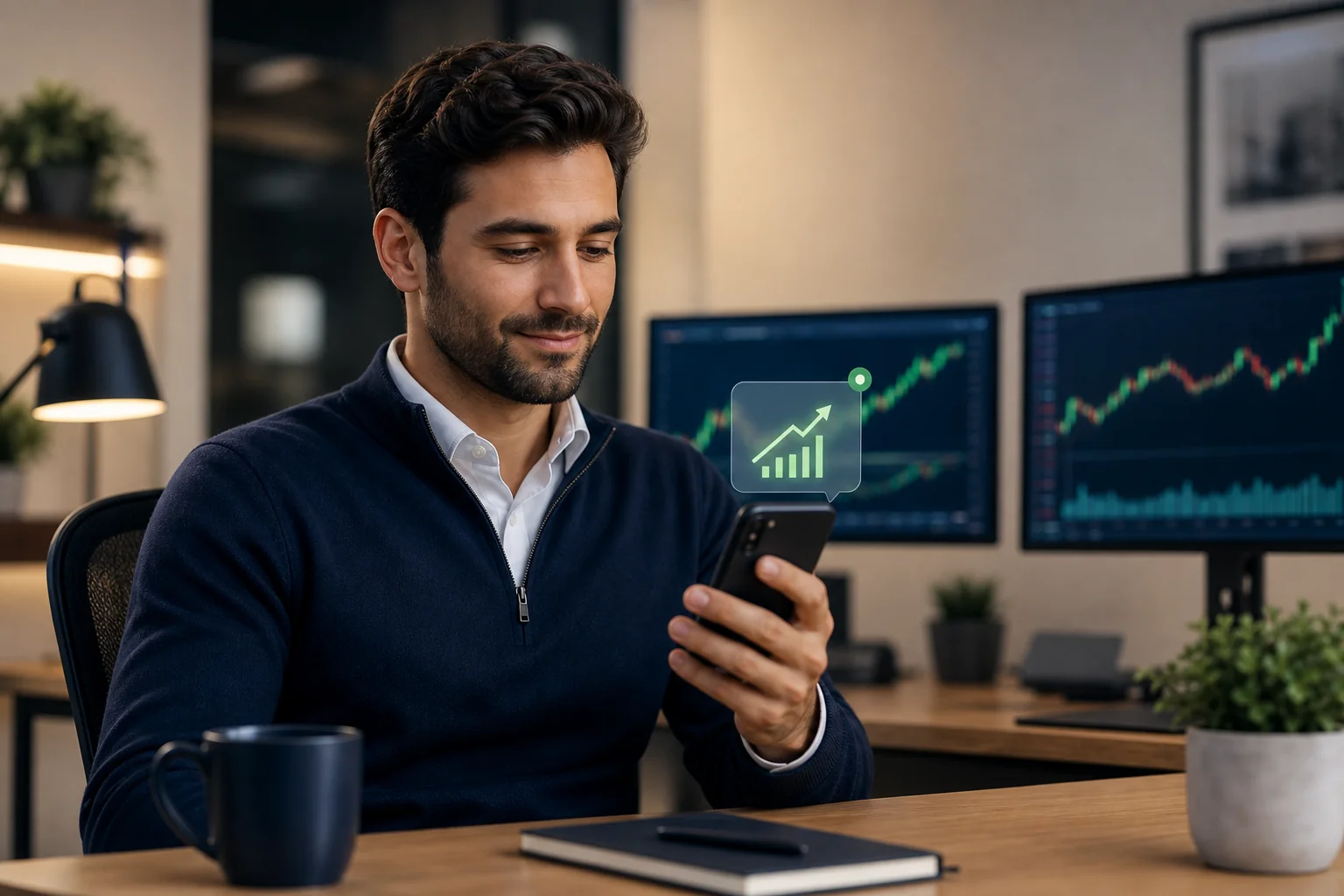
The fastest way to add stock screener alerts to your trading workflow is to attach them to three fixed checkpoints, premarket, midday exception, and evening review, instead of leaving an app open all day. Done right, a screener alert should make your screen time go down, not up. The alert carries the screen name, the timeframe, and a plain-English reason it fired, so you can decide from your phone instead of digging through a chart.
Key Takeaways
- Match timeframe to holding period: A 1-hour screen fits a multi-day swing hold badly if you're not checking price for days; a daily or weekly screen matches better.
- Scope the alert to your watchlist: Subscribing to alerts on a handful of tickers instead of the full 500+ US equity universe cuts noise dramatically.
- Quiet hours are a feature: Throttling, de-duplication, and timezone-aware quiet hours mean the app should stay silent unless something you actually track triggers.
- Check the win rate before you act: Each screen's backtested Win Rate and Avg. Return are recomputable, not marketing copy, so read them before sizing anything.
- You still place the order: A screener alert narrows the field; it is a copilot for trade discovery, not autopilot that trades for you.
At a Glance: Wiring Alerts Into a Trading Day
| Checkpoint | When | What You Do | Screen Type |
|---|---|---|---|
| Premarket scan | Before 9:30 AM ET | Review watchlist against daily/weekly screens | Daily, Weekly |
| Midday exception | During work hours | Act only if a push actually fires | 15m, 1h |
| Evening check | After market close | Review what triggered, plan entries | Daily |
| Weekend review | Saturday/Sunday | Check watchlist tickers nearing a setup | Weekly, Monthly |
| Watchlist scope | Ongoing | Subscribe to alerts per ticker, not the full universe | All |
| Alert channels | Always on | Push and email only | N/A |
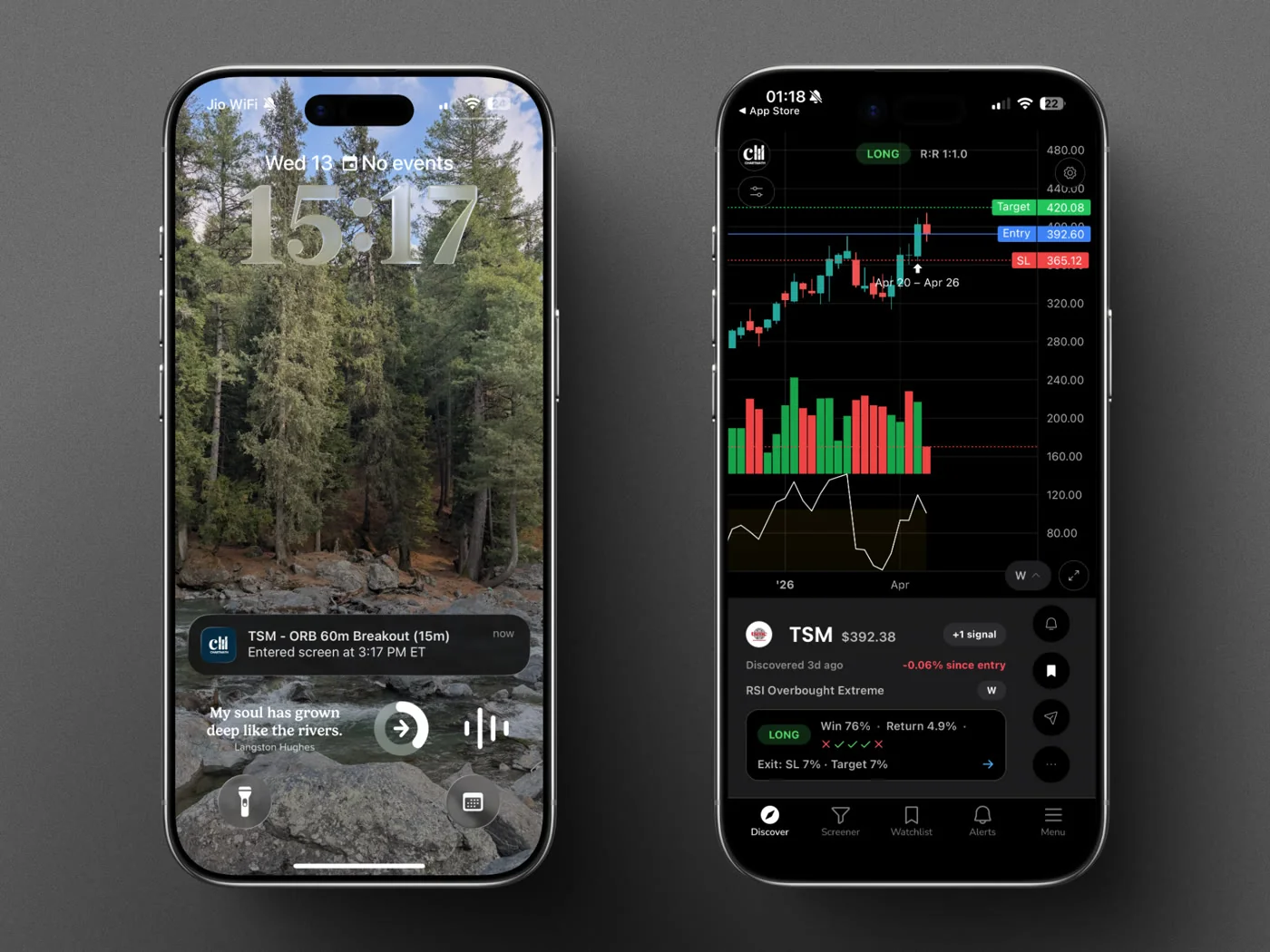
Most traders don't fail because they lack a screener. They fail because the screener runs on a different schedule than their life. A 5-minute scanner is loud and constant; a full-time job is not. The fix is not more monitoring. It's matching the alert to the moment you can actually act on it, and letting silence be the default state of the app.
1. Match the Screen's Timeframe to Your Holding Period
If you hold swing positions for three to ten days, a 5-minute breakout screen is the wrong tool. It will fire constantly, and most of those pings won't matter to a position you're not managing tick by tick. Pair your holding period to the screen's timeframe first, before you touch the alert settings.
- Intraday scalps (minutes to hours): 1m, 5m, 15m screens like the VWAP Reclaim screen (15m).
- Swing holds (days): 1h and Daily screens, such as the Consistent Uptrend screen (Daily) or the RSI Oversold Bounce screen (1H), checked once or twice a day.
- Position trades (weeks): Weekly and Monthly screens like Price Above 20/50 EMA (Weekly), checked on your weekend review, not during work hours.
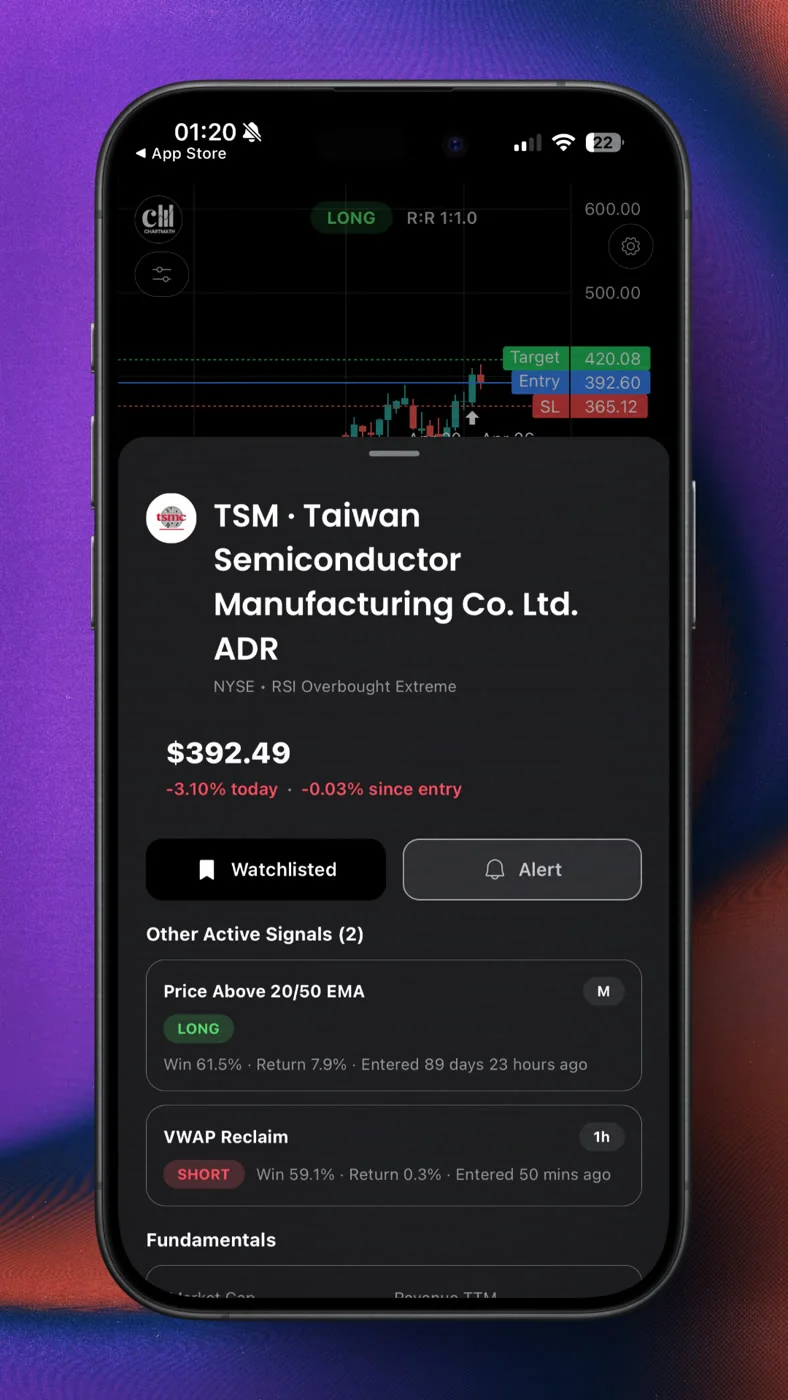
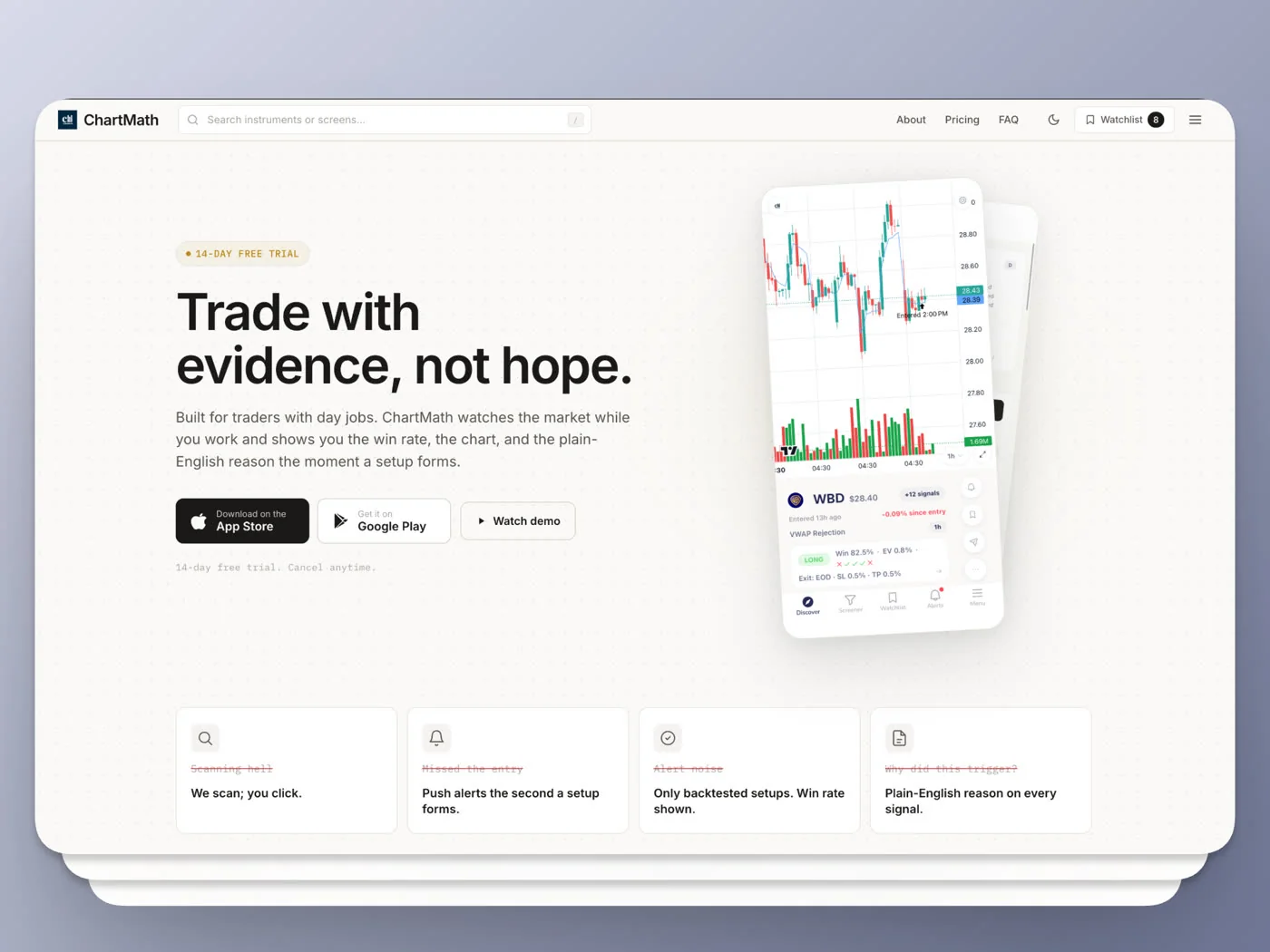
ChartMath runs the same rule across 7 timeframes, 1m, 5m, 15m, 1h, Daily, Weekly, and Monthly, on a bounded universe of 500+ US equities, so you pick the timeframe that fits your calendar instead of forcing your calendar to fit a chart. If you already have a routine described in Swing Trading with a Full-Time Job, this is the step that keeps that routine from turning into an all-day refresh habit.
2. Scope Your Watchlist Before You Touch Alerts
Subscribing to every alert across a 500+ stock universe guarantees noise. The better move is to subscribe to alerts on your watchlist only, the names you've already decided are worth tracking. ChartMath's Subscribe-to-Alerts sheet lets you pick a watchlist as the source, so the app narrows the field before a single push ever reaches your phone.
Start with 10 to 20 tickers you actually know. Add a name only after you've read why it's there, not because it showed up once on a scan. A tight watchlist paired with a backtested screen is what separates a useful alert from another notification you learn to ignore. See How to Set Up Stock Screener Alerts on Mobile for the exact settings.
3. Build the Premarket Scan (10 Minutes, Before the Open)
Before the bell, run your watchlist against daily and weekly screens. You're not hunting for new ideas here. You're checking which names are already close to a setup so you know what to expect during the day. This takes ten minutes with coffee, not an hour of chart review.
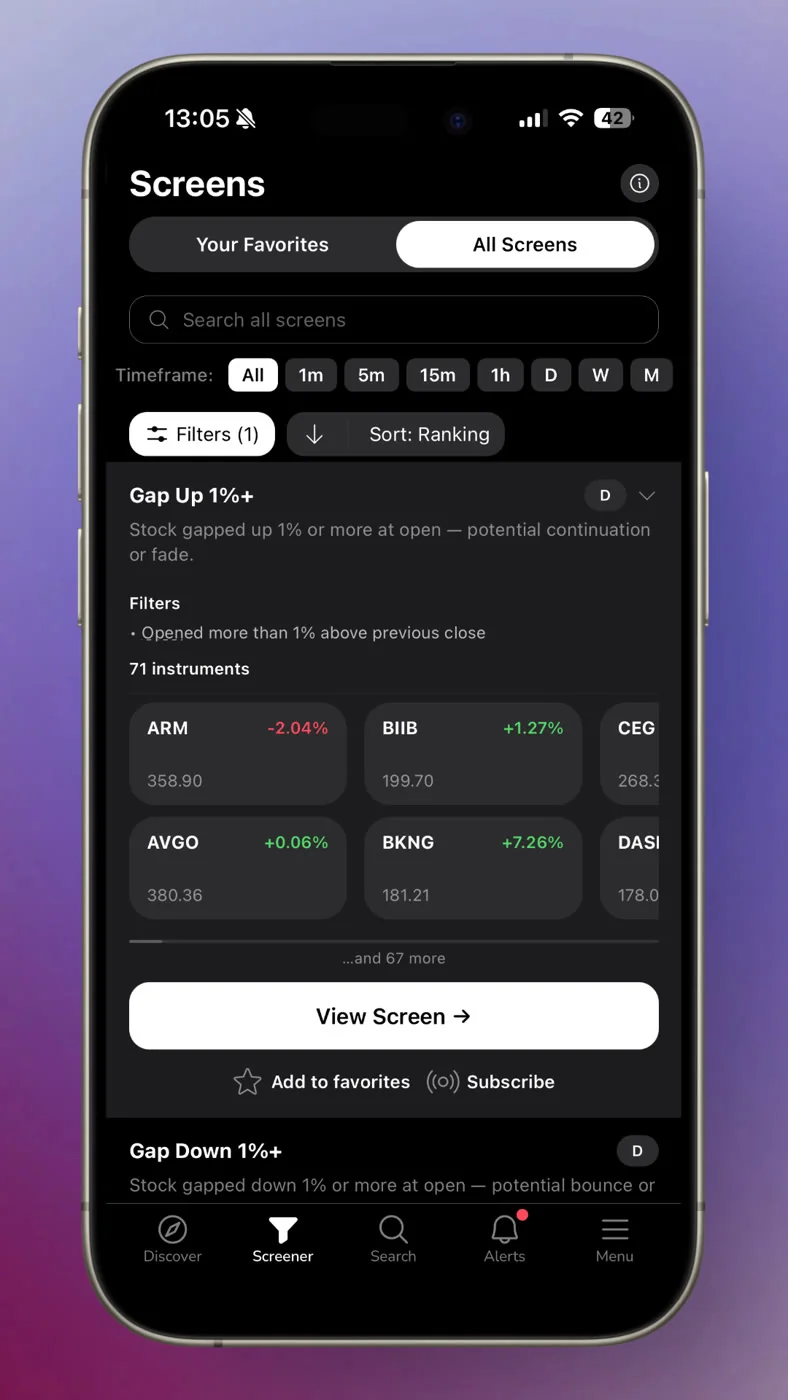
- Open your watchlist and scan overnight and premarket movement.
- Check which daily/weekly screens are close to matching, not just which already matched.
- Note two or three names to watch, then close the app.
This is the same discipline covered in How to Read Stock Scanner Results for Beginners: the scan is a filter, not a source of entertainment.
4. Let Midday Pings Be the Exception, Not the Routine
Here's what becoming systematic actually feels like: fewer notifications, not more. During work hours, the only alert that should reach you is one tied to a ticker on your watchlist matching a screen you've already validated. No stream, no scroll, one push.
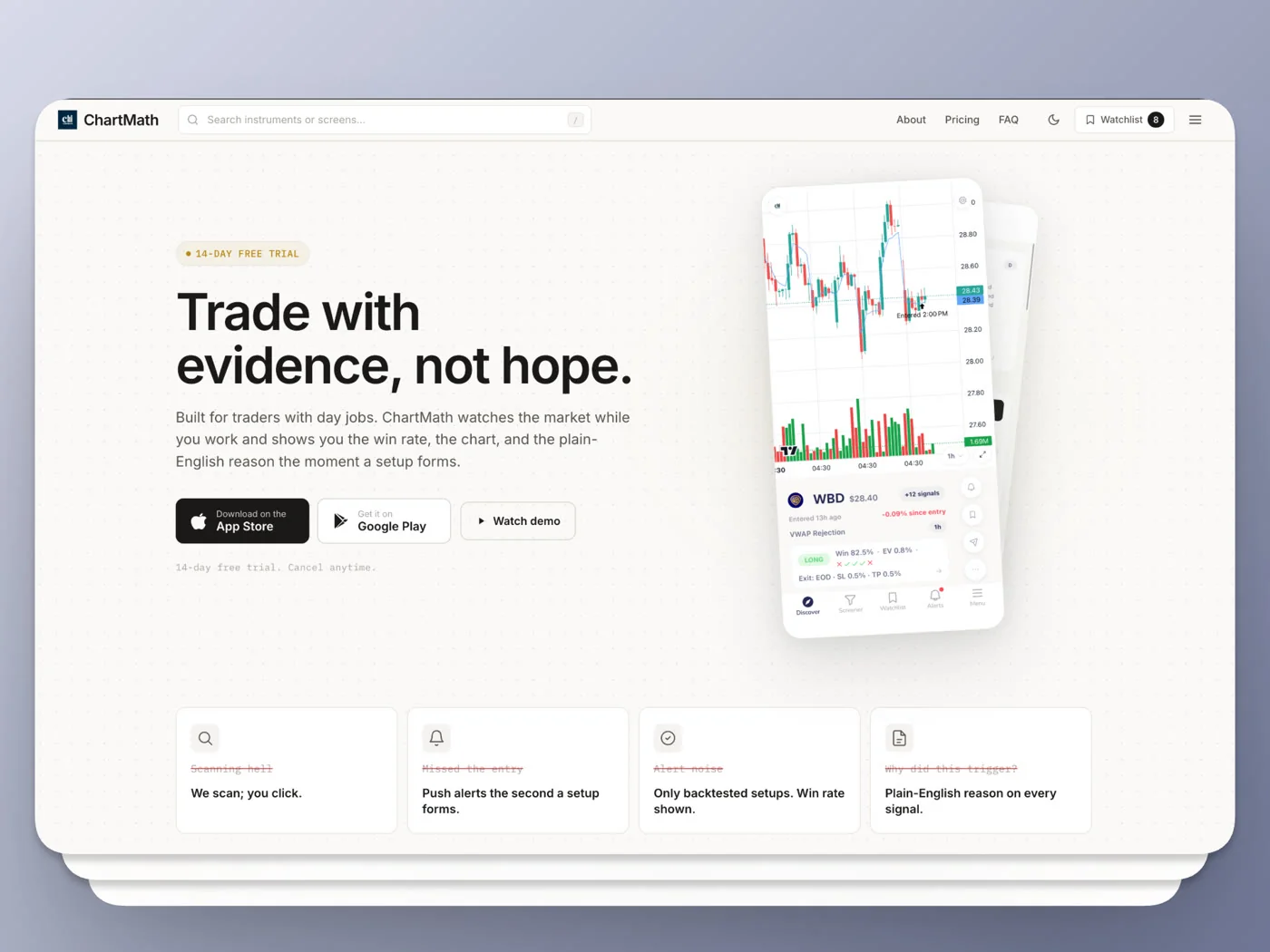
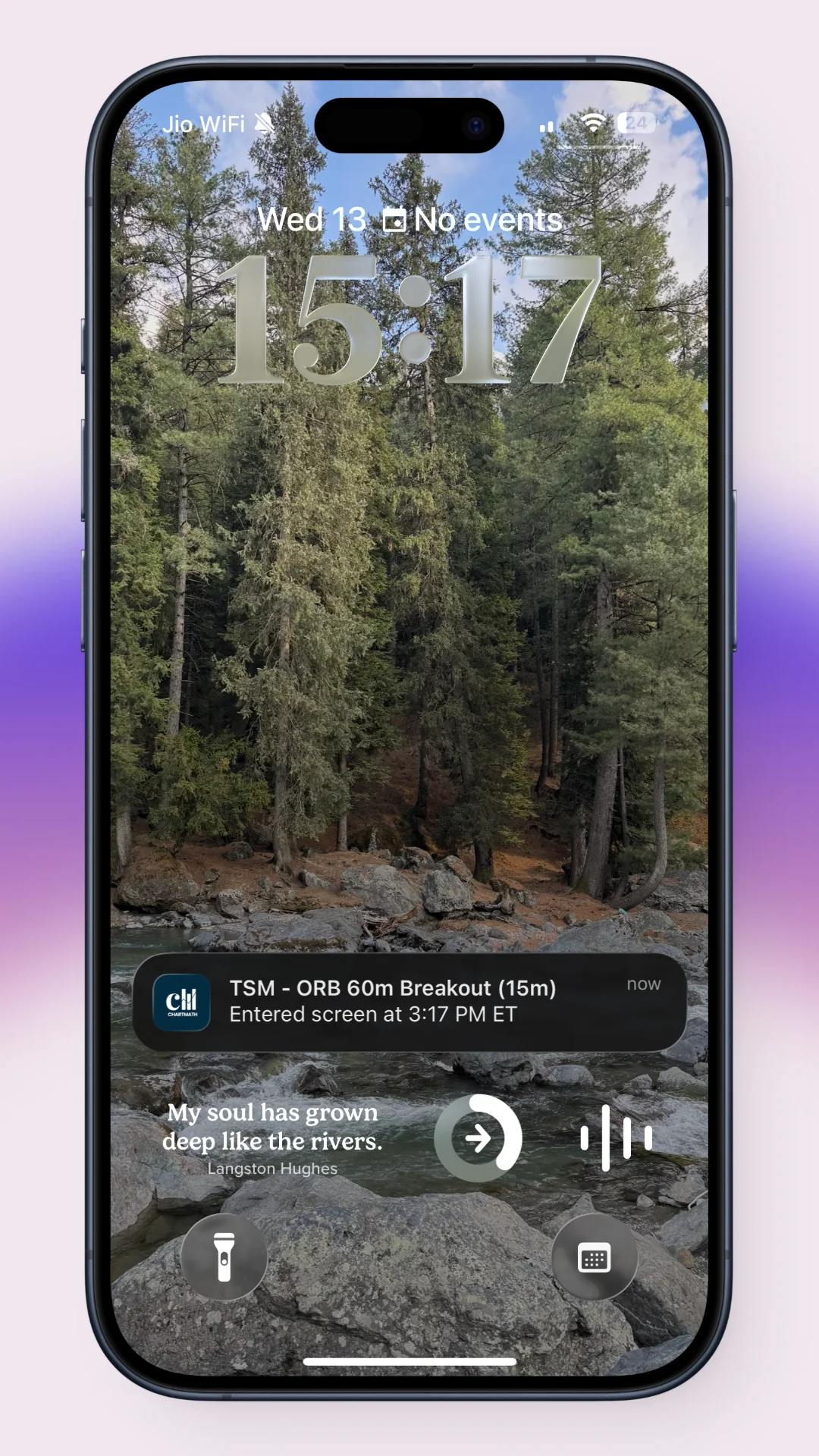
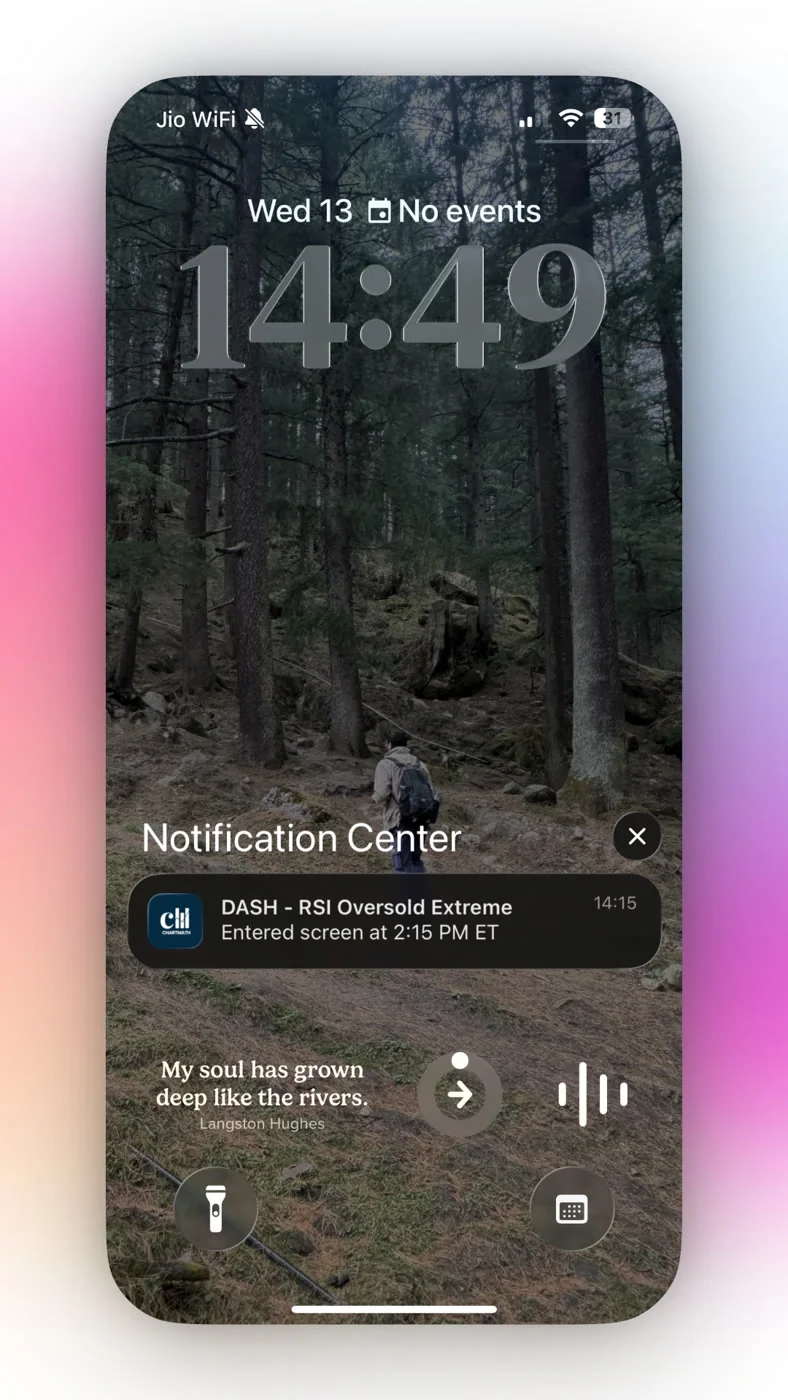
De-duplication, throttling, and timezone-aware quiet hours exist so the same setup doesn't ping you five times in an hour and so you're not woken at 3 AM for a screen that fired on a different session. The notification itself carries the ticker, the screen name, the timeframe, and a plain-English reason, so you can glance at a lock screen and decide whether it's worth a closer look later, not mid-meeting. That's the difference between getting alerts while at work and getting buried by them.
5. Filter the Alert With Its Backtested Win Rate Before Acting
An alert telling you a ticker "matched a setup" is only half the picture. Before you act, check the screen's Win Rate and Avg. Return over its matched historical sample. Because each screen is a deterministic rule, this number can be recomputed rather than taken on trust, unlike a call from a stranger in a chat group.
This doesn't mean a high win rate guarantees a winning trade. It means you have a documented history to weigh against your own risk tolerance and position sizing rules before you commit capital. Read what backtest win rate actually measures for how to weigh that number honestly, including sample size and expected value, not just the headline percentage.
A screener alert with no backtest attached is a guess with good timing. A screener alert with a recomputable win rate is a filter you can actually trust.
6. Run the Evening Check and Weekend Review
After the close, spend ten minutes reviewing what actually triggered during the day. Did the setup play out the way the backtest history suggested it might? Are there names close to matching tomorrow? This is where you plan entries, not react to them in real time.
On weekends, step back further. Run your watchlist against weekly and monthly screens to see which names are approaching a longer setup. This is a slower cadence, and it's meant to be. The goal of a systematic workflow is not constant engagement, it's knowing exactly when to look and being comfortable ignoring everything else in between.
How ChartMath Fits Next to TradingView
ChartMath is a trade discovery layer that sits next to a charting platform like TradingView: TradingView for deep charting, ChartMath for the backtested trigger and the plain-English reason behind it. Nothing fires on its own. The screens narrow which names deserve your attention, and you tap to place every order yourself.
That copilot boundary matters. The app runs 200+ deterministic screens across a fixed universe, so every alert can be traced back to a rule with a recomputable track record, not a black box or a stranger's tip. If you're weighing this against a heavier scanner, Switching from Trade Ideas to a Cheaper Scanner and Best TrendSpider Alternative for Trade Discovery both cover the tradeoffs in more depth. You can browse the full catalog on the web-based screener before deciding whether to run it on your own watchlist.
FAQ
What's the difference between a real-time scanner and an end-of-day screener?
A real-time scanner pushes an alert the moment a ticker matches a rule during market hours, across timeframes as short as one minute. An end-of-day screener recalculates once after the close, so you see results the next morning instead of as they happen. Real-time fits intraday and fast swing setups; end-of-day fits a routine built entirely around evening review, as covered in End of Day Swing Trade Scanner: A Day Jobber's Setup.
How do I stop alert fatigue from a stock screener?
Scope alerts to a small watchlist, match the screen's timeframe to your actual holding period, and turn on quiet hours so pings don't arrive outside your review windows. If you're getting a stream of alerts instead of the occasional exception, the setup is too broad.
Do screener alerts replace watching charts?
No. They replace constant, unstructured chart-watching with a specific ping when a defined rule matches. You still open a chart to confirm context before placing an order; the alert just tells you when it's worth looking.
Run It On Your Own Watchlist
You don't need to trust a description of how this works. Add the tickers you already track to a watchlist, scope your alerts to just those names, and let the screens run in the background for a week. If you want to see the screen catalog first, browse the web-based screener. When you're ready to get pushes on your own phone instead of reading about them, download the app and build your watchlist.

See these setups live in ChartMath
200+ curated screens with backtest data. Free. No credit card required.